Argo CD Connector
Configure the Argo CD connector to enable AI Team members to inspect GitOps deployments, sync applications, and trace Kubernetes resource health during incidents.
5 minute read
Overview
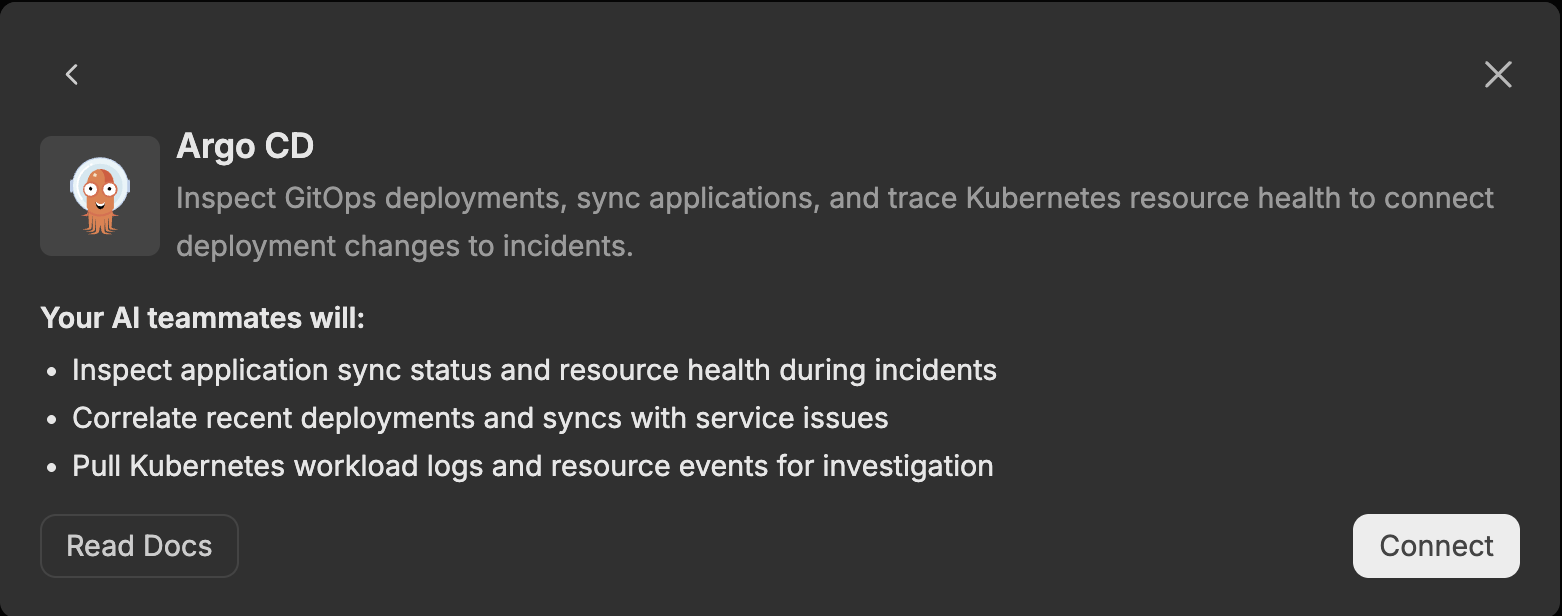
The Argo CD connector enables AI Team members to inspect GitOps deployments, sync applications, and trace Kubernetes resource health to connect deployment changes to incidents. By connecting Argo CD to AI Team, AI teammates can inspect application sync status and resource health, correlate recent deployments and syncs with service issues, and pull Kubernetes workload logs and resource events for investigation.
The connector provides access to applications, sync operations, resource trees, managed resources, workload logs, and resource events, making GitOps and Kubernetes delivery data queryable through natural language interactions with AI teammates. This integration helps teams accelerate incident investigation, correlate deployment activity with service impact, and understand the health of the Kubernetes resources behind their applications.
Add the Argo CD Connector
To add the Argo CD connector, you provide your Argo CD server URL and authenticate with an Argo CD API token.
Prerequisites
Before configuring the Argo CD connector, ensure you have:
- An Argo CD instance reachable from Edge Delta. For self-managed instances, the URL must be publicly accessible and include the protocol (for example,
https://argocd.example.com). - An Argo CD API token for an account with the
apiKeycapability - Network connectivity from Edge Delta to the Argo CD API
Configuration Steps
- Navigate to AI Team > Connectors in the Edge Delta application
- Find the Argo CD connector
- Click the Connect button
- Configure the options (see below)
- Click Next to initiate the connector onboarding flow
The connector is now available for use by AI Team members who have been assigned this connector.
Configuration Options
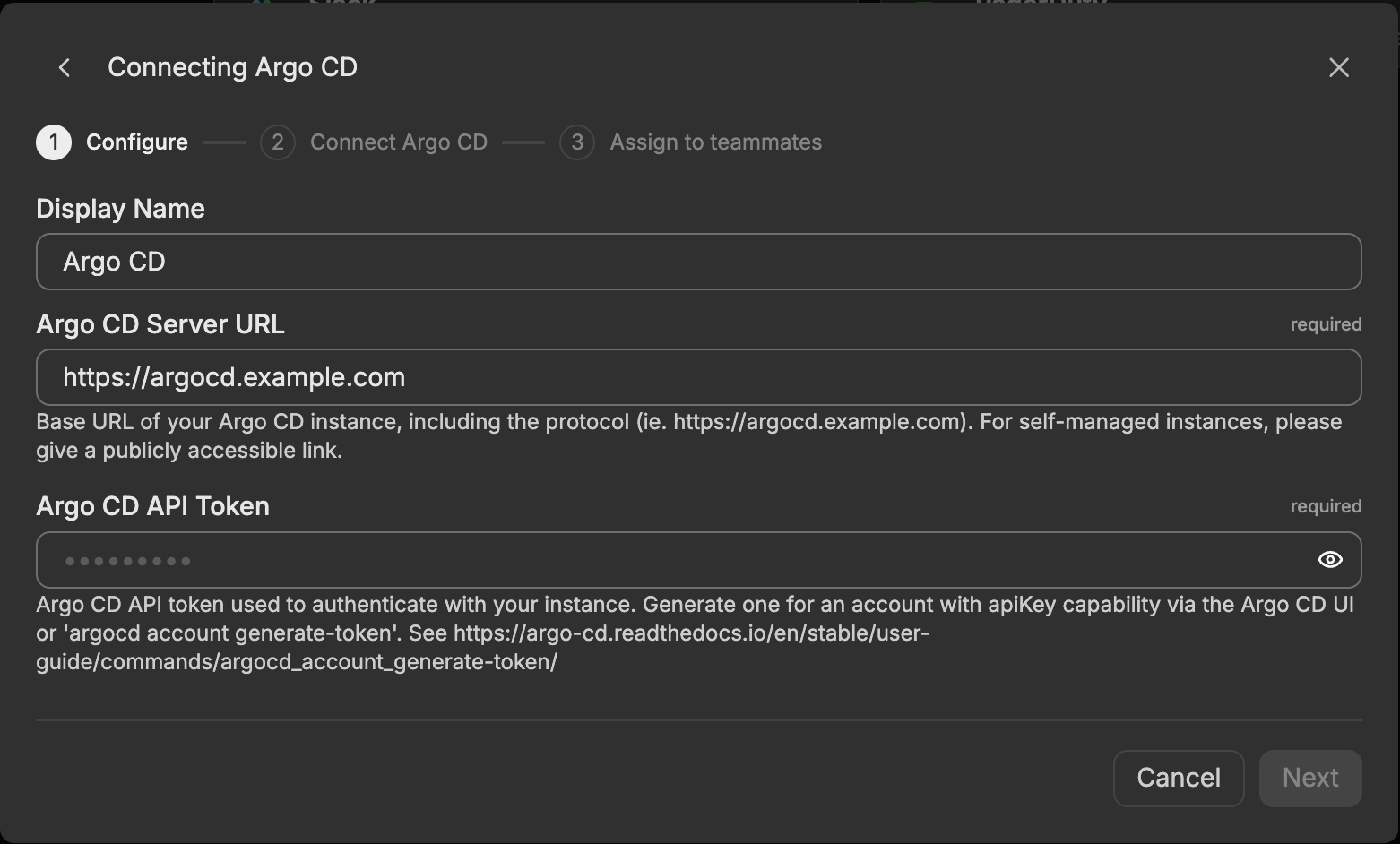
Display Name
Name to identify this Argo CD connector instance. Choose a descriptive name like “Argo CD Production” to differentiate it from other connectors.
Argo CD Server URL
Base URL of your Argo CD instance, including the protocol (for example, https://argocd.example.com). For self-managed instances, provide a publicly accessible link.
Argo CD API Token
The Argo CD API token is used to authenticate with your instance. Generate a token for an account with the apiKey capability either through the Argo CD UI or with the argocd account generate-token command.
To create a token, first enable the apiKey capability for a local account in the argocd-cm ConfigMap and grant it the RBAC permissions your tools need. Then run argocd account generate-token --account <account-name> and copy the token value. For detailed instructions, see argocd account generate-token.
Tools
The Argo CD connector exposes the following tools, grouped by category.
Cluster Management
list_clusters
Lists all clusters registered with Argo CD.
Application Management
list_applications
Lists and filters all applications.
get_application
Gets detailed information about a specific application.
create_application
Creates a new application.
update_application
Updates an existing application.
delete_application
Deletes an application.
sync_application
Triggers a sync operation on an application.
Resource Management
get_application_resource_tree
Gets the resource tree for a specific application.
get_application_managed_resources
Gets managed resources for a specific application.
get_application_workload_logs
Gets logs for application workloads (Pods, Deployments, and similar resources).
get_resource_events
Gets events for resources managed by an application.
get_resource_actions
Gets available actions for resources.
run_resource_action
Runs an action on a resource.
How to Use the Argo CD Connector
The Argo CD connector integrates with AI Team, enabling AI teammates to query GitOps and Kubernetes delivery data based on natural language queries. Once configured, AI teammates can inspect application health, correlate deployments with service issues, and pull Kubernetes logs and events during investigations.
Use Case: Inspect Application Sync Status and Resource Health During Incidents
When an incident begins, AI teammates list applications and inspect their sync status, health, and resource trees to determine whether a deployment is out of sync, degraded, or progressing. By examining managed resources and available resource actions, teammates surface which Kubernetes objects are unhealthy and explain the current state of the affected applications in natural language.
Use Case: Correlate Recent Deployments and Syncs With Service Issues
AI teammates review recent sync operations and application changes to determine whether a deployment coincided with the onset of a service issue. By comparing the timing of syncs against service degradation, teammates identify whether a GitOps deployment is a likely cause and point responders to the specific application and revision involved.
Use Case: Pull Kubernetes Workload Logs and Resource Events for Investigation
AI teammates retrieve workload logs from application Pods and Deployments and gather resource events for the objects an application manages. By combining logs and events with the application resource tree, teammates trace failures back to the underlying Kubernetes resources and provide the supporting evidence behind a degraded or failed deployment.
Troubleshooting
Connection errors: Verify your Argo CD Server URL is correct and publicly accessible, including the protocol (https://). Check that firewall rules allow outbound traffic from Edge Delta to the Argo CD API. If your instance uses a self-signed certificate, confirm that the certificate is trusted.
Authentication errors: Verify that the API token is valid and has not been revoked or expired, that the associated account has the apiKey capability enabled, and that the account has the RBAC permissions required for the tools you want to use.
Missing data: Verify that the authenticated account has access to the applications, clusters, and resources you are trying to query. Some tools depend on the account having sufficient RBAC permissions to read application resources, logs, and events.
Next Steps
- Learn about creating custom teammates that can use this connector
- Explore other connectors to integrate additional tools
For additional help, visit AI Team Support.