Direct Messages
Use direct messages for private one-on-one conversations with AI teammates to validate responses, run quick checks, and iterate on drafts.
less than a minute
Direct messages shine when you need a private rehearsal space—validate how a custom teammate responds before inviting them into a production channel, ask for quick stats or definitions without interrupting the broader conversation, or iterate on draft remediation steps before bringing them to stakeholders.
Start a DM
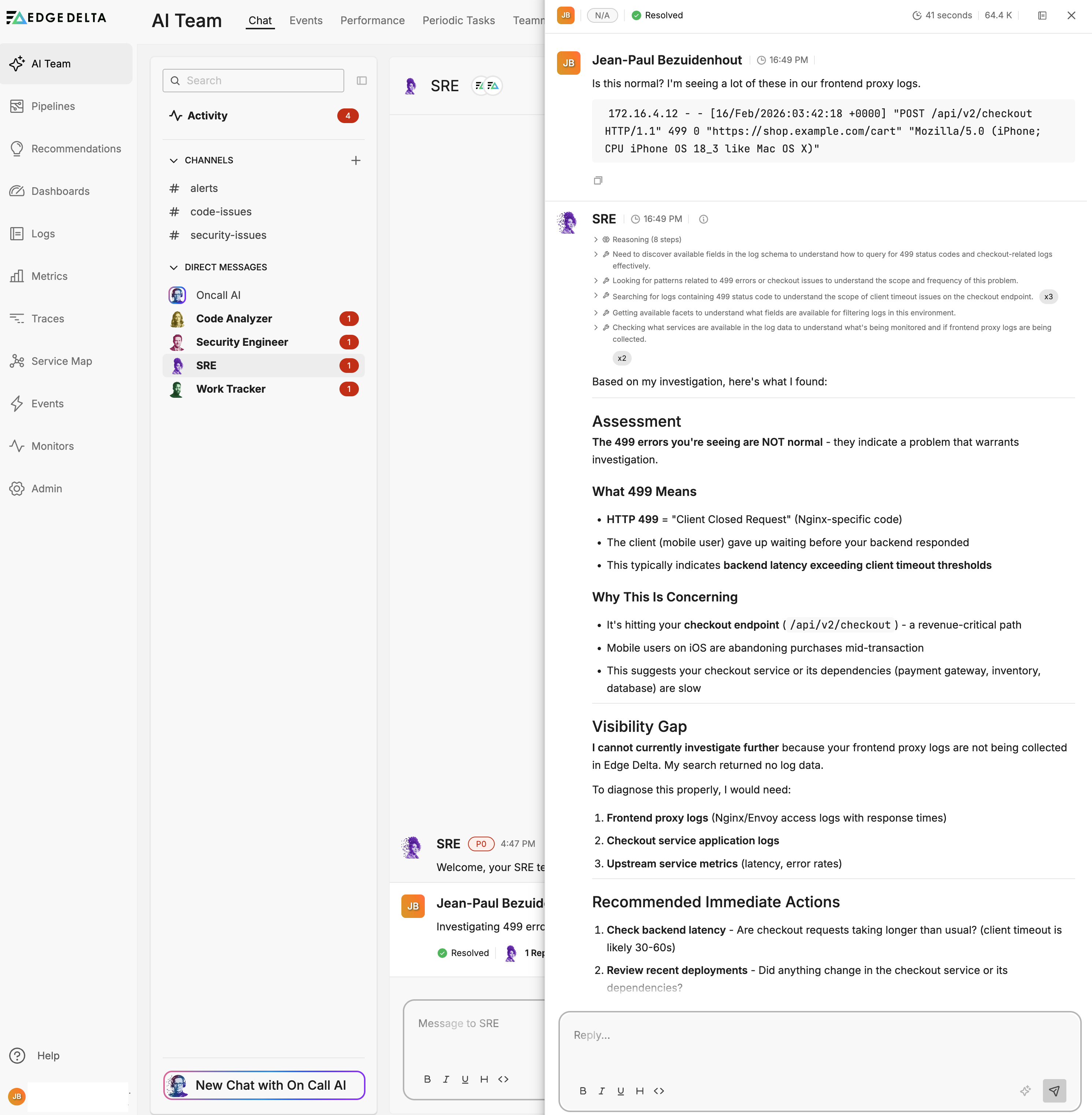
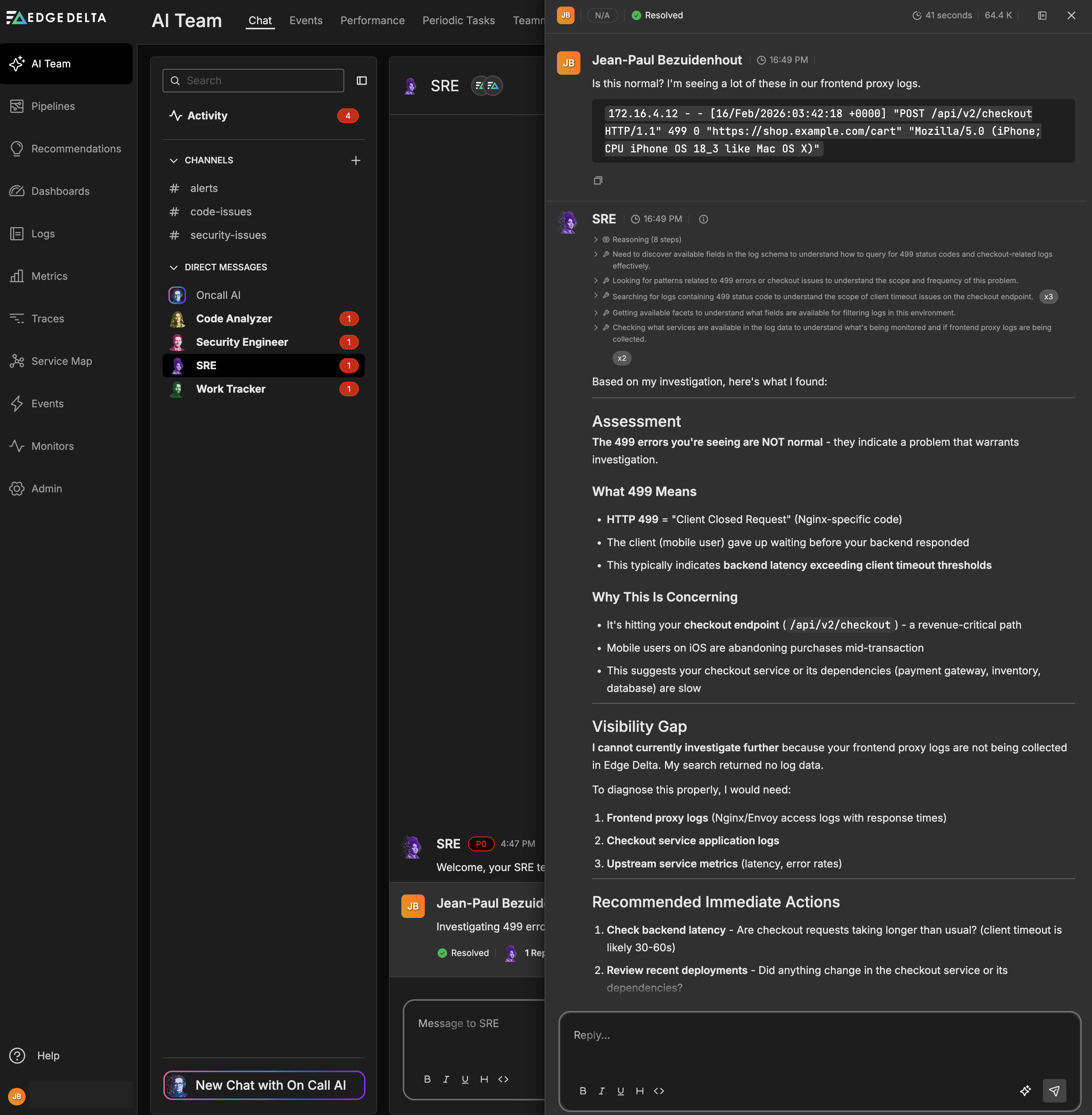
- Open the Chat tab.
- Under Direct Messages, select a teammate or use the search bar.
- Compose your prompt and send—each message starts a new thread. See System Prompt Terminology for standard terms that teammates recognize.
Keep governance in mind
DMs are intentionally read-only for state changes. If the conversation uncovers work that needs approval—creating tickets, rolling back deployments, contacting third parties—move to the appropriate channel and continue the thread there. Channels provide the visibility, approvals, and audit trail required for operational changes.