Data Boundary
4 minute read
Overview
The trust ladder governs what an AI teammate can do. The data boundary governs what it can see.
Redaction runs inside the agent’s model calls, before content reaches a provider. When a pattern matches, Edge Delta replaces the value with a placeholder. The model can still reason about the shape of the message, for example that a connection string was present and which host it pointed at, without receiving the credential itself or being able to replay it.
It applies to what the agent sends to the model. It is not a control on what the model returns, and it does not alter the telemetry stored in your pipelines. To mask data at rest and for every downstream consumer, use a mask processor in the pipeline instead.
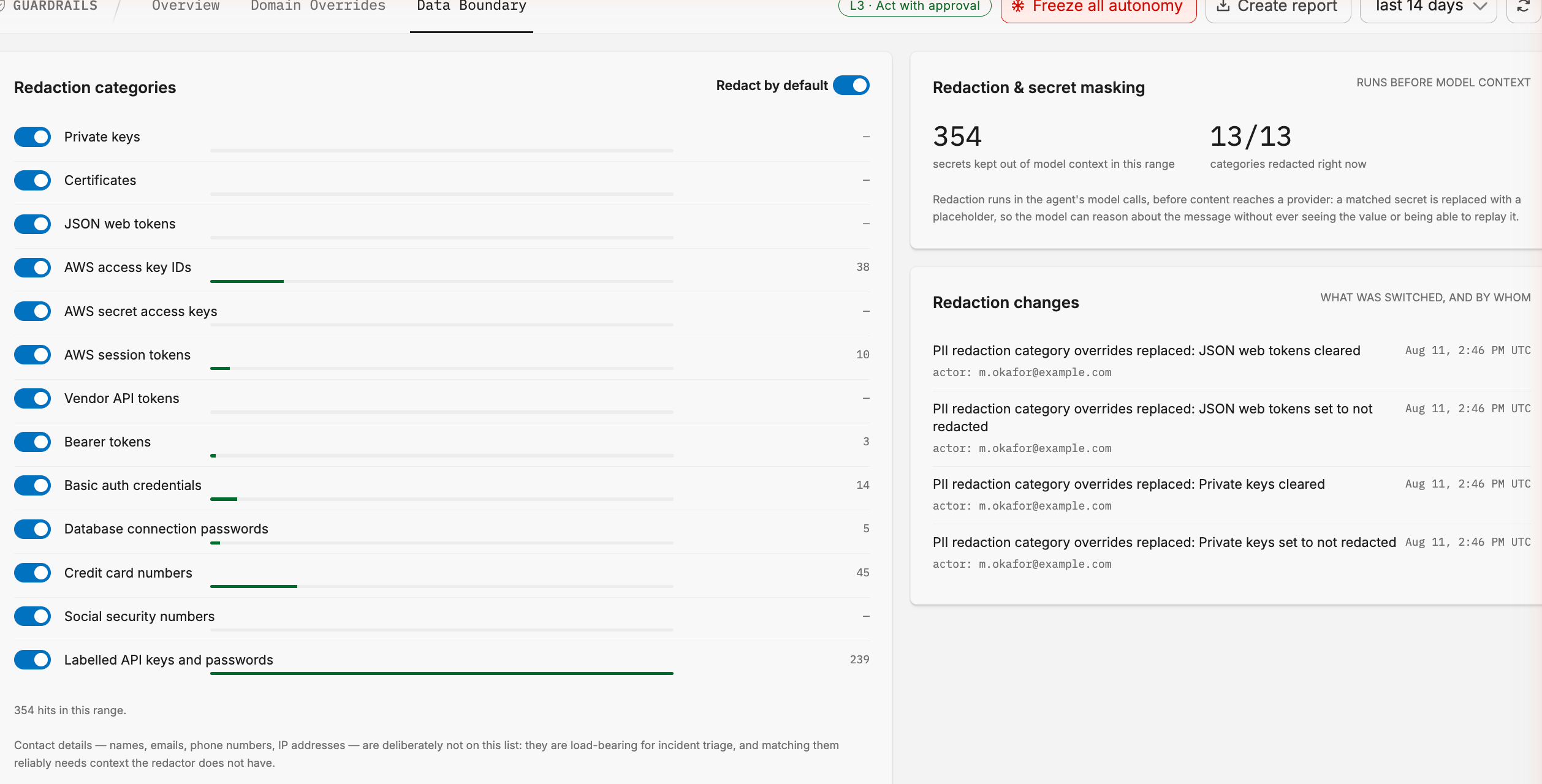
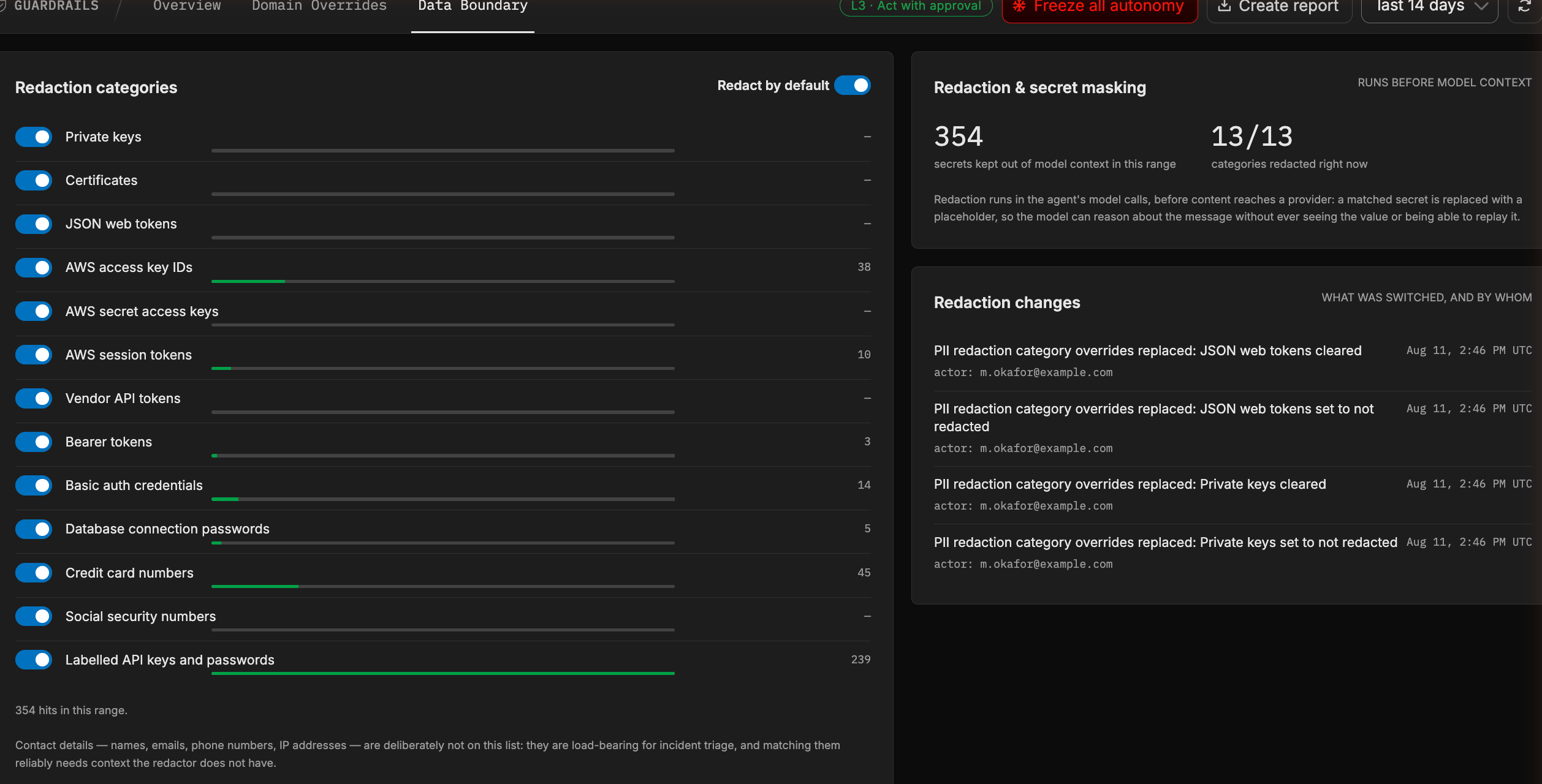
Redaction categories
Redaction is on by default for every category. The Redact by default toggle sets the behavior for every category that has no override of its own, and each category has its own switch on top of that. So you can either leave the default on and switch specific categories off, or switch the default off and enable only the categories you want.
Each category shows how many times it fired in the selected time range, so you can see which classes of secret your telemetry actually carries.
| Category | Covers |
|---|---|
| Private keys | Private key blocks. |
| Certificates | Certificate blocks. |
| JSON web tokens | JWTs. |
| AWS access key IDs | AWS access key identifiers. |
| AWS secret access keys | AWS secret access keys. |
| AWS session tokens | Temporary AWS session tokens. |
| Vendor API tokens | Recognized third-party service tokens. |
| Bearer tokens | Authorization: Bearer values. |
| Basic auth credentials | Authorization: Basic values. |
| Database connection passwords | Passwords embedded in connection strings. |
| Credit card numbers | Payment card numbers. |
| Social security numbers | US social security numbers. |
| Labelled API keys and passwords | Values in fields explicitly labelled as keys, secrets, or passwords. |
Only organization admins can change the redaction policy. Every change is recorded as a PII_REDACTION event in the audit feed, with the category and the person who changed it.
What is deliberately not redacted
Contact details are not on the list. Names, email addresses, phone numbers, and IP addresses reach the model as they appear in your telemetry.
This is a deliberate scoping decision, not an oversight. Those fields are load-bearing for incident triage: an agent that cannot see which host or which user is affected cannot investigate. Matching them reliably also needs context the pattern set does not have, so broad matching would redact ordinary content and degrade every investigation.
The category list covers machine credentials, plus the two identifiers that are unambiguous in free text: card numbers and social security numbers. If you need contact details masked as well, do it in the pipeline before the data is stored, using a mask processor. Pipeline masking applies to the data itself, so it protects every downstream consumer rather than only the AI Team.
Redaction is pattern-based, so it covers the categories listed above in the forms those patterns recognize. A non-zero redaction count on a query means the mask matched and worked. A zero count means nothing in range matched, not that masking was disabled. Treat the data boundary as one layer alongside pipeline-level masking and read-scope controls, not as the only one.
Redaction also prioritizes availability over blocking: if the redaction pass itself fails, the call proceeds with the content unredacted rather than the investigation stopping. Failures are recorded and alerted on. Where an unredacted call is unacceptable rather than undesirable, mask the data in the pipeline so it is never present to begin with.
Monitoring redaction
The Data Boundary page shows what the policy has actually done:
- Redaction & secret masking - how many secrets were kept out of model context in the selected range, and how many of the 13 categories are redacting right now.
- Redactions over time - a trend, stacked by category. A category that suddenly spikes usually means a new data source started carrying secrets.
- Redaction changes - which categories were switched, when, and by whom.
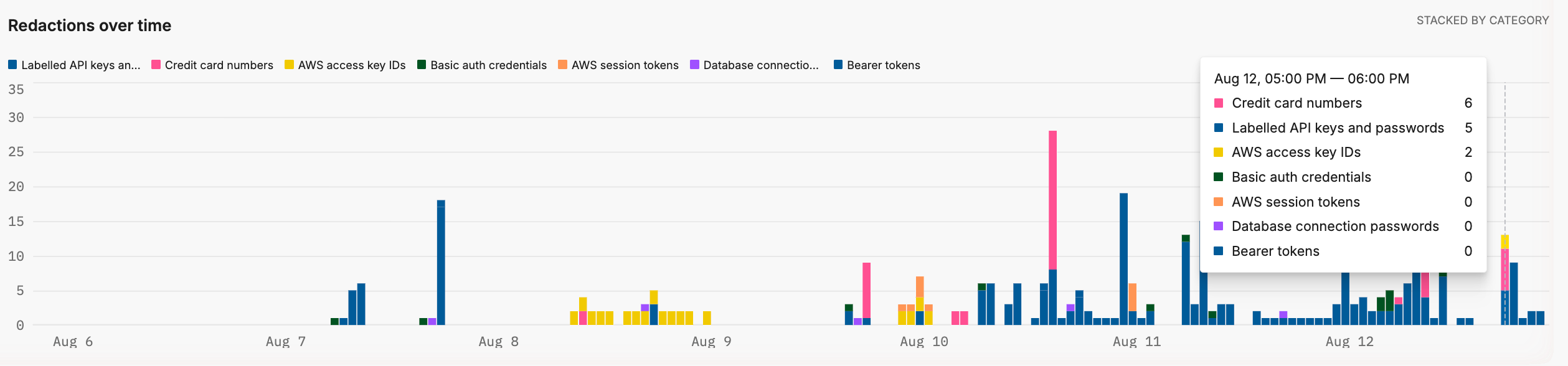
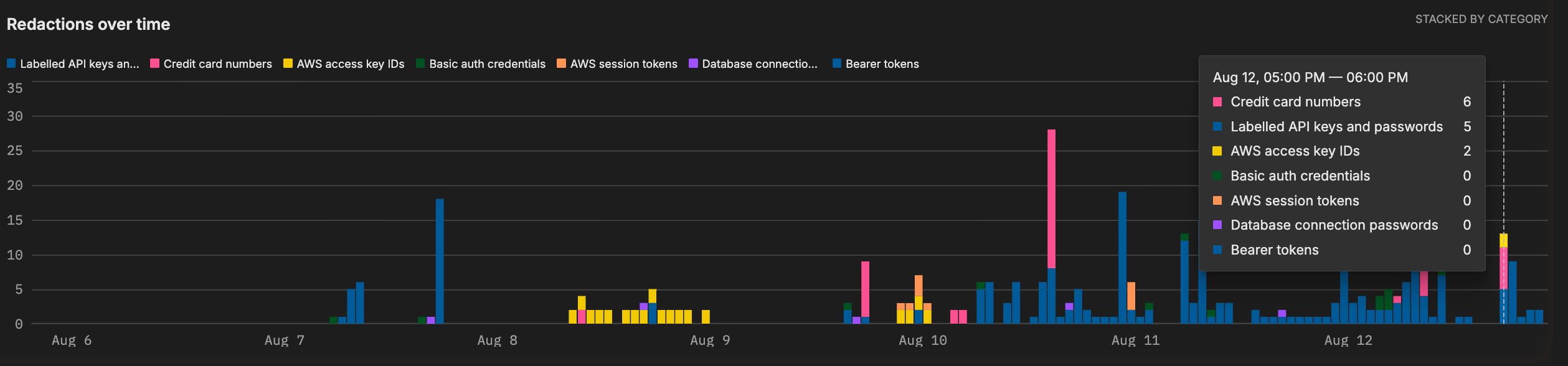
Hovering a bar breaks that interval down by category, which is how you tell a broad rise across every category from a single category spiking on its own.
A category that never fires is worth investigating rather than disabling. It usually means either that class of secret is genuinely absent from your telemetry, or it is arriving in a form the pattern does not recognize.
See also
- Guardrails for the trust ladder and the freeze control.
- Security Controls for how pipeline controls, permissions, and audit logging fit together.
- Posture report for an export that includes the redaction policy alongside pipeline masking filters.