Kubernetes Connector
Configure the Kubernetes connector to collect logs, metrics, traces, service map data, and events from your Kubernetes cluster in a single action.
2 minute read
Overview
The Kubernetes connector is a bundled connector that provisions five telemetry sources in a single action:
- Logs — container logs from Kubernetes pods
- Metrics — cluster and workload metrics
- Traces — distributed traces from applications
- Service Map — service-to-service communication topology
- Events — cluster events (pod lifecycle, scheduling, resource allocation)
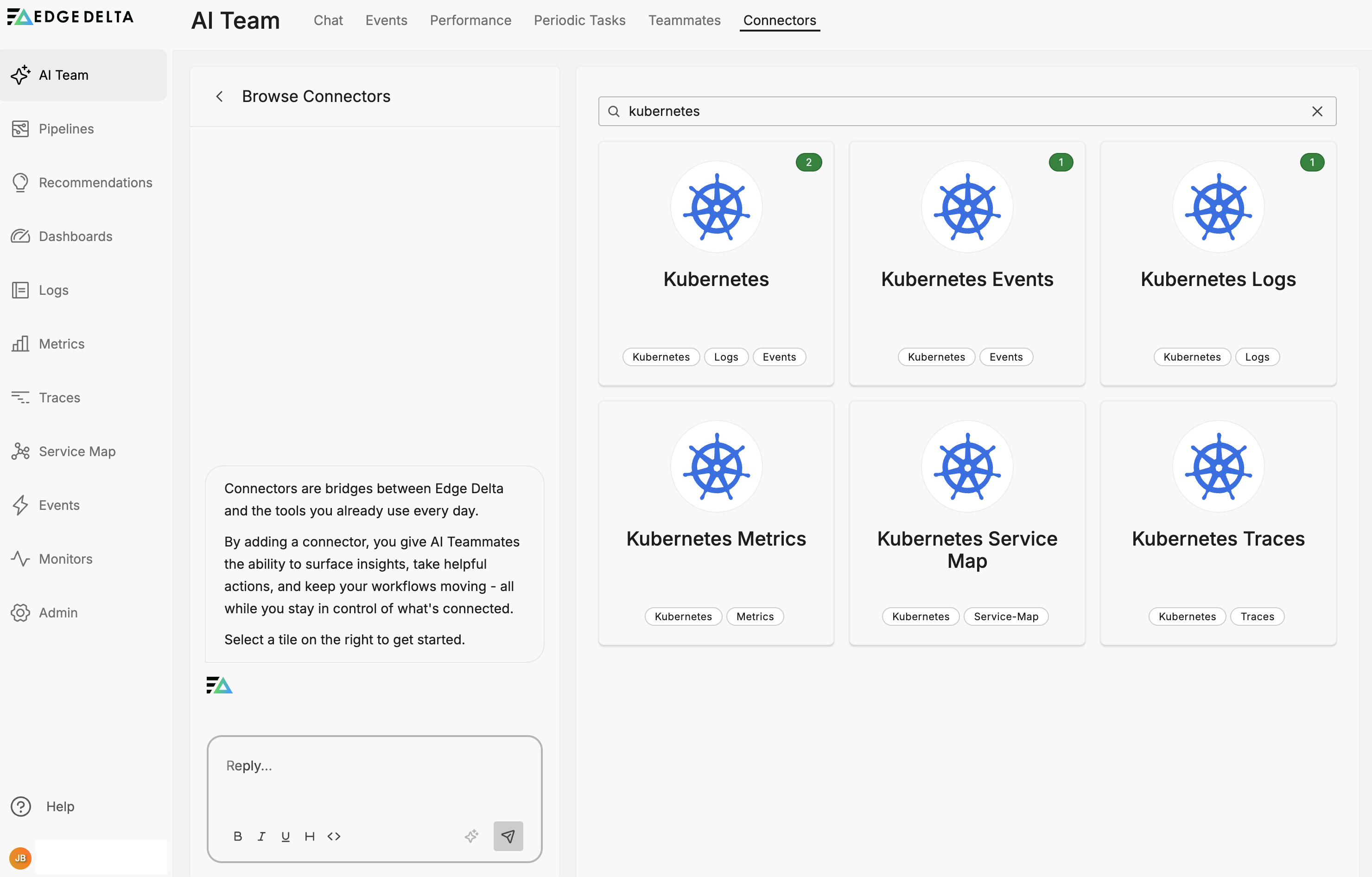
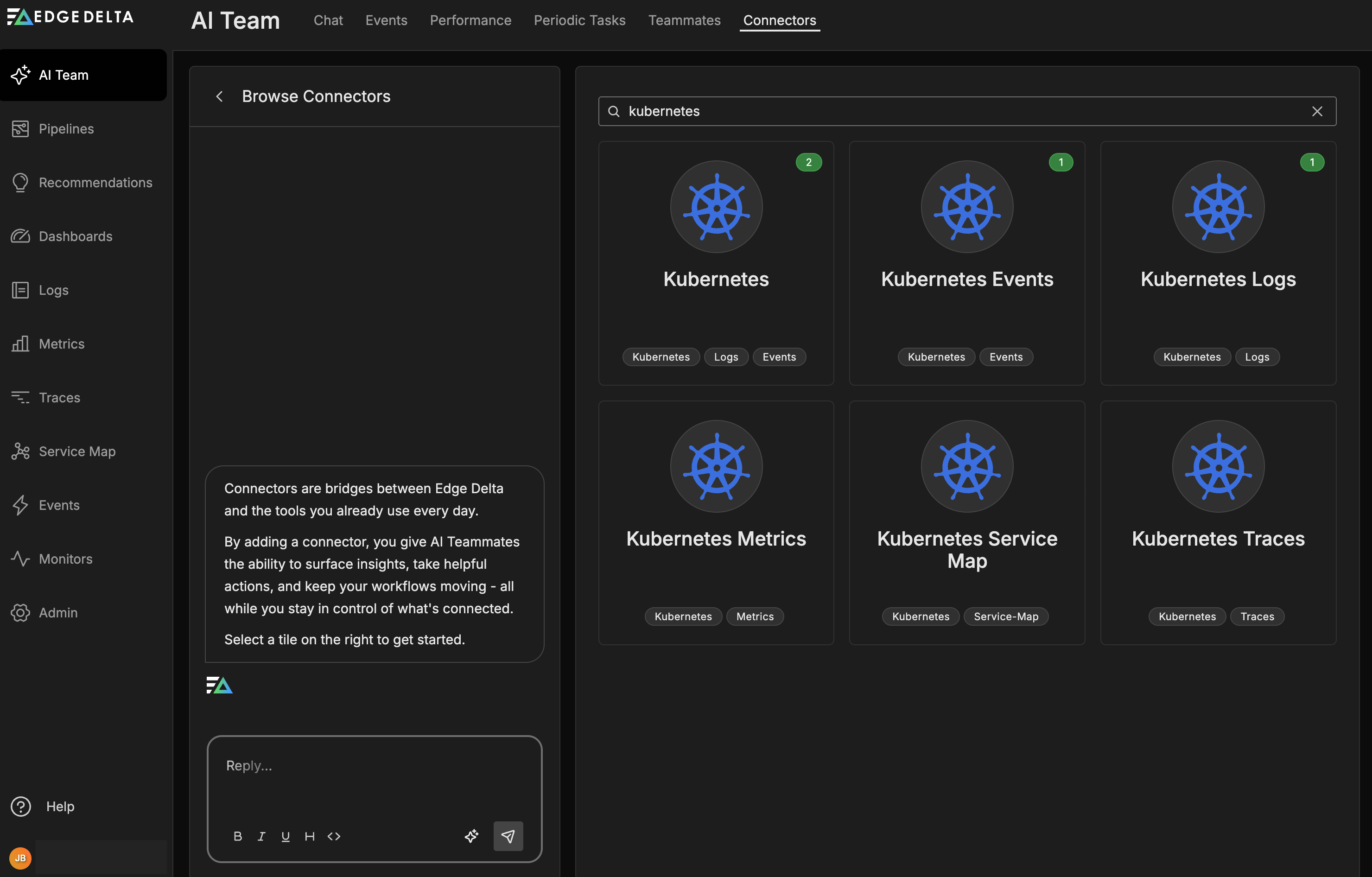
When you create a Kubernetes connector, Edge Delta adds all five sources to your selected pipeline. This is currently the only bundled connector in Edge Delta. You can also add each component individually using the dedicated connector cards (Kubernetes Logs, Kubernetes Events, Kubernetes Metrics, Kubernetes Traces).
AI teammates access all Kubernetes data through the Edge Delta MCP connector, which queries the Edge Delta backend.
Components
| Component | Collects | Details |
|---|---|---|
| Logs | Container stdout/stderr from pods | Kubernetes Logs connector |
| Metrics | Cluster and workload metrics | Kubernetes metrics source |
| Traces | Distributed application traces | Kubernetes trace source |
| Service Map | Service communication topology | Service map |
| Events | Cluster events (pod lifecycle, scheduling, resource issues) | Kubernetes Events connector |
Add the Kubernetes connector
- Navigate to AI Team > Connectors
- Find the Kubernetes connector card in Streaming Connectors
- Click the connector card
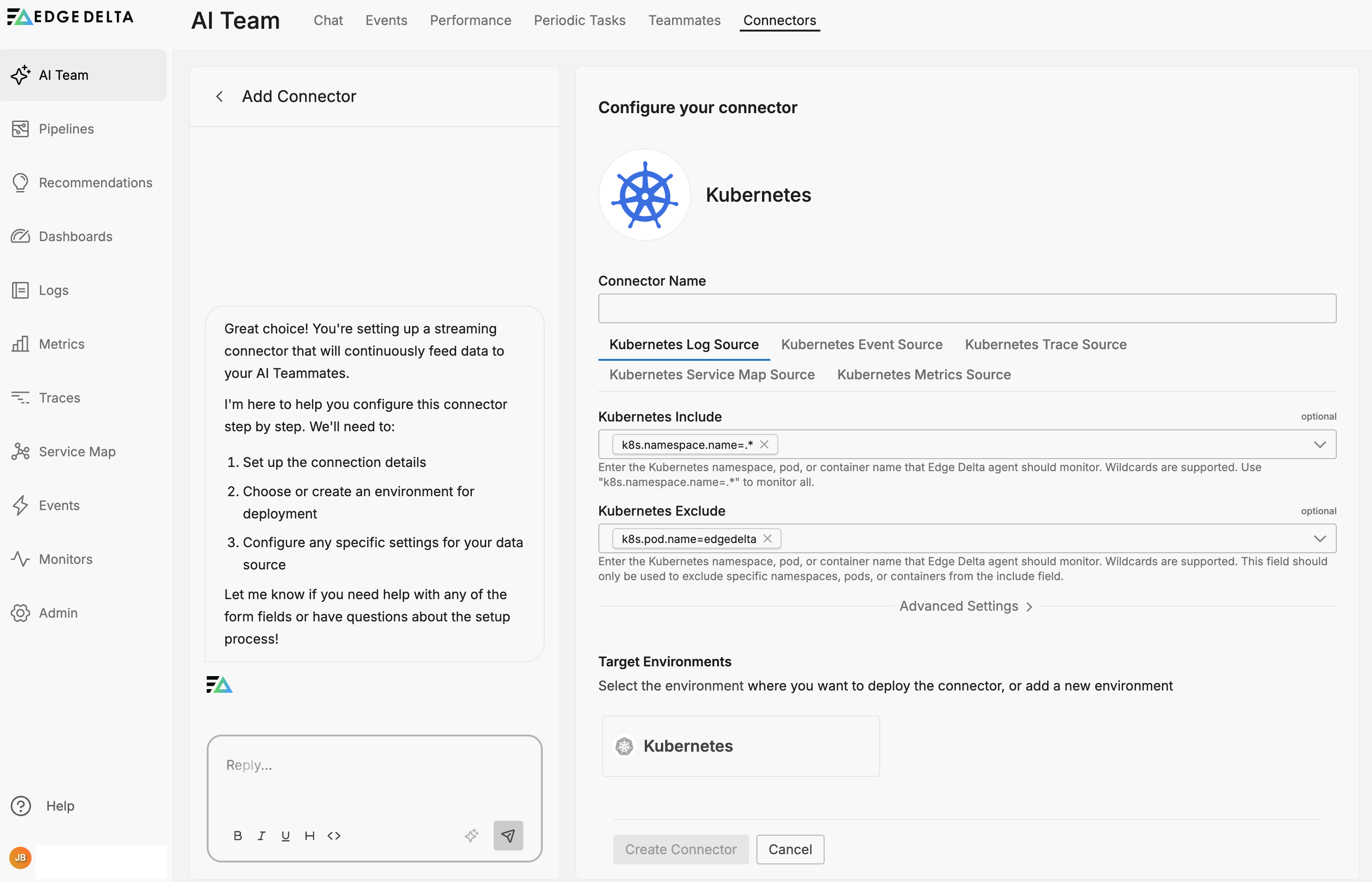
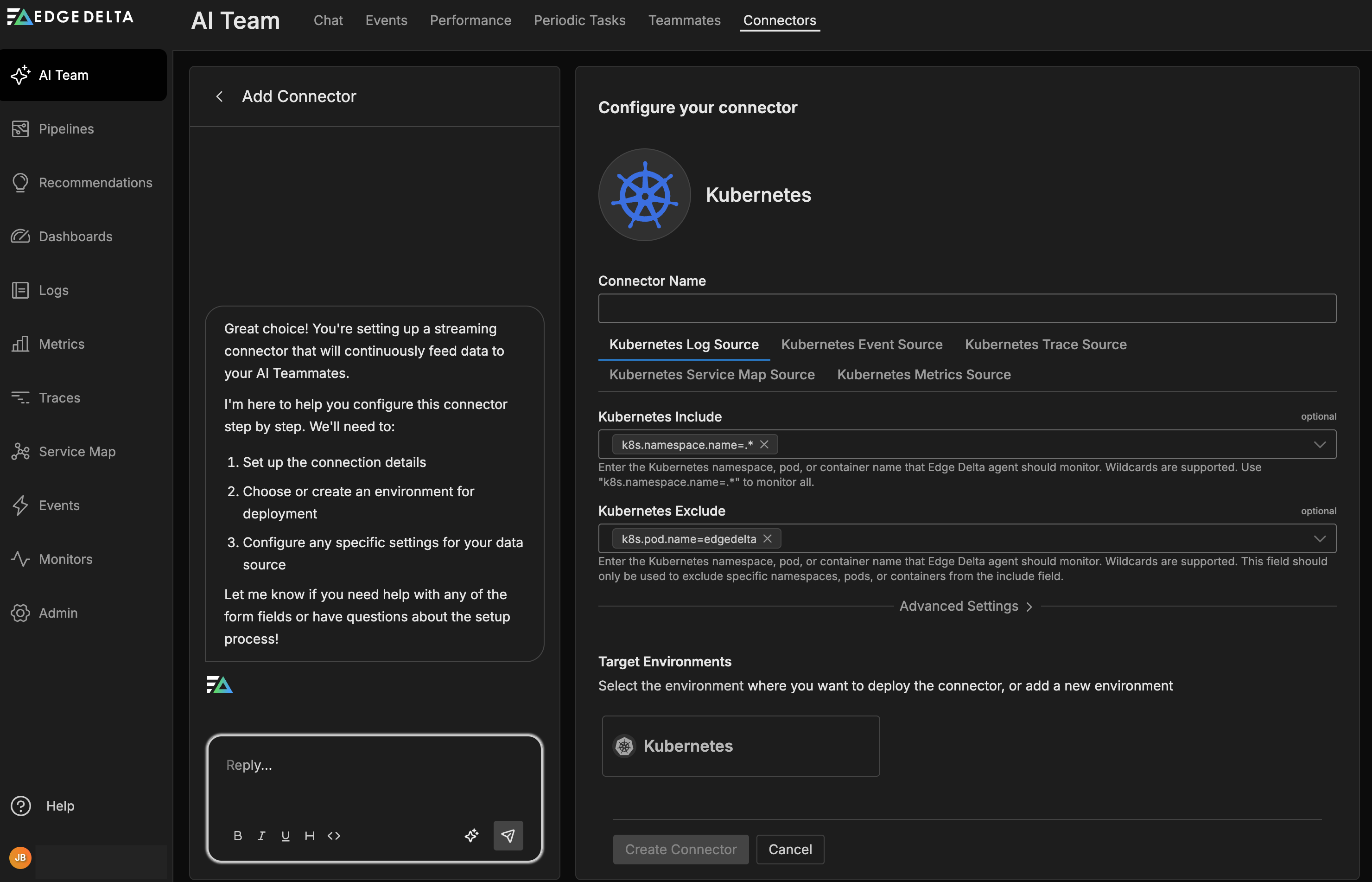
- Select a target environment — an existing Kubernetes pipeline or create a new one
- Configure component-specific settings as needed
- Click Save
The connector names each input source by appending the data type (for example, my-cluster - Logs, my-cluster - Metrics). If you create a new pipeline during setup, it uses the connector name as the pipeline tag.
The connector deploys to agents and begins collecting all five telemetry types from your cluster.
Target environment
When you create the Kubernetes connector, you select a target environment (pipeline). This is the pipeline that receives all five telemetry sources. You can select an existing Kubernetes pipeline or create a new one during setup.
Note: Manage connectors through the AI Team interface rather than editing the underlying pipeline directly. Changes to connector-managed pipelines through the Pipeline Builder can break the association between the connector and its pipeline.
Individual connector cards
If you need only a subset of Kubernetes telemetry, add individual connectors instead of the bundled connector:
- Kubernetes Logs — container logs only
- Kubernetes Events — cluster events only
- Kubernetes Metrics — cluster metrics only
- Kubernetes Traces — distributed traces only
- Kubernetes Service Map — service topology only
Each individual connector has its own configuration options and can target a different pipeline.