Log Anomalies
2 minute read
Overview
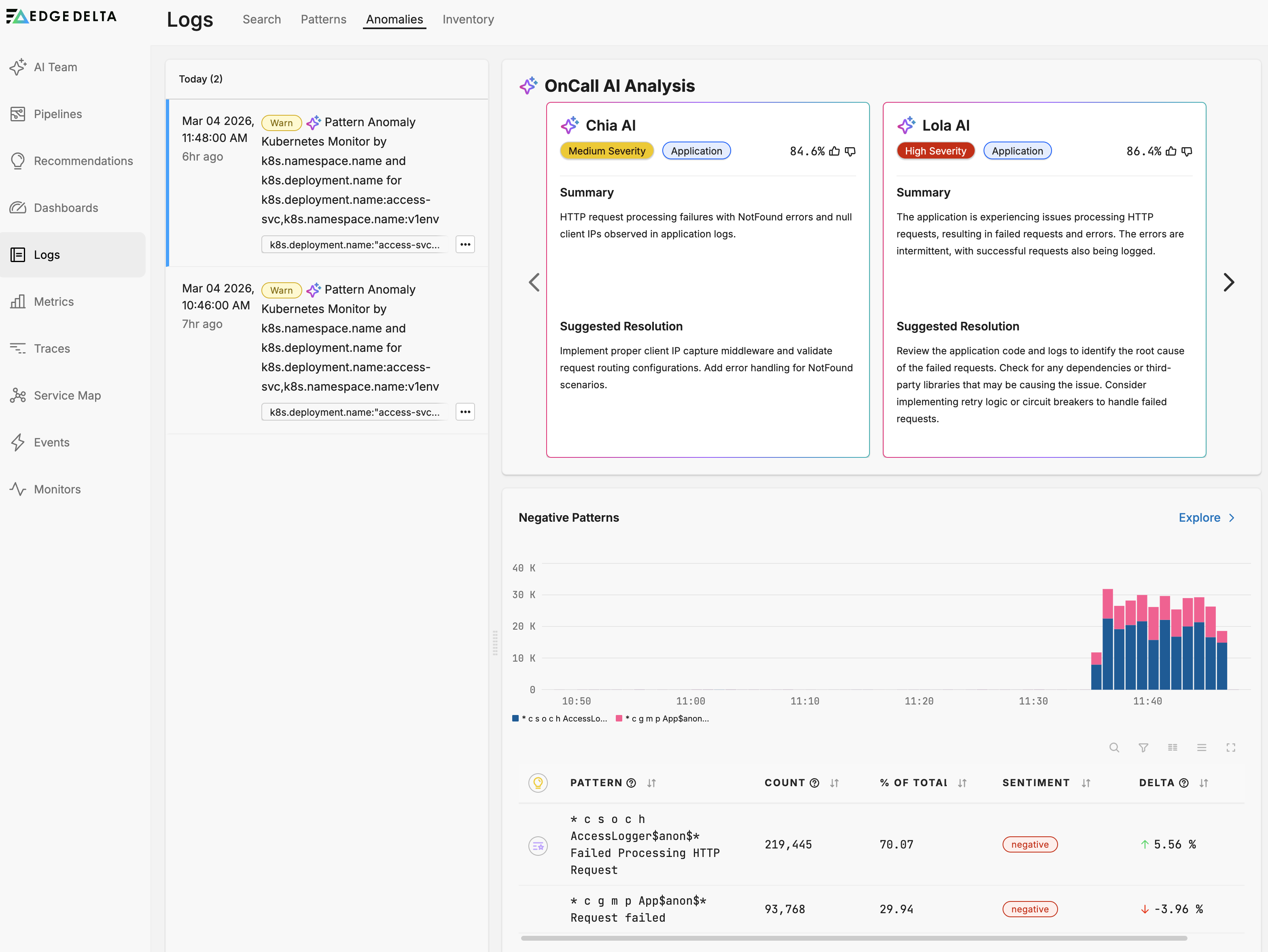
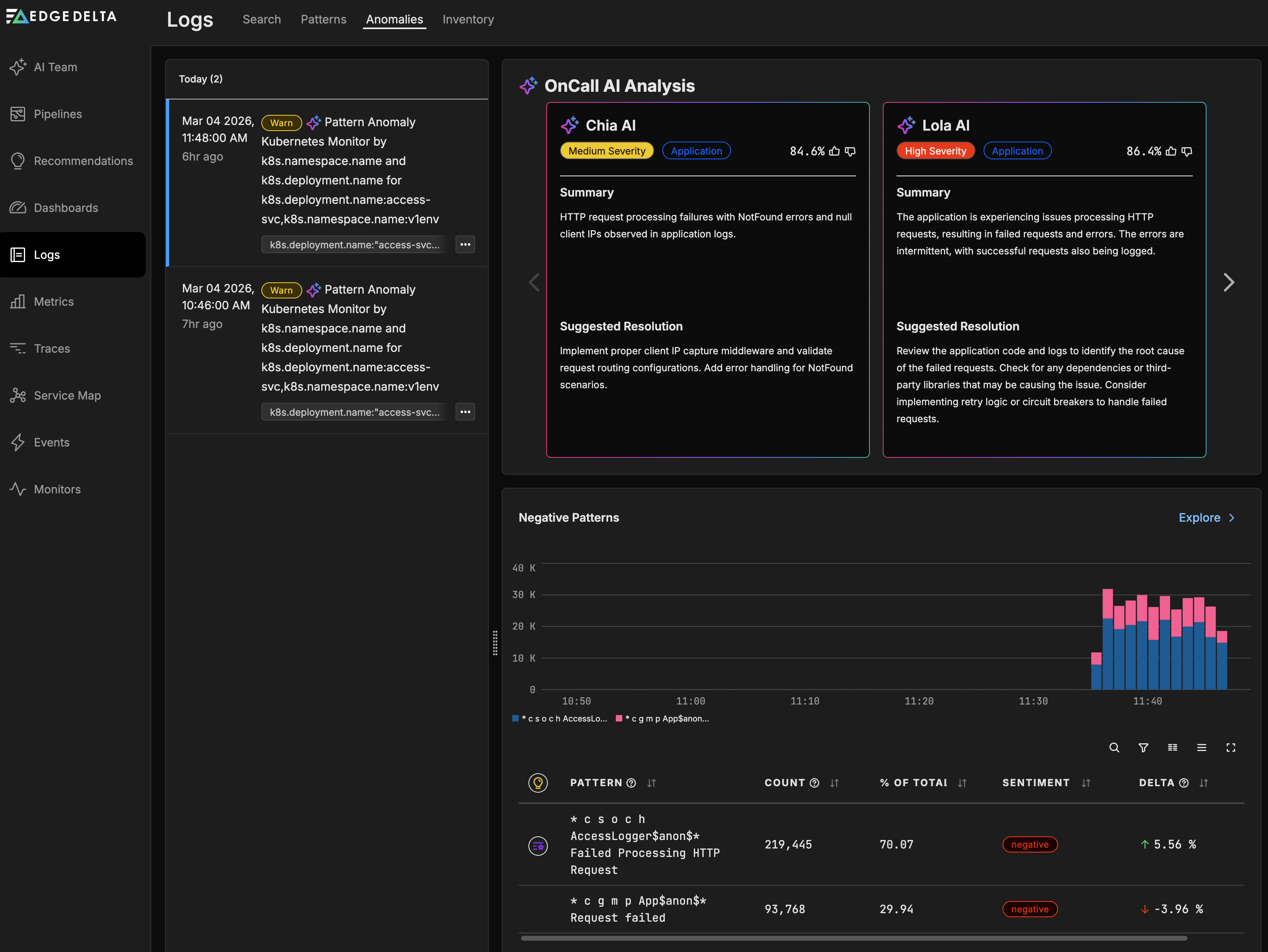
The Anomalies tab on the Logs page displays anomaly events detected by your monitors. Each anomaly represents an unusual spike in log patterns flagged by a Pattern Anomaly Monitor.
When an anomaly is detected, Edge Delta sends the pattern to an AI model that generates a brief summary of the issue, its likely impact, and a remediation suggestion. These summaries provide a starting point for investigation.
To open the Anomalies tab, click Logs and select Anomalies.
Anomaly details
Each anomaly entry includes:
- Pattern summary: A description of the anomalous log pattern and the spike that triggered the alert.
- Severity assessment: An indication of the issue’s impact based on the pattern content.
- Recommendation: A suggested remediation action based on the generalized pattern (not specific log content).
Note: The AI analysis is based on the generalized pattern template, not the content of individual log entries. For deeper investigation with full log context, use AI Team teammates.
AI Team for advanced investigation
The Anomalies tab provides basic AI-generated summaries for quick triage. For more advanced investigation capabilities, configure a Pattern Anomaly Monitor to send events to an AI Team channel. AI teammates can then correlate anomalies with other telemetry data, search related logs, and coordinate multi-step investigations.
See AI Team Overview for details on setting up teammates for incident response.
See also
- Anomaly Detection for how Edge Delta identifies and scores anomalies
- Pattern Anomaly Monitor for configuring anomaly alerts
- Patterns for viewing and acting on log patterns
- AI Team Overview for advanced AI-driven investigation