Contain Match Mode
2 minute read
When to Use Contain Match
Use contain match mode when the lookup table key appears anywhere within the data value. The processor checks if the event field value contains the lookup field value as a substring. This works well for:
- Service name keywords (
payment,auth,order) - Component identifiers embedded in longer strings
- Keywords in log messages or paths
- Partial matches where position doesn’t matter
Example: Routing by Service Keyword
Service names often follow patterns like payment-gateway-v2 or auth-service-prod. Rather than matching exact names (which change with versions), match on the core keyword.
Lookup Table
Upload this CSV to the Knowledge Library as services.csv:
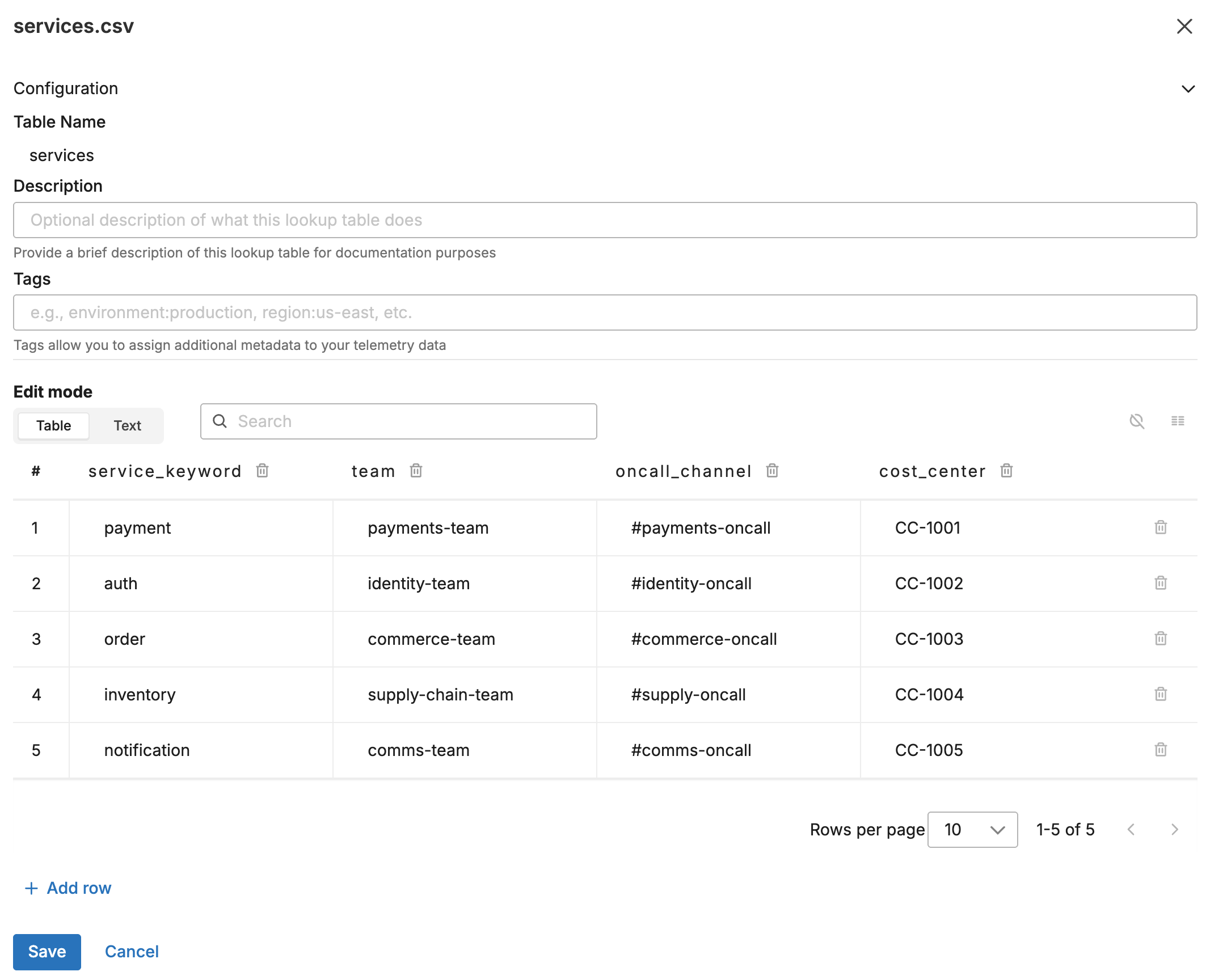
service_keyword,team,oncall_channel,cost_center
payment,payments-team,#payments-oncall,CC-1001
auth,identity-team,#identity-oncall,CC-1002
order,commerce-team,#commerce-oncall,CC-1003
inventory,supply-chain-team,#supply-oncall,CC-1004
notification,comms-team,#comms-oncall,CC-1005
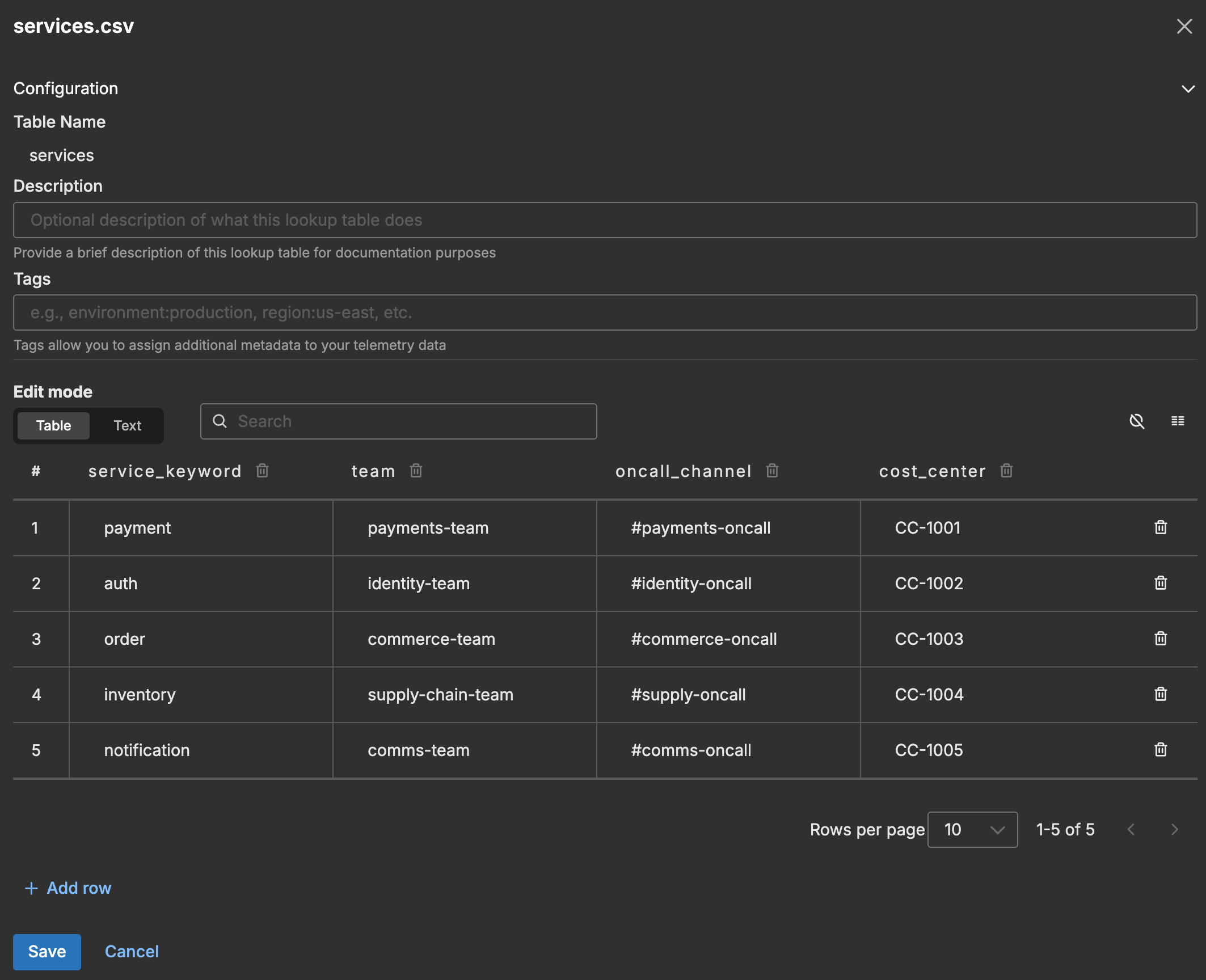
The following screenshot shows the lookup table in the Knowledge Library.
Input Data
A log arrives with a service name that includes version and environment info:
{
  "body": "{\"timestamp\":\"2026-01-27T10:30:45.123Z\",\"service_name\":\"payment-gateway-v2-prod\",\"request_id\":\"req-12345\",\"message\":\"Request processed successfully\"}",
  "attributes": {
    "service_name": "payment-gateway-v2-prod"
  }
}
Configuration
- name: contain_match_lookup
  type: sequence
  user_description: Service Routing
  processors:
  - type: lookup
    metadata: '{"id":"contain-match-lookup","type":"lookup","name":"Contain Match - Service Routing"}'
    data_types:
    - log
    location_path: ed://services.csv
    reload_period: 1m0s
    match_mode: contain
    key_fields:
    - event_field: attributes["service_name"]
      lookup_field: service_keyword
    out_fields:
    - event_field: attributes["owning_team"]
      lookup_field: team
    - event_field: attributes["oncall_channel"]
      lookup_field: oncall_channel
    - event_field: attributes["cost_center"]
      lookup_field: cost_center
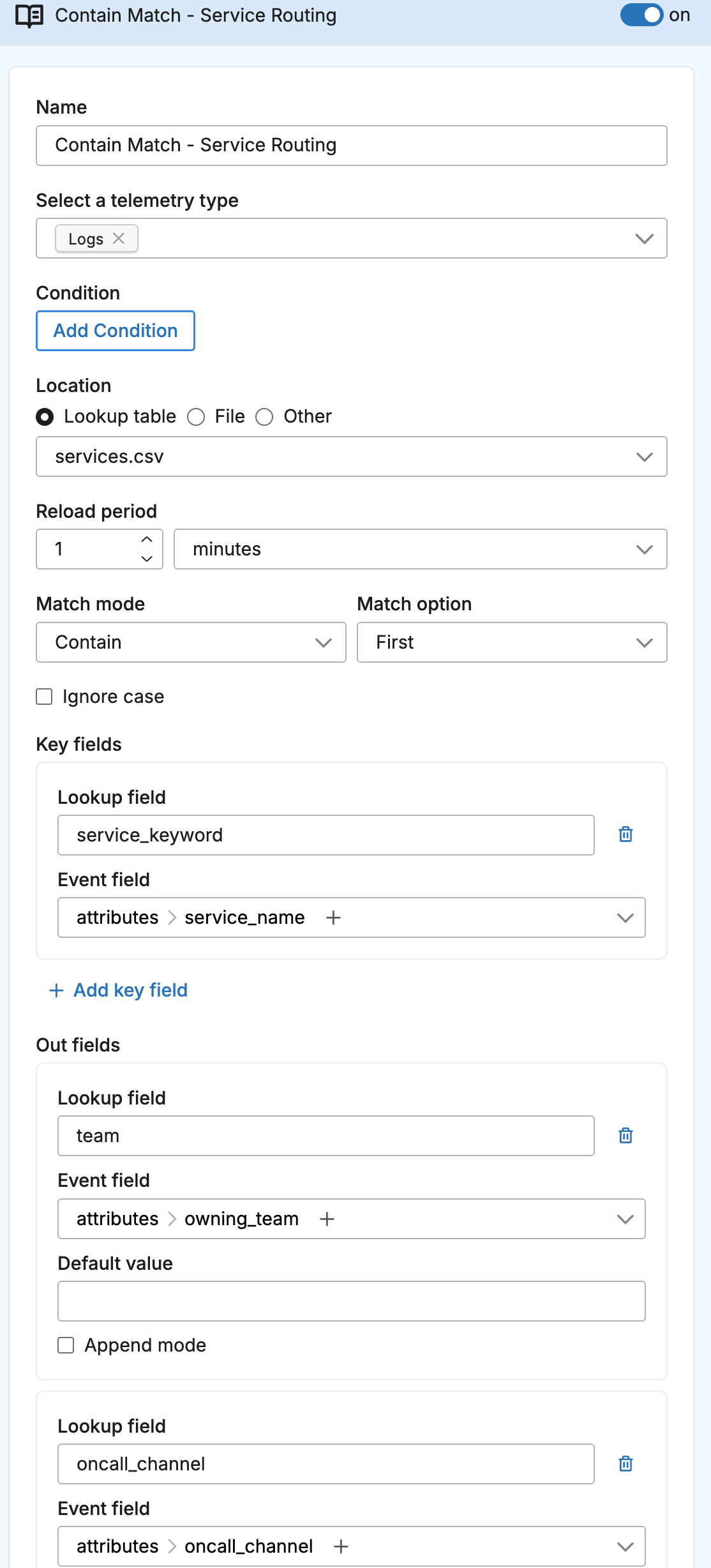
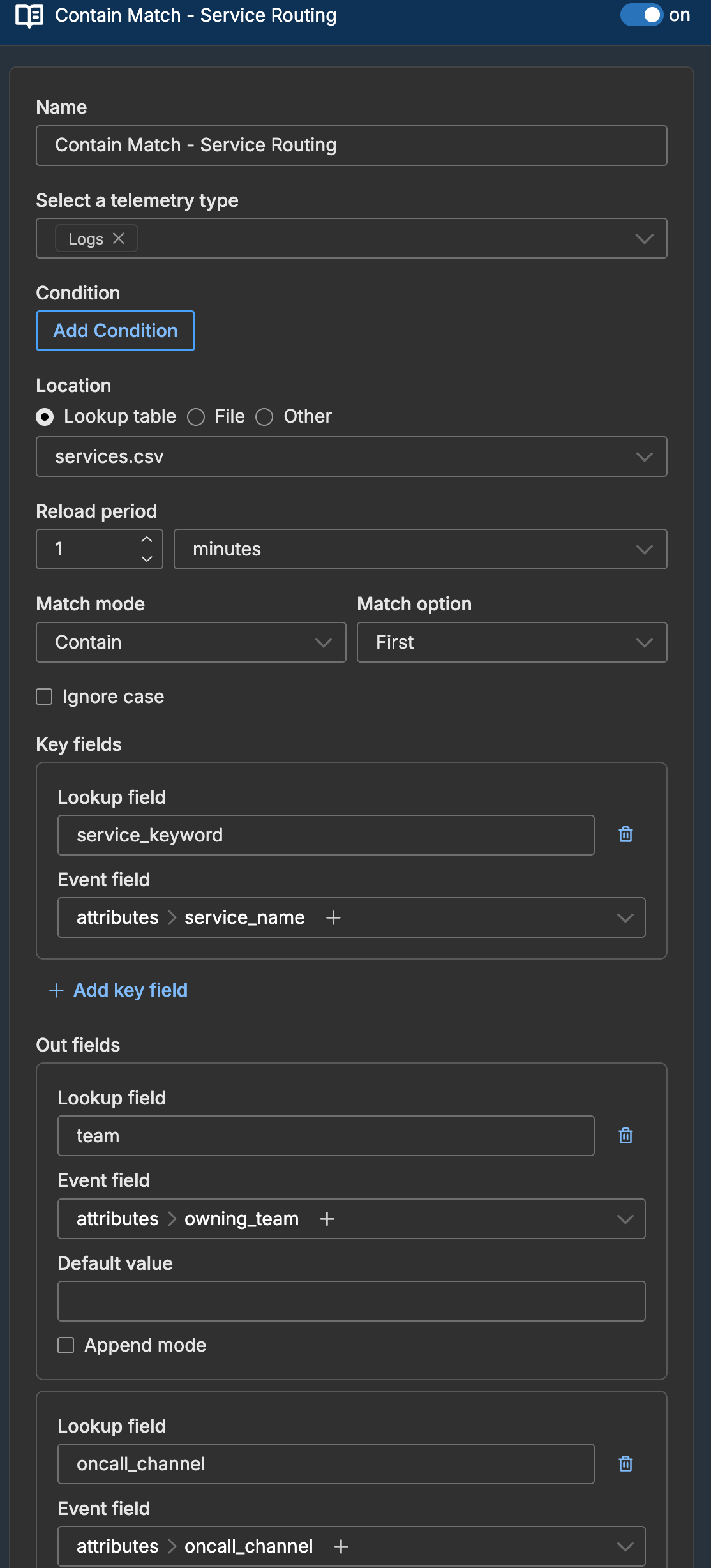
The following screenshot shows the lookup processor configured in a pipeline.
Output Data
The log is enriched because payment-gateway-v2-prod contains payment:
{
  "body": "{\"timestamp\":\"2026-01-27T10:30:45.123Z\",\"service_name\":\"payment-gateway-v2-prod\",\"request_id\":\"req-12345\",\"message\":\"Request processed successfully\"}",
  "attributes": {
    "service_name": "payment-gateway-v2-prod",
    "owning_team": "payments-team",
    "oncall_channel": "#payments-oncall",
    "cost_center": "CC-1001"
  }
}
How Contain Matching Works
The processor checks if the lookup field value appears anywhere in the event field value:
| Event Field Value | Lookup Keyword | Match? |
|---|---|---|
payment-gateway-v2 | payment | Yes |
user-auth-service | auth | Yes |
order-processor | order | Yes |
reorder-service | order | Yes (order is substring) |
authentication-svc | auth | Yes |
my-service | payment | No |
Avoiding Unintended Matches
Contain matching can be too broad. For example, auth matches both auth-service and authentication-service, which might be different teams. Solutions:
- Use more specific keywords:
auth-svcinstead ofauth - Use exact match if service names are predictable
- Order table carefully: More specific keywords first, since
match_option: firststops at the first match
Lookup Table with Specific Keywords
service_keyword,team
payment-gateway,gateway-team
payment-processor,processor-team
payment,payments-team
With match_option: first, payment-gateway-v2 matches payment-gateway (first row) rather than payment (third row).