Exact Match Mode
2 minute read
When to Use Exact Match
Use exact match mode when the value in your data must precisely equal a value in the lookup table. This is the default match mode and works well for:
- Error codes (
E001,E002,500) - Status codes (
active,pending,failed) - Region identifiers (
us-west-2,eu-central-1) - Any enumerated or categorical values
Exact matching is case-sensitive by default. Use ignore_case: true for case-insensitive matching.
Example: Enriching Logs with Error Code Details
Logs often contain error codes that need human-readable descriptions for dashboards and alerts.
Lookup Table
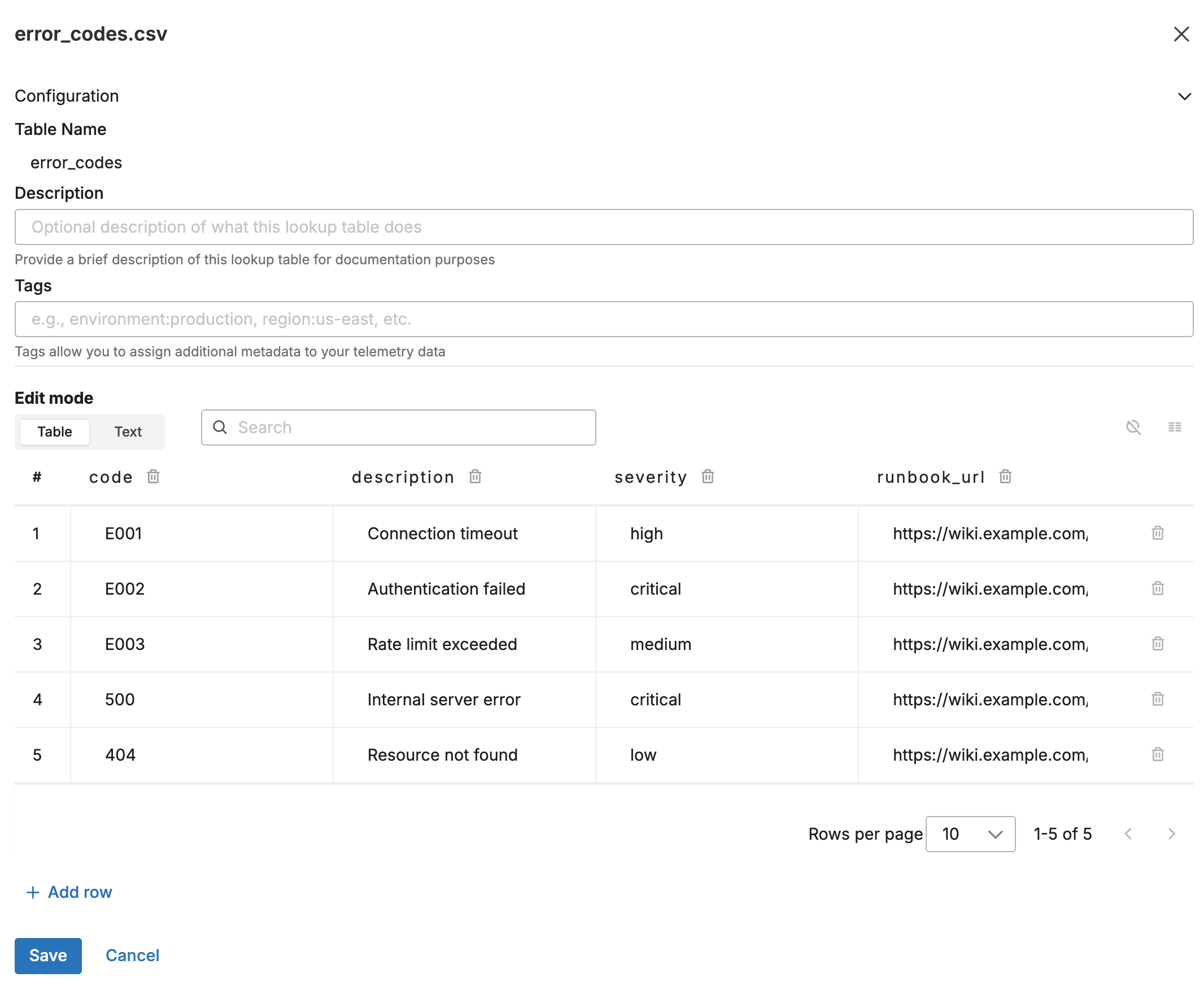
Upload this CSV to the Knowledge Library as error_codes.csv:
code,description,severity,runbook_url
E001,Connection timeout,high,https://wiki.example.com/runbooks/E001
E002,Authentication failed,critical,https://wiki.example.com/runbooks/E002
E003,Rate limit exceeded,medium,https://wiki.example.com/runbooks/E003
500,Internal server error,critical,https://wiki.example.com/runbooks/500
404,Resource not found,low,https://wiki.example.com/runbooks/404
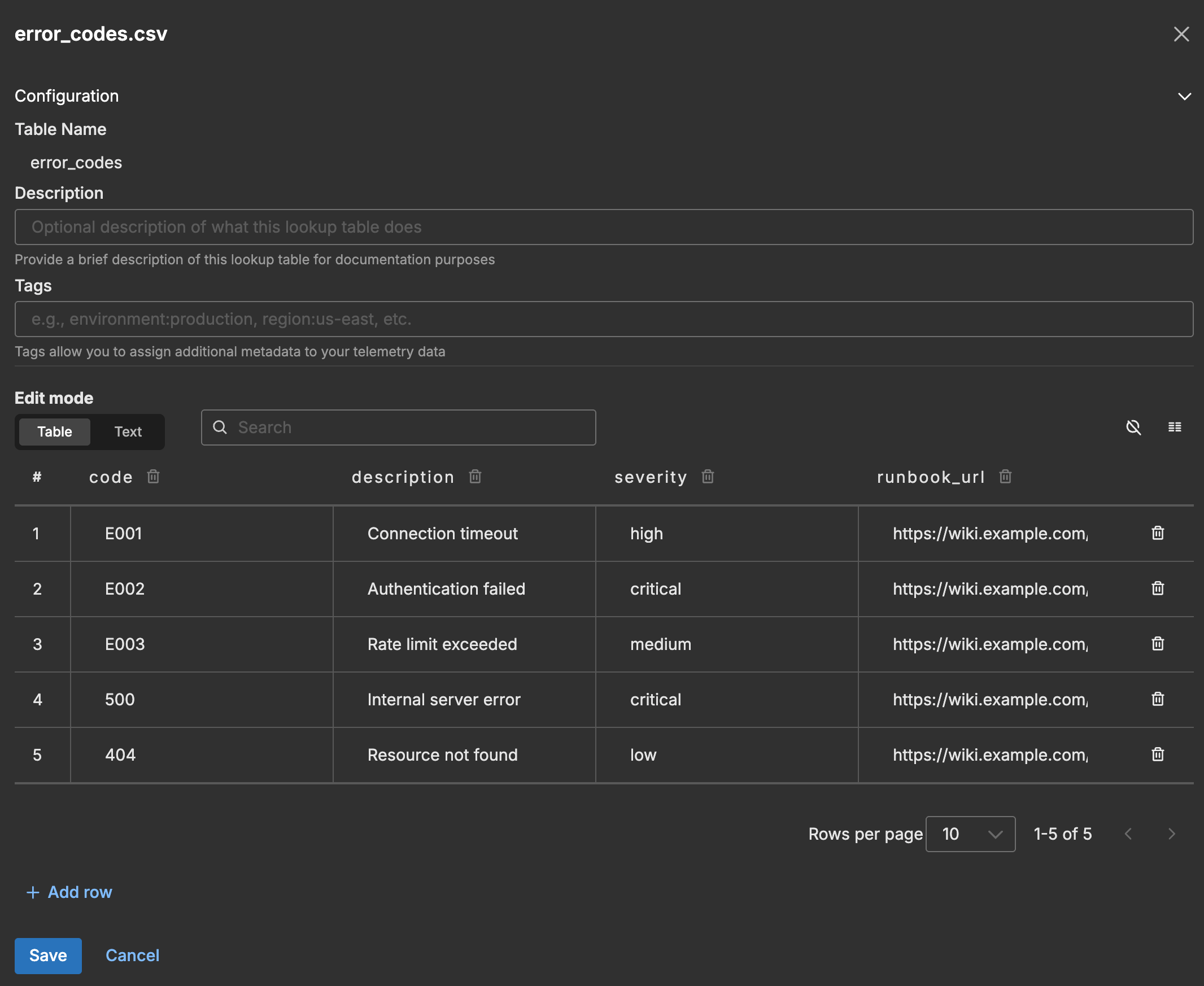
The following screenshot shows the lookup table in the Knowledge Library.
Input Data
A log arrives with an error code in the attributes:
{
  "body": "{\"timestamp\":\"2026-01-27T10:30:45.123Z\",\"error_code\":\"E001\",\"endpoint\":\"/api/data\",\"message\":\"Connection timeout occurred\"}",
  "attributes": {
    "error_code": "E001"
  }
}
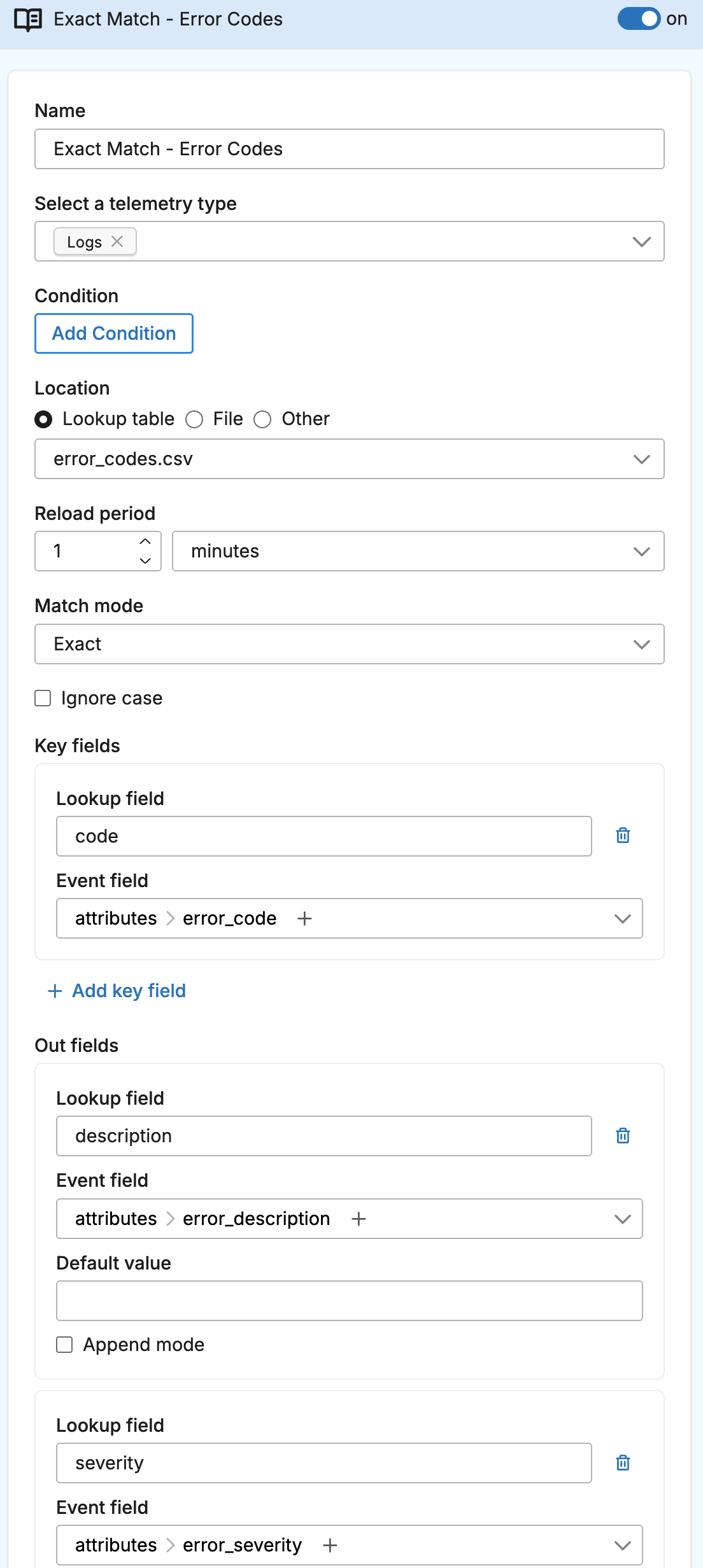
Configuration
- name: exact_match_lookup
  type: sequence
  user_description: Error Code Enrichment
  processors:
  - type: lookup
    metadata: '{"id":"exact-match-lookup","type":"lookup","name":"Exact Match - Error Codes"}'
    data_types:
    - log
    location_path: ed://error_codes.csv
    reload_period: 1m0s
    match_mode: exact
    key_fields:
    - event_field: attributes["error_code"]
      lookup_field: code
    out_fields:
    - event_field: attributes["error_description"]
      lookup_field: description
    - event_field: attributes["error_severity"]
      lookup_field: severity
    - event_field: attributes["runbook"]
      lookup_field: runbook_url
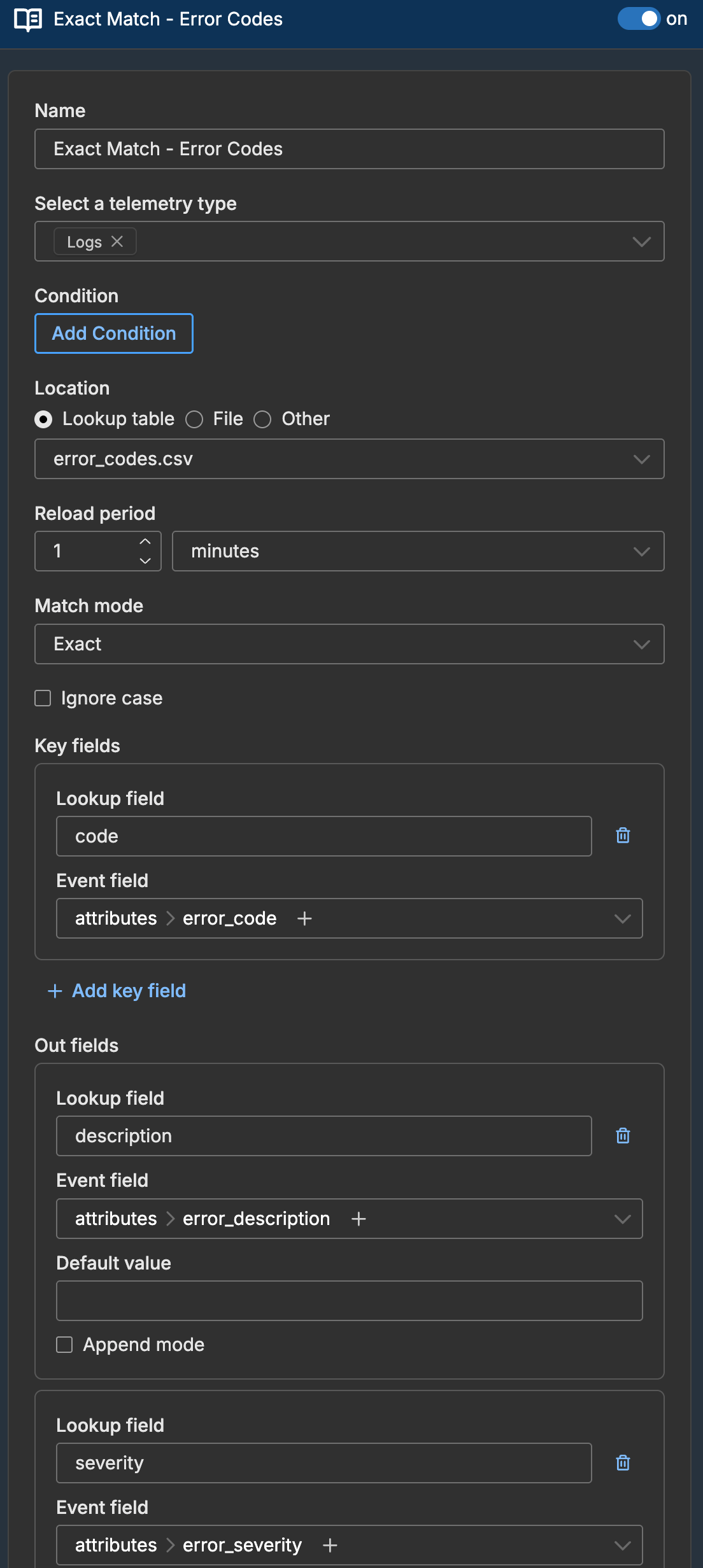
The following screenshot shows the lookup processor configured in a pipeline.
Output Data
The log is enriched with additional attributes:
{
  "body": "{\"timestamp\":\"2026-01-27T10:30:45.123Z\",\"error_code\":\"E001\",\"endpoint\":\"/api/data\",\"message\":\"Connection timeout occurred\"}",
  "attributes": {
    "error_code": "E001",
    "error_description": "Connection timeout",
    "error_severity": "high",
    "runbook": "https://wiki.example.com/runbooks/E001"
  }
}
Handling No Match
When no matching row exists, the out_fields are not added unless you specify a default_value:
out_fields:
- event_field: attributes["error_severity"]
  lookup_field: severity
  default_value: unknown
With this configuration, metrics with unrecognized error codes get error_severity: "unknown" instead of no attribute.
Case-Insensitive Matching
If your data contains inconsistent casing (e001, E001, e001), enable case-insensitive matching:
- type: lookup
  name: Error Code Enrichment
  match_mode: exact
  ignore_case: true
  # ... rest of configuration