Prefix Match Mode
2 minute read
When to Use Prefix Match
Use prefix match mode when the value in your data starts with a known pattern. The lookup table contains the prefixes, and any data value beginning with that prefix matches. This works well for:
- Error code families (
ERROR-4xx,ERROR-5xx) - Log level prefixes (
INFO-,WARN-,ERROR-) - Hierarchical identifiers (
us-west-,eu-) - Version strings (
v1.,v2.)
Example: Categorizing Error Messages
HTTP error codes follow a pattern: 4xx errors are client errors, 5xx errors are server errors. Rather than listing every possible code, use prefix matching to categorize by the first digits.
Lookup Table
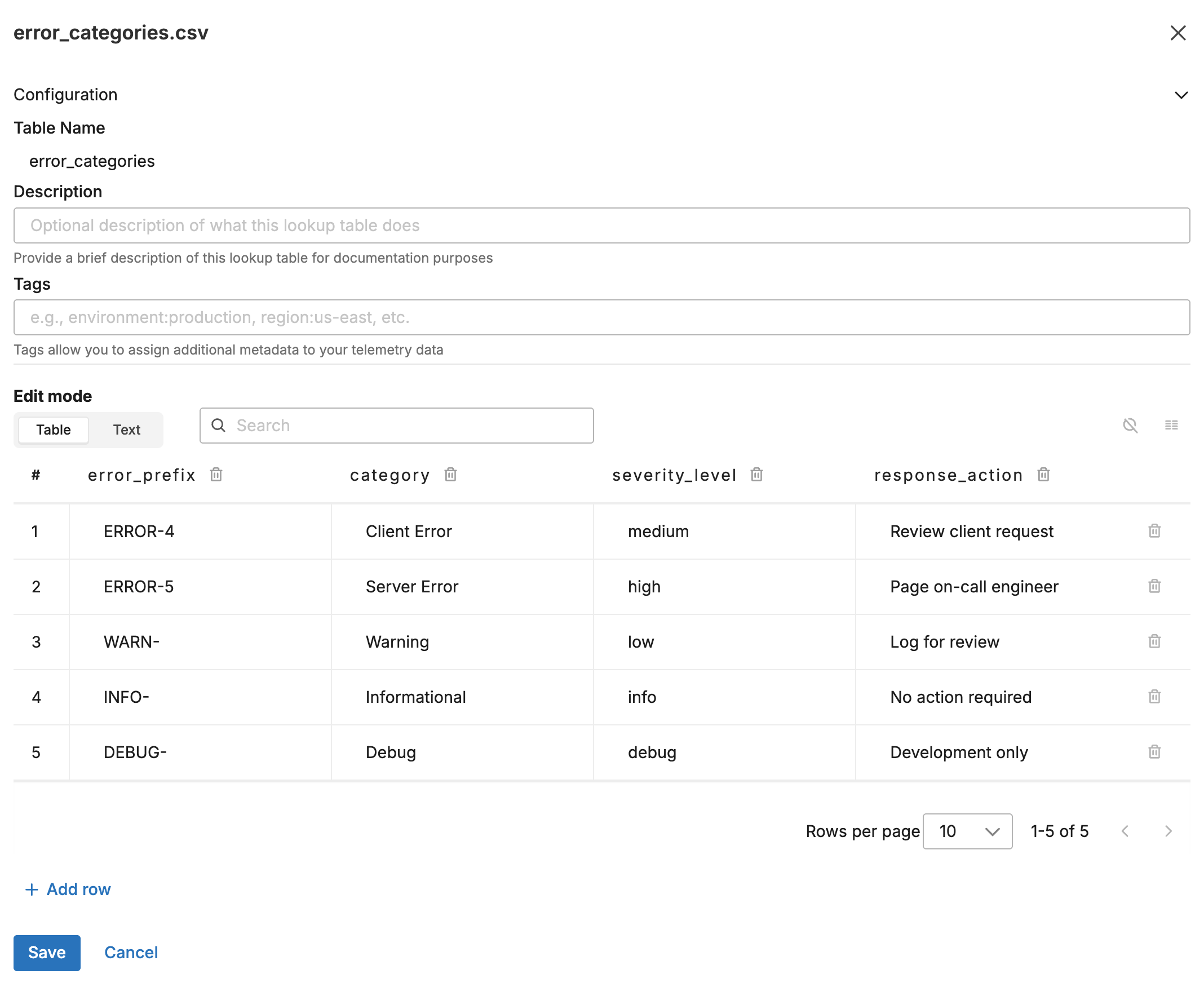
Upload this CSV to the Knowledge Library as error_categories.csv:
error_prefix,category,severity_level,response_action
ERROR-4,Client Error,medium,Review client request
ERROR-5,Server Error,high,Page on-call engineer
WARN-,Warning,low,Log for review
INFO-,Informational,info,No action required
DEBUG-,Debug,debug,Development only
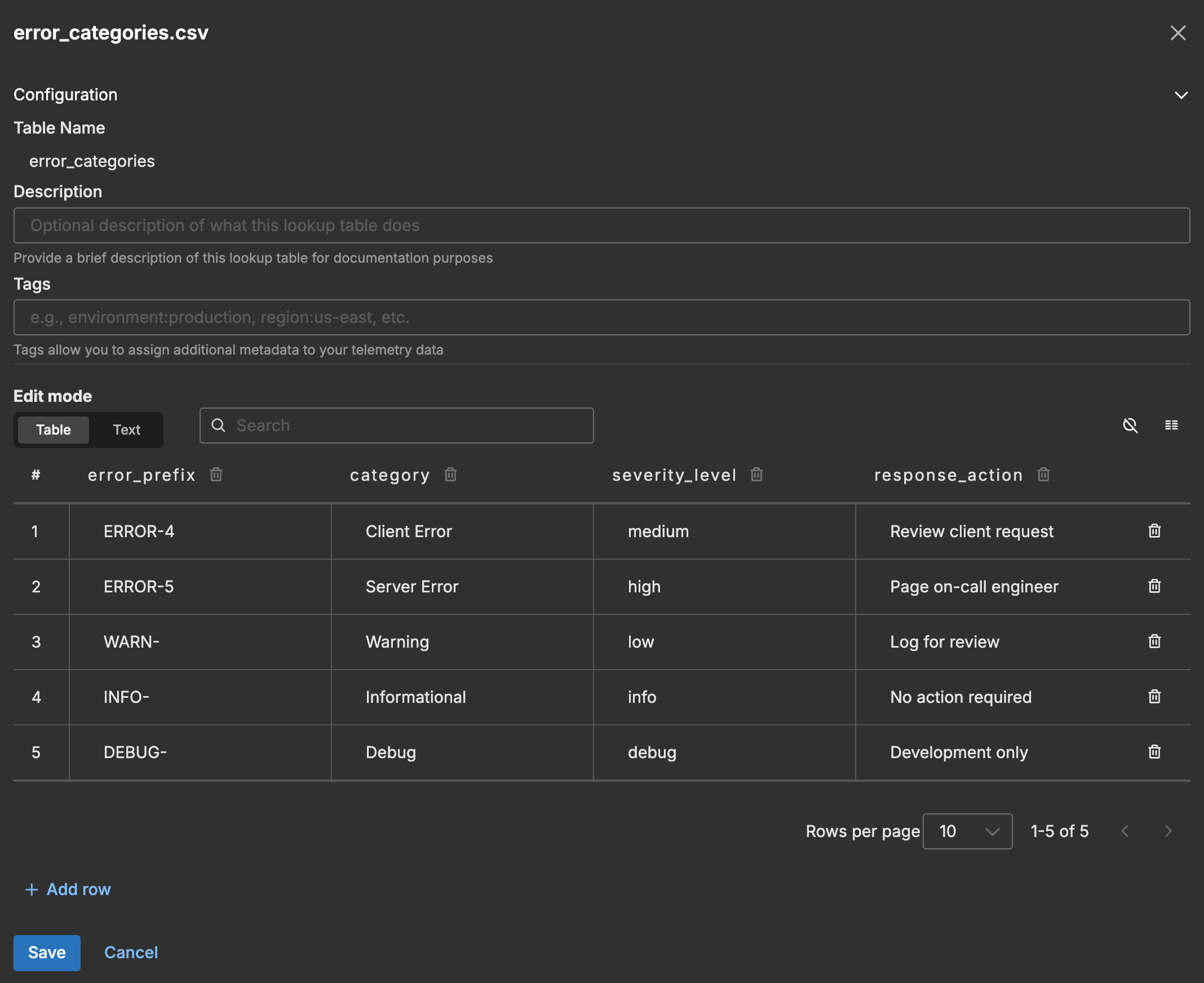
The following screenshot shows the lookup table in the Knowledge Library.
Input Data
A log arrives with an error code in the body:
{
  "body": "ERROR-404 Not Found: /api/users/12345",
  "attributes": {
    "service": "api-gateway"
  }
}
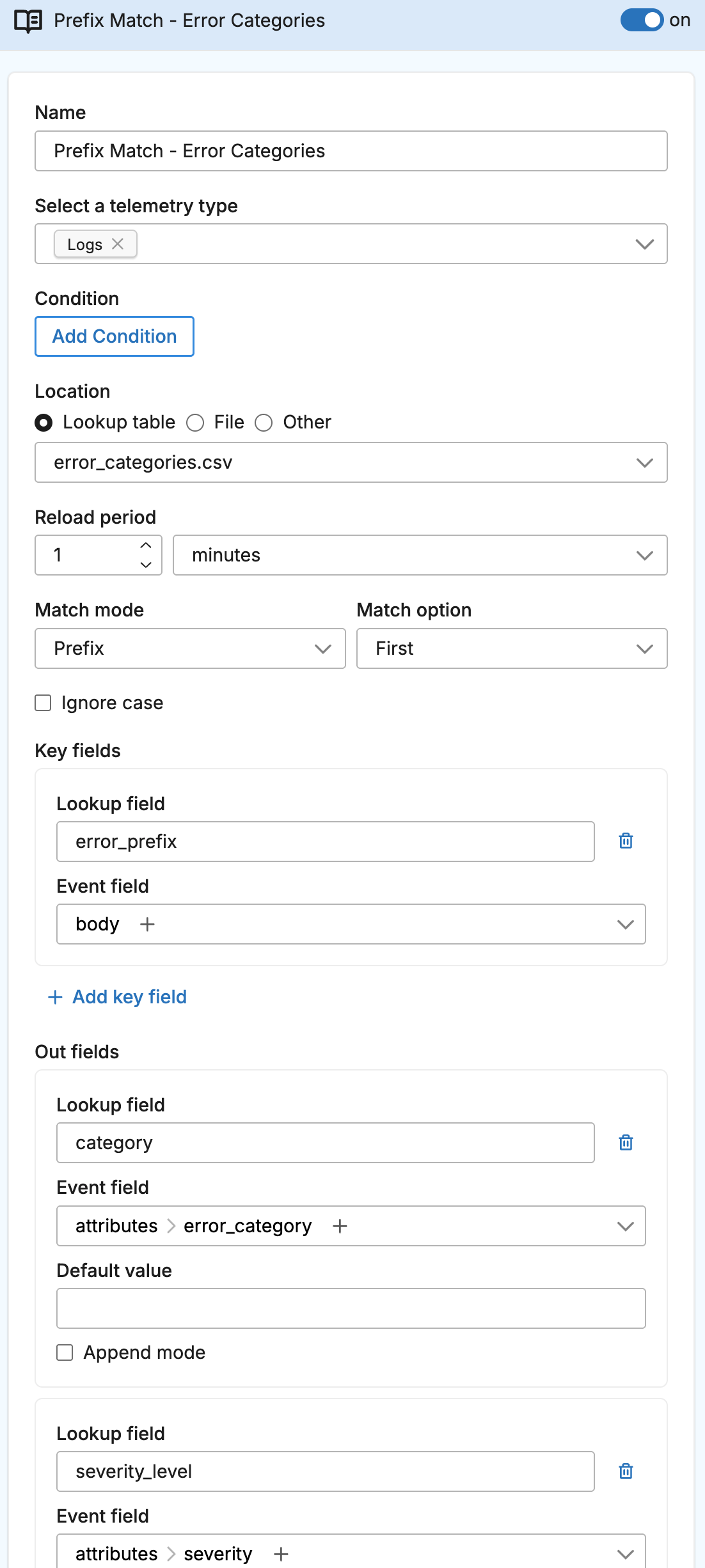
Configuration
- name: prefix_match_lookup
  type: sequence
  user_description: Error Category Classification
  processors:
  - type: lookup
    metadata: '{"id":"prefix-match-lookup","type":"lookup","name":"Prefix Match - Error Categories"}'
    data_types:
    - log
    location_path: ed://error_categories.csv
    reload_period: 1m0s
    match_mode: prefix
    key_fields:
    - event_field: body
      lookup_field: error_prefix
    out_fields:
    - event_field: attributes["error_category"]
      lookup_field: category
    - event_field: attributes["severity"]
      lookup_field: severity_level
    - event_field: attributes["response_action"]
      lookup_field: response_action
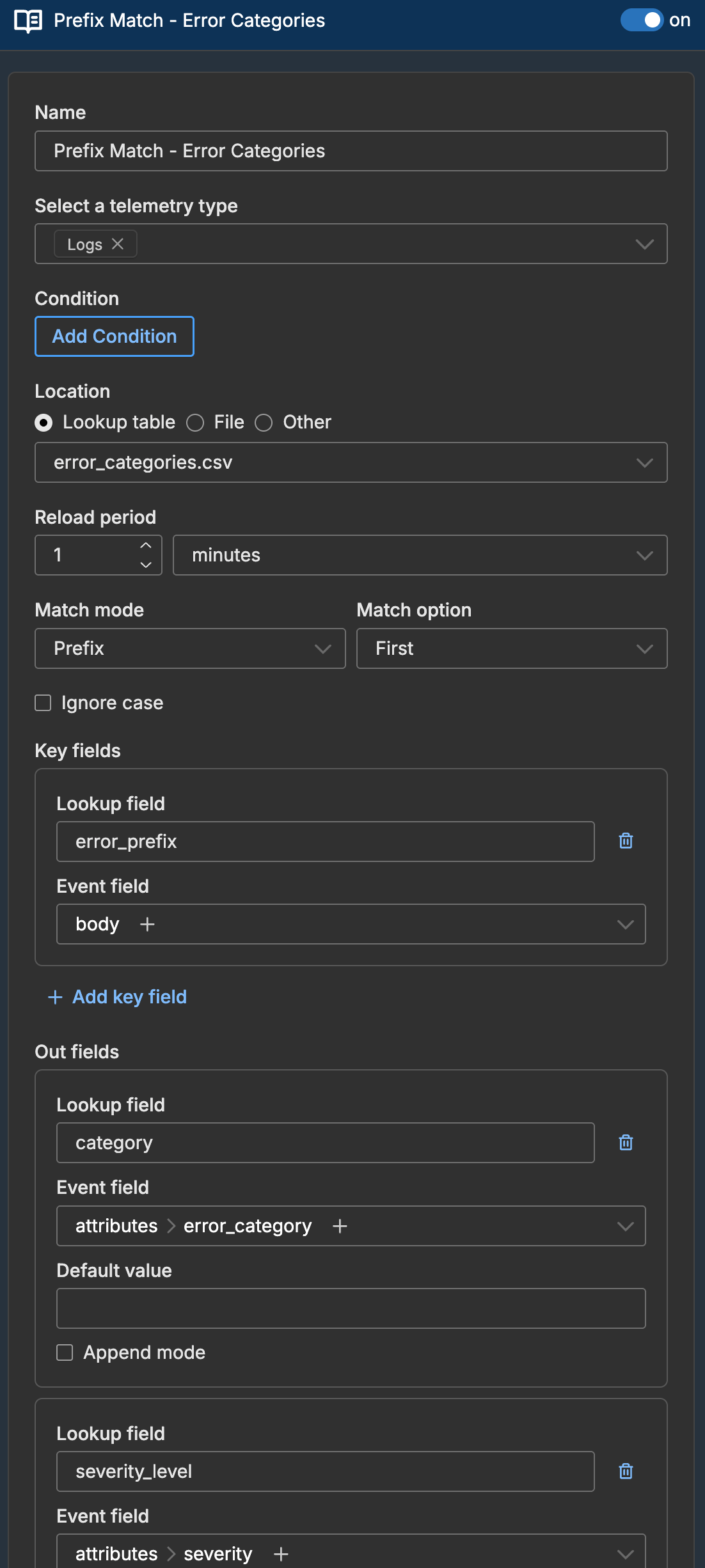
The following screenshot shows the lookup processor configured in a pipeline.
Output Data
The log is enriched based on the ERROR-4 prefix match:
{
  "body": "ERROR-404 Not Found: /api/users/12345",
  "attributes": {
    "error_category": "Client Error",
    "severity": "medium",
    "response_action": "Review client request"
  }
}
How Prefix Matching Works
The processor checks if the event field value starts with the lookup field value:
| Event Field Value | Lookup Prefix | Match? |
|---|---|---|
ERROR-404 Not Found | ERROR-4 | Yes |
ERROR-500 Internal Error | ERROR-5 | Yes |
ERROR-500 Internal Error | ERROR-4 | No |
WARN-001 High memory | WARN- | Yes |
Server ERROR-500 | ERROR-5 | No (ERROR-5 not at start) |
Multiple Potential Matches
If multiple prefixes could match (e.g., ERROR- and ERROR-4), the processor uses the first match found. Order your lookup table with more specific prefixes first if this matters:
error_prefix,category
ERROR-404,Not Found (specific)
ERROR-4,Client Error (general)
To collect all matches instead, use match_option: all with append_mode: true. See Multiple Matches.