Suffix Match Mode
2 minute read
When to Use Suffix Match
Use suffix match mode when the value in your data ends with a known pattern. The lookup table contains the suffixes, and any data value ending with that suffix matches. This works well for:
- File extensions (
.log,.json,.csv) - Domain suffixes (
.com,.internal,.local) - Resource type indicators (
-primary,-replica) - Environment markers (
-prod,-staging,-dev)
Example: Classifying Files by Extension
Logs often reference files, and you may want to route or process them differently based on type.
Lookup Table
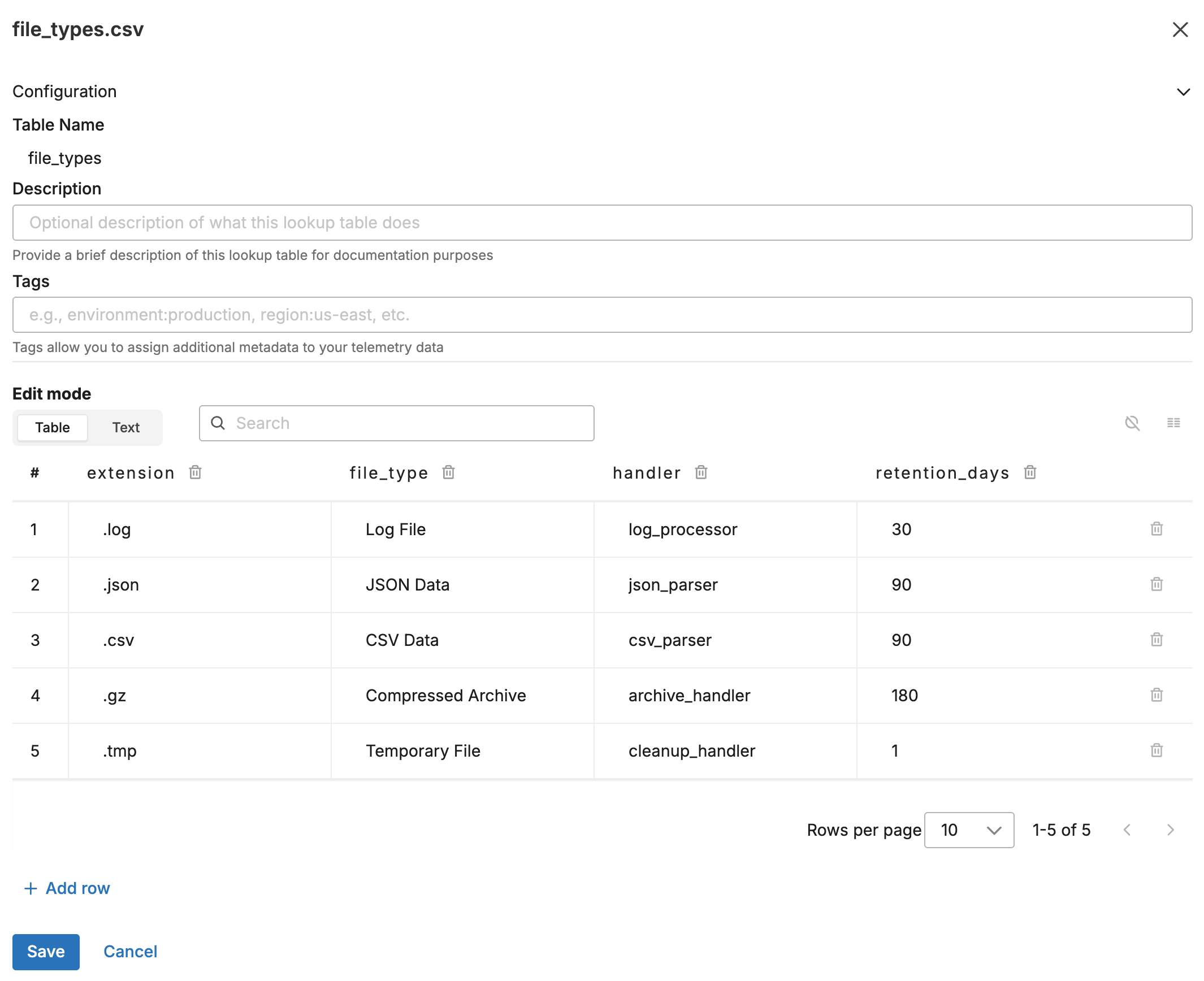
Upload this CSV to the Knowledge Library as file_types.csv:
extension,file_type,handler,retention_days
.log,Log File,log_processor,30
.json,JSON Data,json_parser,90
.csv,CSV Data,csv_parser,90
.gz,Compressed Archive,archive_handler,180
.tmp,Temporary File,cleanup_handler,1
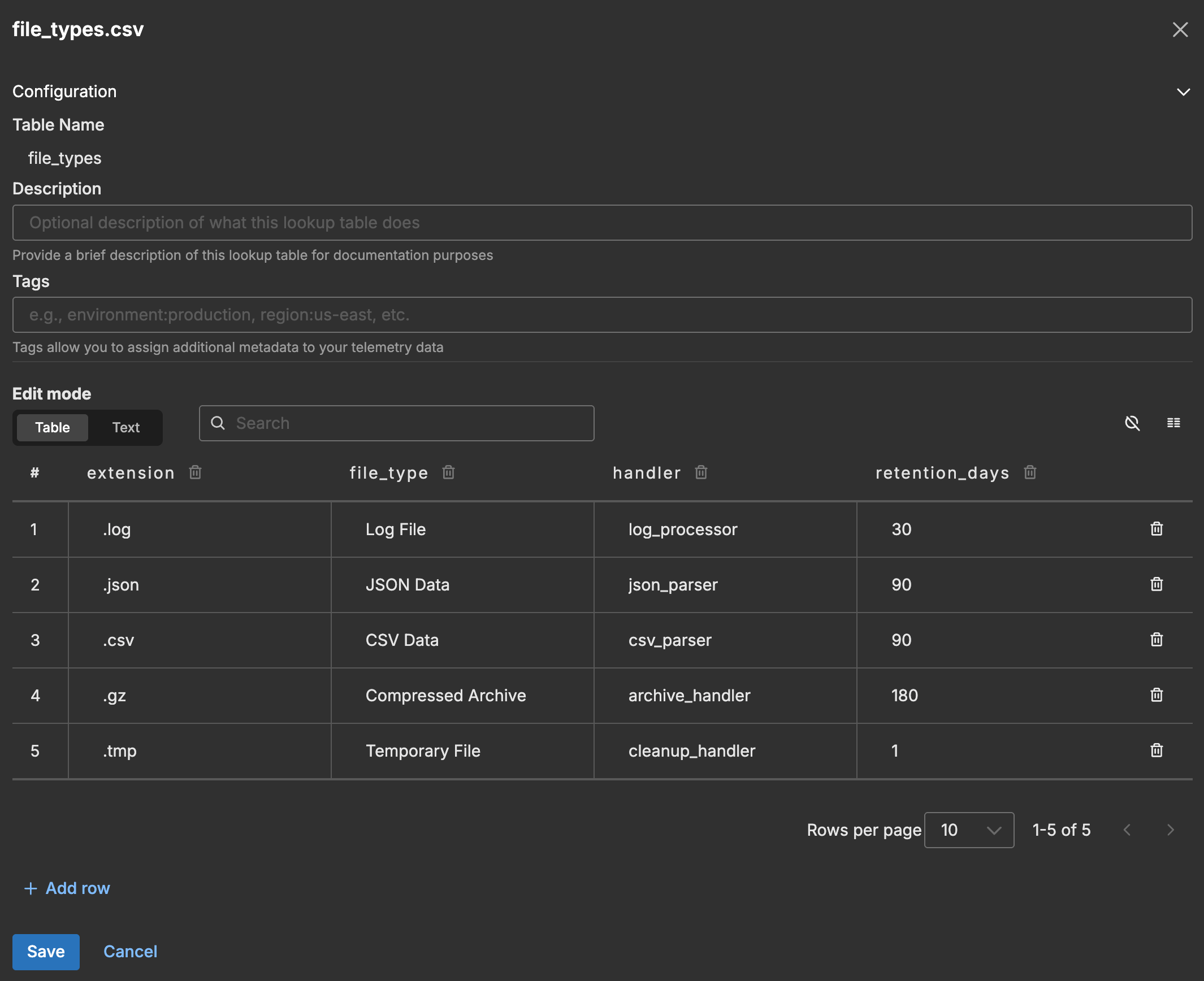
The following screenshot shows the lookup table in the Knowledge Library.
Input Data
A log arrives with a filename attribute:
{
  "body": "{\"timestamp\":\"2026-01-27T10:30:45.123Z\",\"filename\":\"application-2026-01-27.log\",\"size_bytes\":1048576,\"message\":\"Processing file upload\"}",
  "attributes": {
    "filename": "application-2026-01-27.log"
  }
}
Configuration
- name: suffix_match_lookup
  type: sequence
  user_description: File Type Classification
  processors:
  - type: lookup
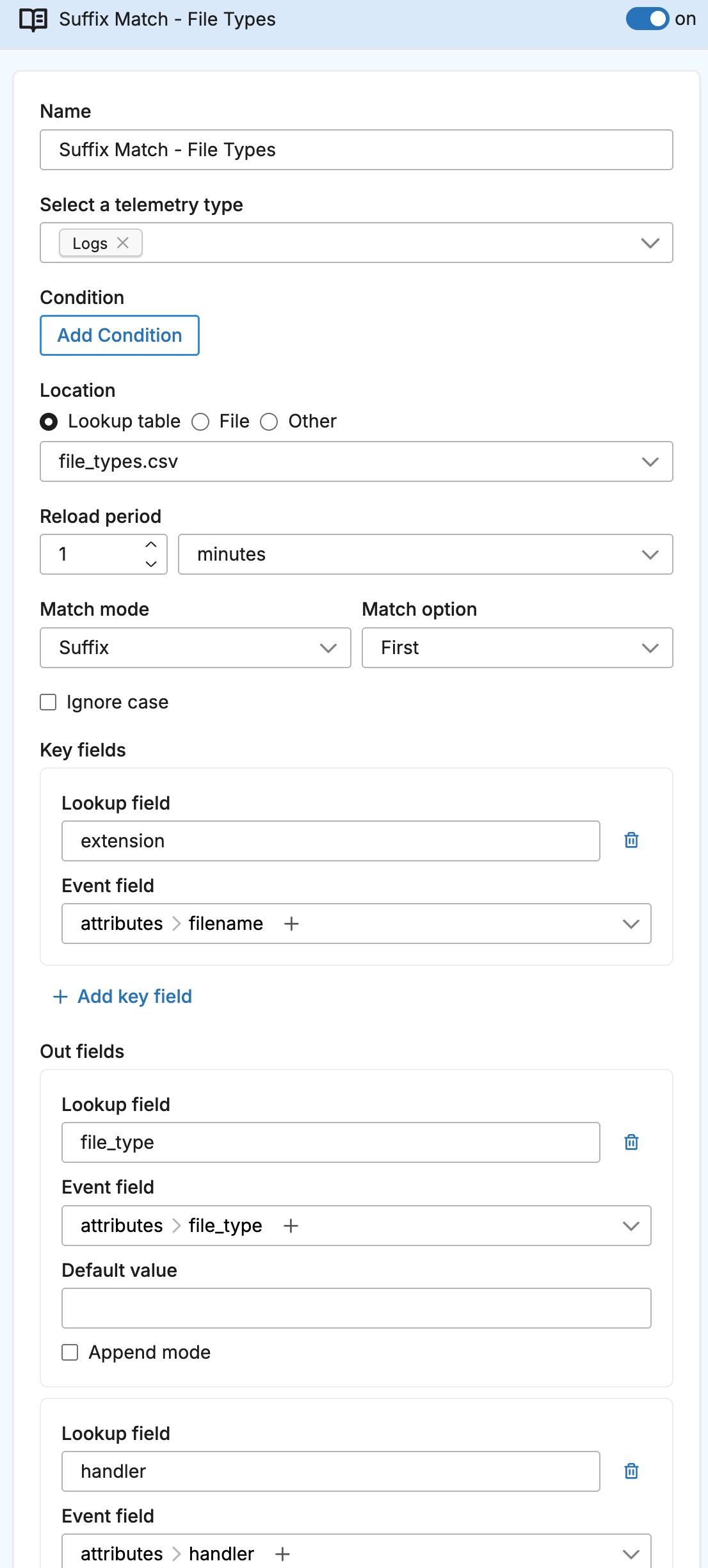
    metadata: '{"id":"suffix-match-lookup","type":"lookup","name":"Suffix Match - File Types"}'
    data_types:
    - log
    location_path: ed://file_types.csv
    reload_period: 1m0s
    match_mode: suffix
    key_fields:
    - event_field: attributes["filename"]
      lookup_field: extension
    out_fields:
    - event_field: attributes["file_type"]
      lookup_field: file_type
    - event_field: attributes["handler"]
      lookup_field: handler
    - event_field: attributes["retention_days"]
      lookup_field: retention_days
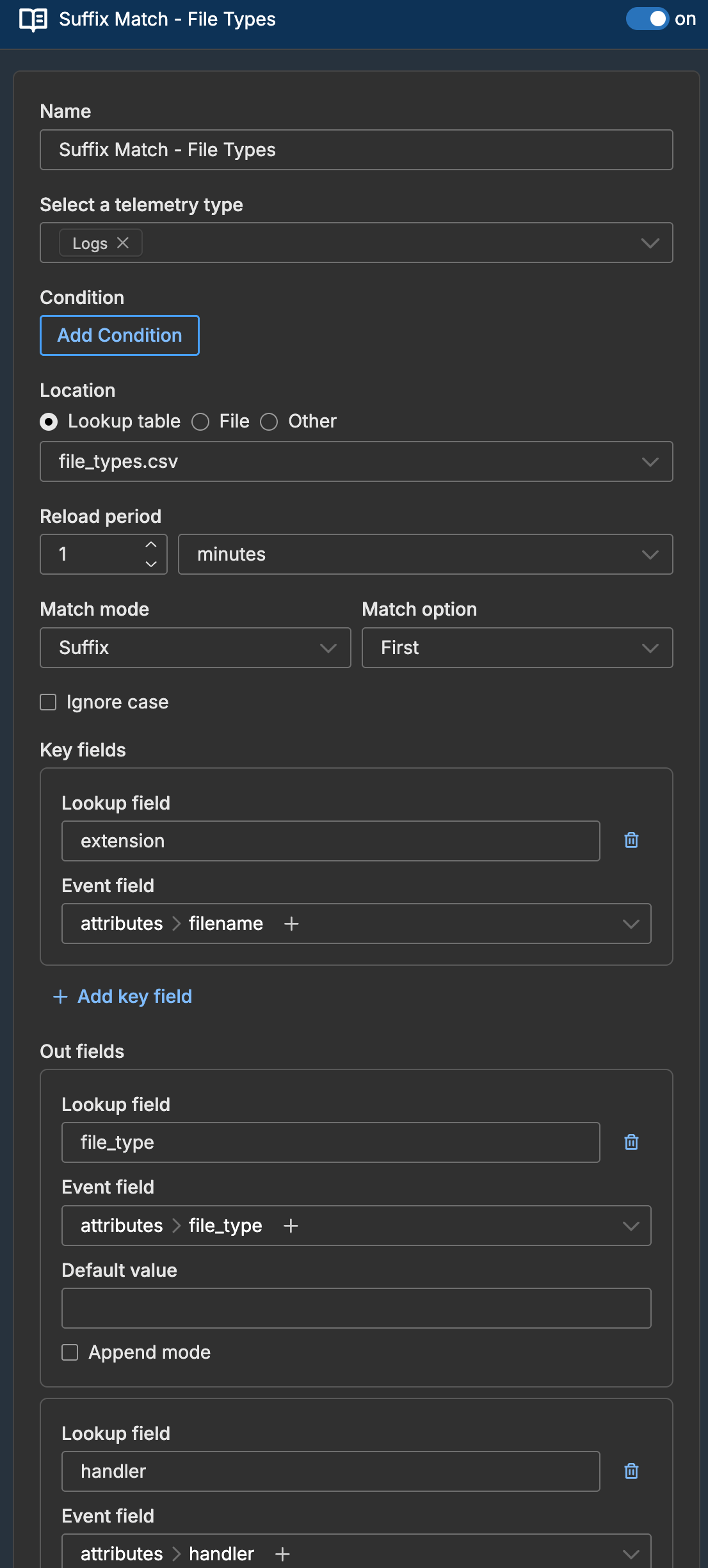
The following screenshot shows the lookup processor configured in a pipeline.
Output Data
The log is enriched based on the .log suffix match:
{
  "body": "{\"timestamp\":\"2026-01-27T10:30:45.123Z\",\"filename\":\"application-2026-01-27.log\",\"size_bytes\":1048576,\"message\":\"Processing file upload\"}",
  "attributes": {
    "filename": "application-2026-01-27.log",
    "file_type": "Log File",
    "handler": "log_processor",
    "retention_days": "30"
  }
}
How Suffix Matching Works
The processor checks if the event field value ends with the lookup field value:
| Event Field Value | Lookup Suffix | Match? |
|---|---|---|
application.log | .log | Yes |
data.json.gz | .gz | Yes |
data.json.gz | .json | No (.json not at end) |
report.csv | .csv | Yes |
csv_export.txt | .csv | No |
Example: Environment-Based Routing
Suffix matching also works for identifying environments from hostnames or service names:
Lookup Table
suffix,environment,alert_channel,log_level
-prod,production,#alerts-prod,warn
-staging,staging,#alerts-staging,info
-dev,development,#alerts-dev,debug
.internal,internal,#alerts-internal,info
Configuration
- type: lookup
  name: Environment Classification
  match_mode: suffix
  key_fields:
  - event_field: attributes["hostname"]
    lookup_field: suffix
  out_fields:
  - event_field: attributes["environment"]
    lookup_field: environment
  - event_field: attributes["alert_channel"]
    lookup_field: alert_channel
A host named api-gateway-prod matches -prod and gets enriched with environment: "production".