Specialized Teammates
6 minute read
Overview
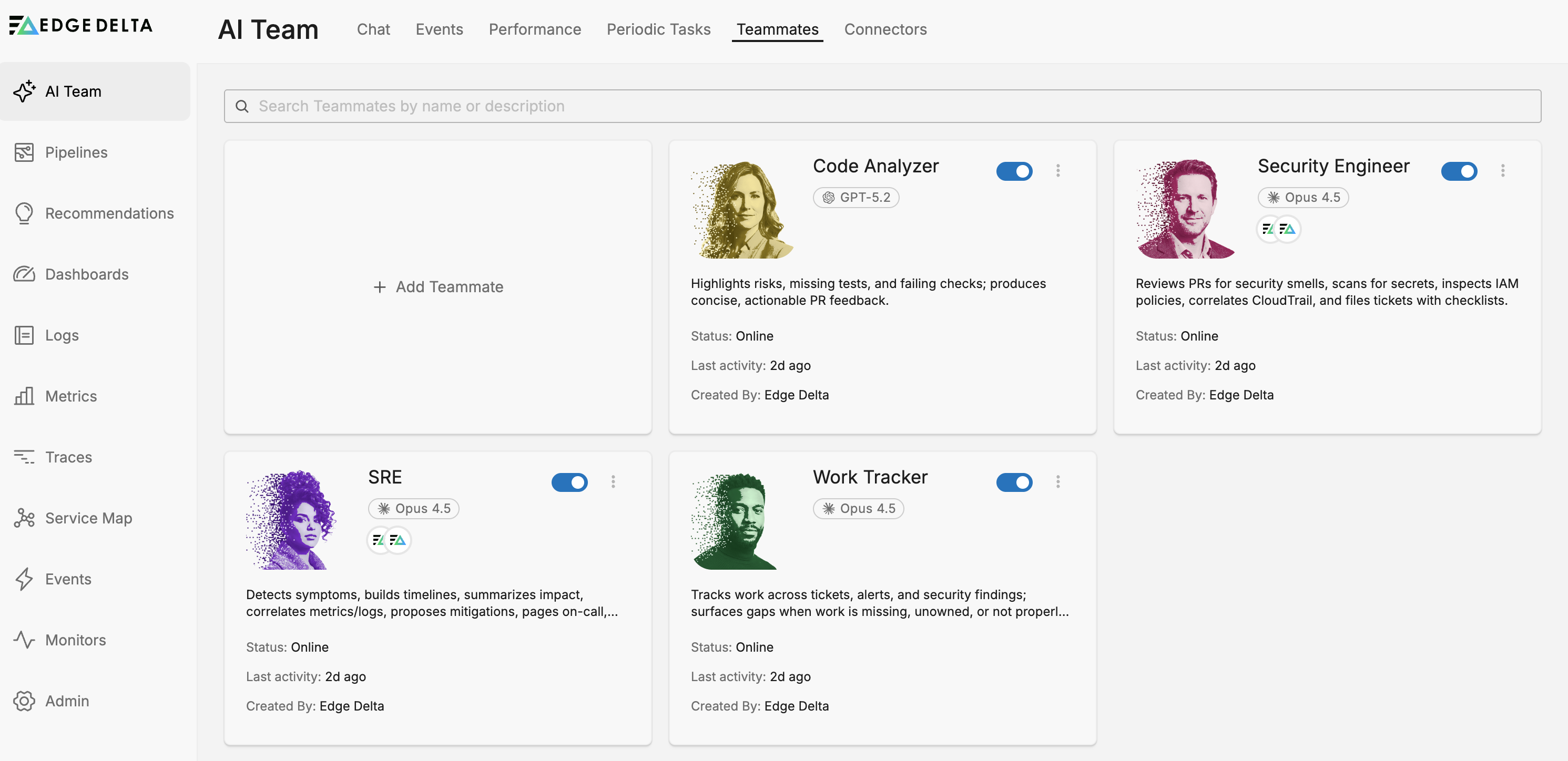
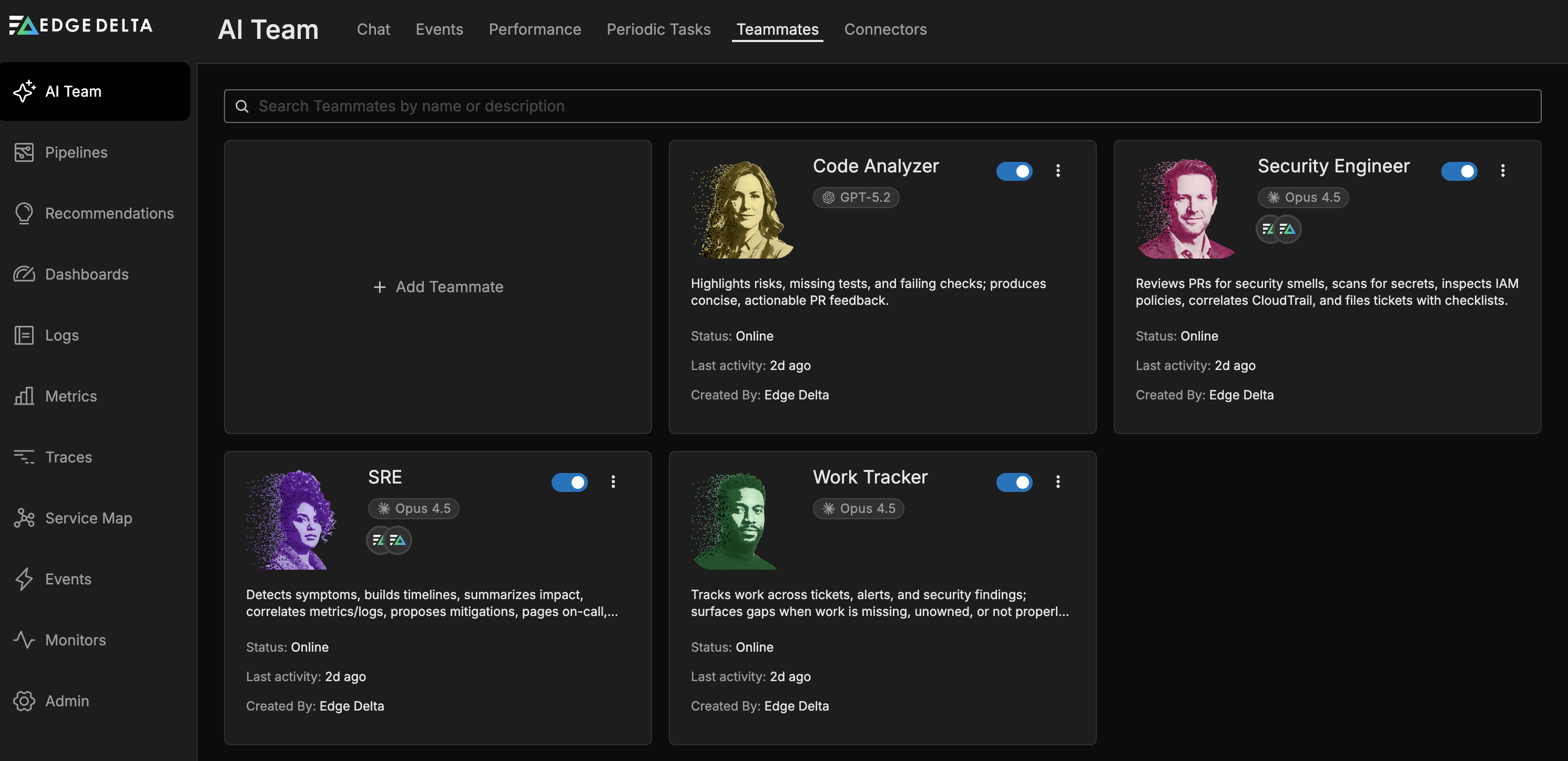
Edge Delta’s AI Team includes out-of-the-box specialized teammates, each with deep expertise in specific domains. These teammates are ready to use immediately and integrate seamlessly with your Telemetry Pipelines and connected tools.
Each specialized teammate has a distinct skill set and access to domain-specific tools that enable them to perform their role effectively.
The Value of Pre-Built Expertise
Specialized teammates eliminate the prompt engineering burden that typically blocks AI adoption in operations. Each teammate ships with a production-ready system prompt that encodes operational best practices: which tools to invoke for specific scenarios, how to interpret findings, when to escalate, and how to communicate results. These prompts reflect accumulated knowledge from customer deployments and domain expertise in SRE, security, infrastructure management, and software development.
Crafting effective prompts requires understanding both the operational domain and the nuances of how foundation models interpret instructions. Small phrasing differences produce dramatically different behaviors. Each iteration consumes tokens and delays value realization. Organizations typically face weeks or months of experimentation before achieving reliable agent behavior—a tax that prevents many teams from realizing AI’s operational value.
By providing pre-tuned specialists, Edge Delta removes this barrier. Teams gain immediate productivity from teammates that already understand their domain, use tools correctly, and communicate findings appropriately. Organizations retain full customization capability when workflows mature, but start from a proven foundation rather than a blank prompt template.
Model Selection and Cost Efficiency
Specialized teammates ship with carefully selected foundation models that balance response quality against operational cost. Models differ substantially in how many tokens they consume for similar workloads, and those differences compound as usage scales across dozens of investigations daily.
Edge Delta assigns models based on the cognitive demands of each role:
- OnCall AI and the reasoning-heavy roles such as SRE and Software Engineer use high-capability models with a high reasoning effort, for complex orchestration decisions, context synthesis, and multi-step reasoning across specialist findings
- Other specialized teammates use more efficient models matched to their domain, balancing capability against token efficiency for high-volume operations
Edge Delta updates these defaults as providers release new models, so the assignment for any given teammate changes over time. To see the model a teammate is using now, open its configuration on the Teammates tab.
Organizations can override these defaults when specific workflows justify different trade-offs, guided by consumption metrics showing the cost implications of model choices. The platform tracks token usage per teammate and per model, enabling data-driven optimization decisions.
OnCall AI
OnCall AI is the intelligent orchestrator at the heart of Edge Delta’s AI Team. It serves as your primary interface for interacting with the platform, routing requests to the most appropriate specialized teammates, coordinating multi-teammate workflows, and synthesizing responses into clear, actionable summaries. OnCall AI functions differently from other teammates in the AI Team. While specialized teammates have deep expertise in specific domains (observability, security, infrastructure, etc.), OnCall AI’s role is to:
- Serve as First Point of Contact: Act as the main interface for customers, prospects, and internal teams seeking information about Edge Delta’s observability and telemetry platform
- Intelligent Request Routing: Analyze incoming questions and route them to the most appropriate specialized teammate
- Coordinate Multi-Teammate Workflows: Manage complex requests requiring input from multiple teammates
- Synthesize and Summarize: Provide clear summaries of specialized teammate responses, making complex technical information accessible
- Provide Platform Guidance: Offer direct answers for general platform questions, feature explanations, and initial technical guidance
SRE
The SRE Teammate specializes in incident response and infrastructure monitoring. It detects symptoms, builds timelines, summarizes impact, correlates metrics and logs, proposes mitigations, pages on-call responders, and drafts incident summaries. It handles the mechanical investigation work so engineers can focus on resolution.
The SRE Teammate works best with the Edge Delta MCP connector and integrations like PagerDuty, Kubernetes, and major cloud providers (AWS, Azure, GCP).
Use cases include:
- Investigating triggered alerts by correlating logs, metrics, and traces
- Building incident timelines and impact summaries
- Paging on-call responders and drafting post-incident reports
Software Engineer
The Software Engineer Teammate checks out repository code and performs operations on it using an isolated sandbox — a virtual machine provisioned on demand where it can clone repositories, read full codebases, write and test code, and open pull requests.
The Software Engineer requires a GitHub or GitLab connector with sandboxing capabilities enabled. Rather than relying on code snippets passed through the context window, the sandbox gives the Software Engineer teammate access to the full file system, bash commands, and the ability to write, compile, and run code. You control which operations are available — for example, you can enable checkout for read-only Q&A over a repository while disabling push and pull request capabilities.
Use cases include:
- Answering questions about a codebase by checking out and reading the repository
- Generating code fixes and opening pull requests
- Automating routine code changes across repositories
Work Tracker
The Work Tracker Teammate tracks work across tickets, alerts, and security findings. It surfaces gaps when work is missing, unowned, or not properly recorded - connecting signals from your observability platform to project management tools to ensure findings result in tracked, assigned actions.
The Work Tracker requires a Jira or Linear connector to create and update issues on behalf of the AI Team.
Use cases include:
- Creating tickets from triggered alerts or investigation findings
- Surfacing untracked or unowned issues across connected systems
- Keeping project management tools in sync with incident and security workflows
Specialized Teammate Comparison Matrix
This matrix shows recommended connector assignments for each specialized teammate to enable their core capabilities:
| Teammate | Primary Domain | Activates with |
|---|---|---|
| OnCall AI | Orchestration & routing | None (orchestrates other teammates) |
| Security Engineer | Security posture | GitHub, AWS, Jira, CrowdStrike FDR |
| SRE | Incident response & infrastructure | Edge Delta MCP PagerDuty, Kubernetes, AWS, Azure, GCP |
| Work Tracker | Workflow sync | GitHub, Jira, Linear |
| Software Engineer | Code generation & repo operations | GitHub or GitLab (with sandboxing capabilities) |
How to Access Specialized Teammates
Through OnCall AI
- Open a channel and start a thread.
- Ask your question—OnCall AI routes it to the appropriate specialized teammates.
- Receive orchestrated, summarized responses in the thread.
In Channels
- Create or open a channel
- Add specialized teammates to the channel via Channel Settings
- Post questions in the channel—relevant specialized teammates will respond
Direct Message
- Navigate to the Chat tab
- Find the teammate in the Direct Messages section
- Click the teammate’s name
- Start a conversation
Configure Specialized Teammates
While specialized teammates come pre-configured with sensible defaults, you can customize their behavior to match your team’s workflows:
- Navigate to the Teammates tab in AI Team
- Click the kebab icon (⋮) on the specialized teammate tile you want to customize (e.g., SRE, Security Engineer)
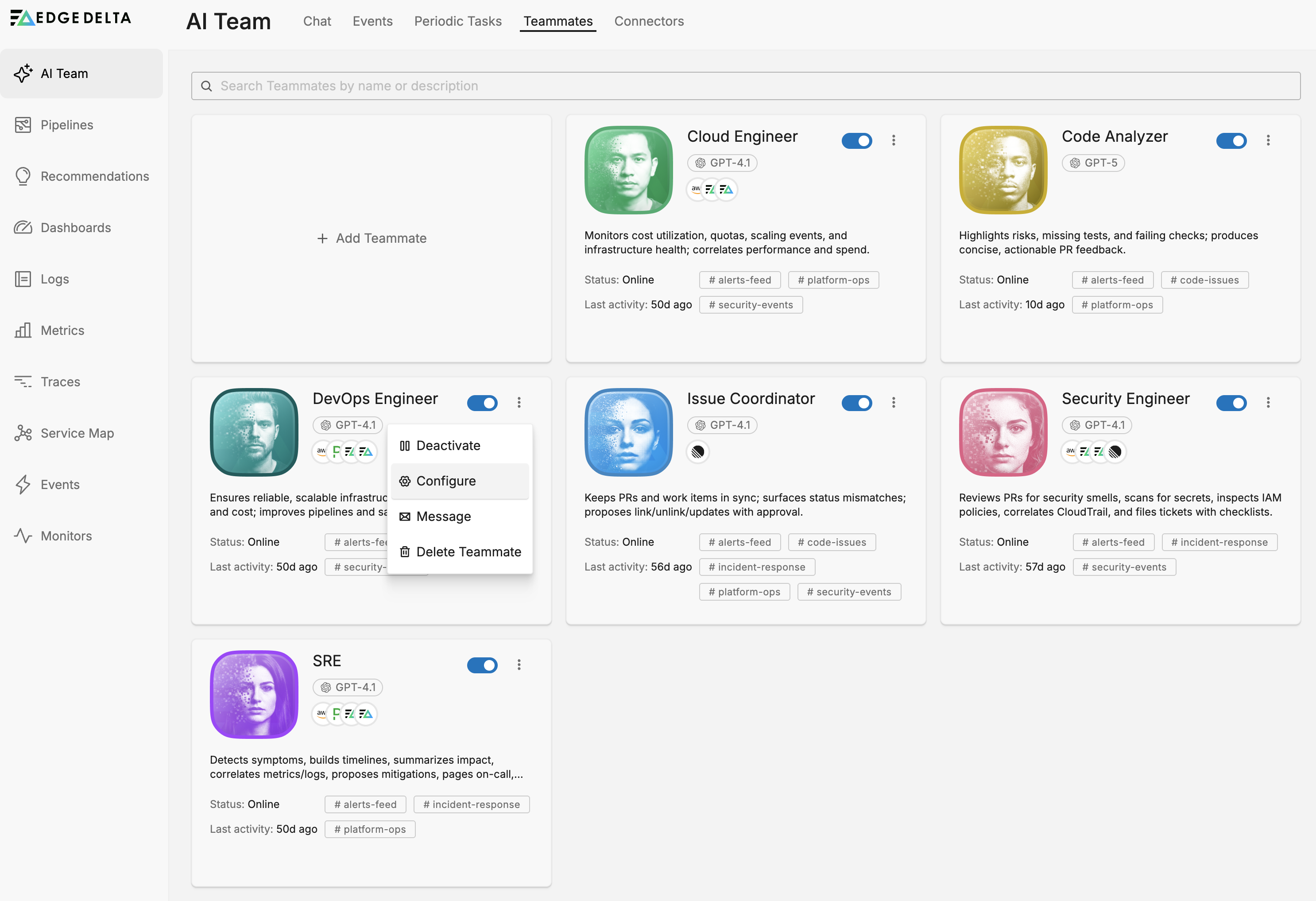
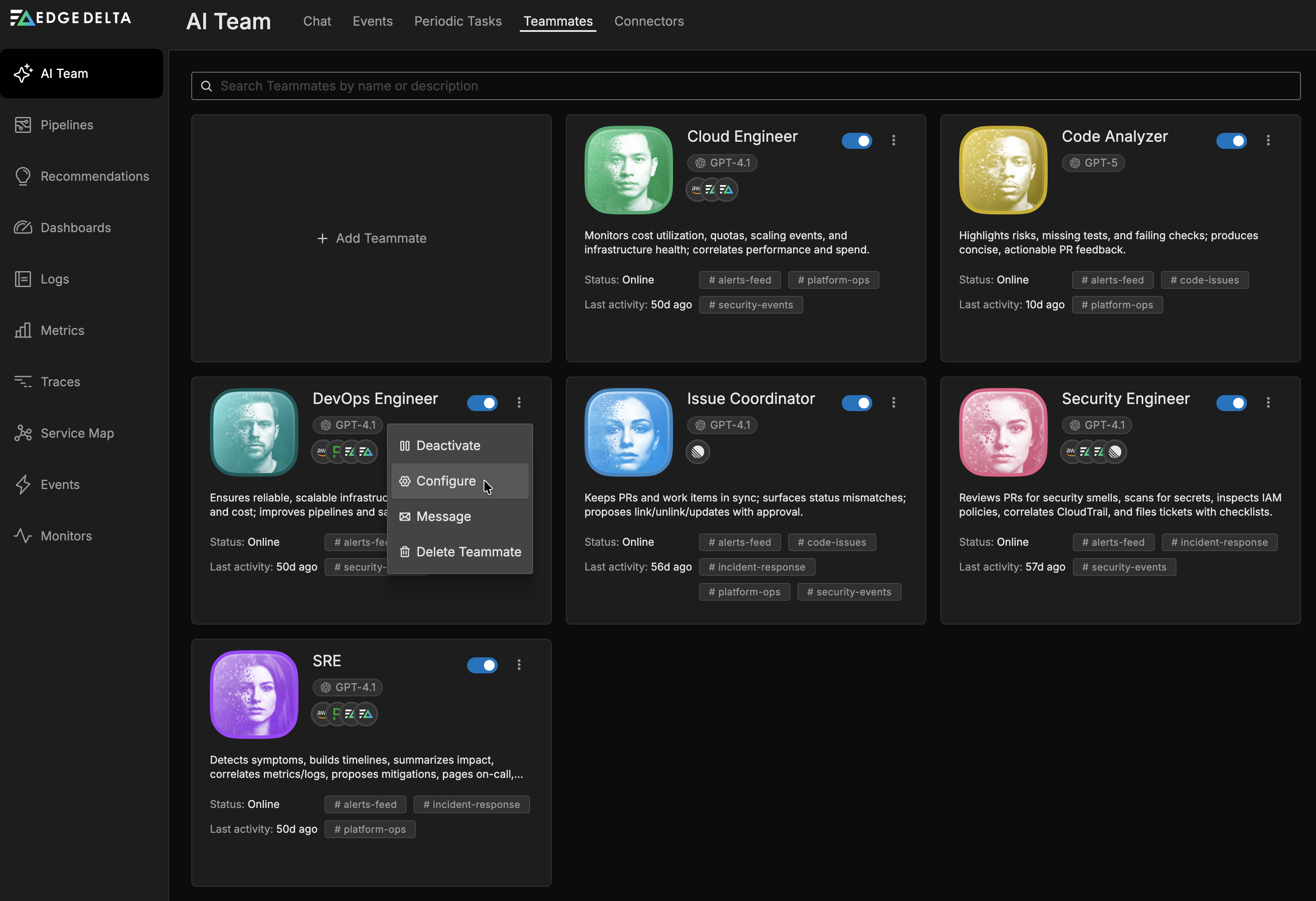
- Select Configure
- Modify the configuration as needed
- System Prompt: Refine the teammate’s behavior, priorities, and communication style. See System Prompt Terminology for standard terms.
- Model Selection: Pick a provider, then a model from that provider, based on response quality needs. Providers are Anthropic, OpenAI, Gemini, and xAI
- Connectors: Add or remove connectors to control what data sources the teammate can access
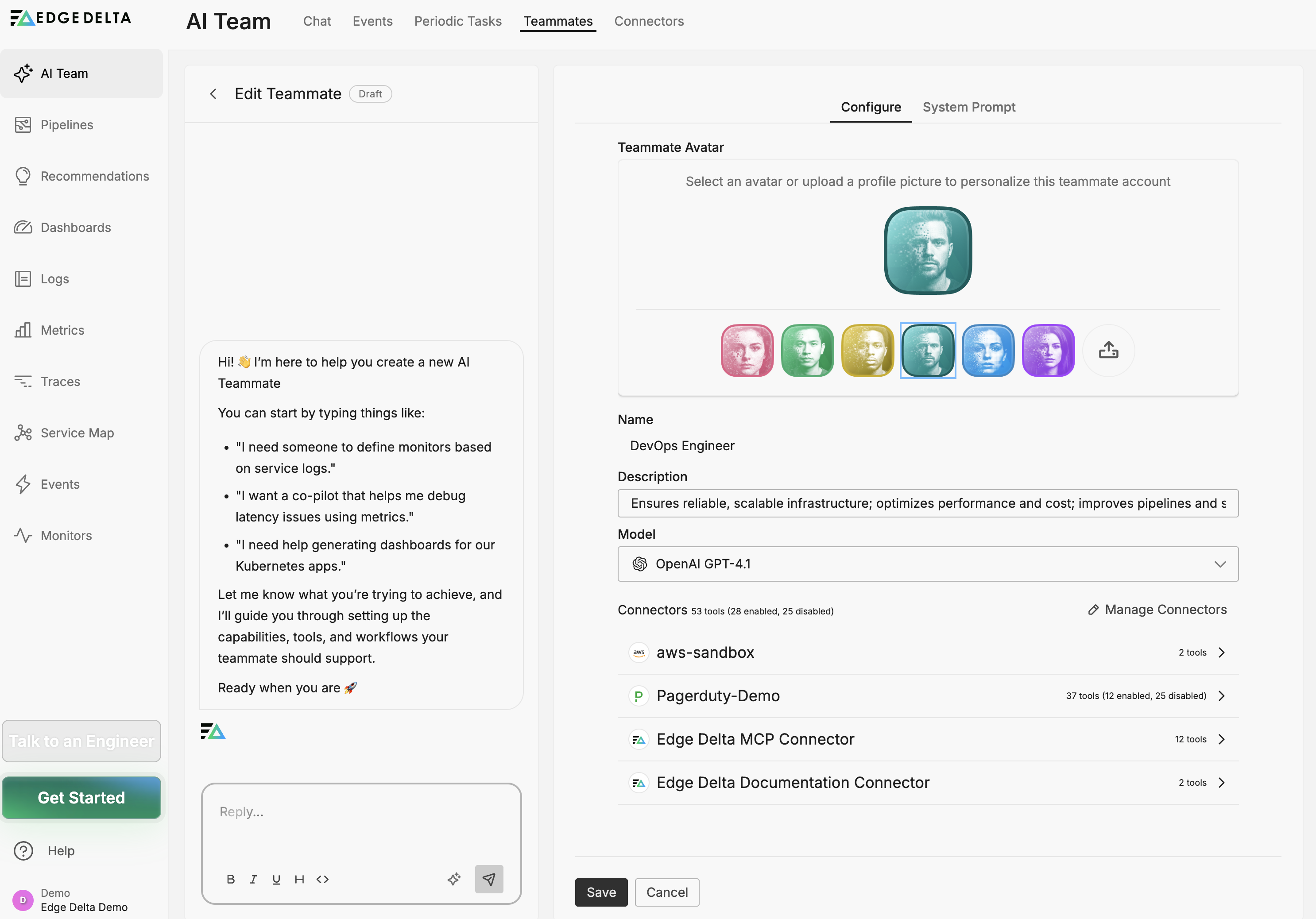
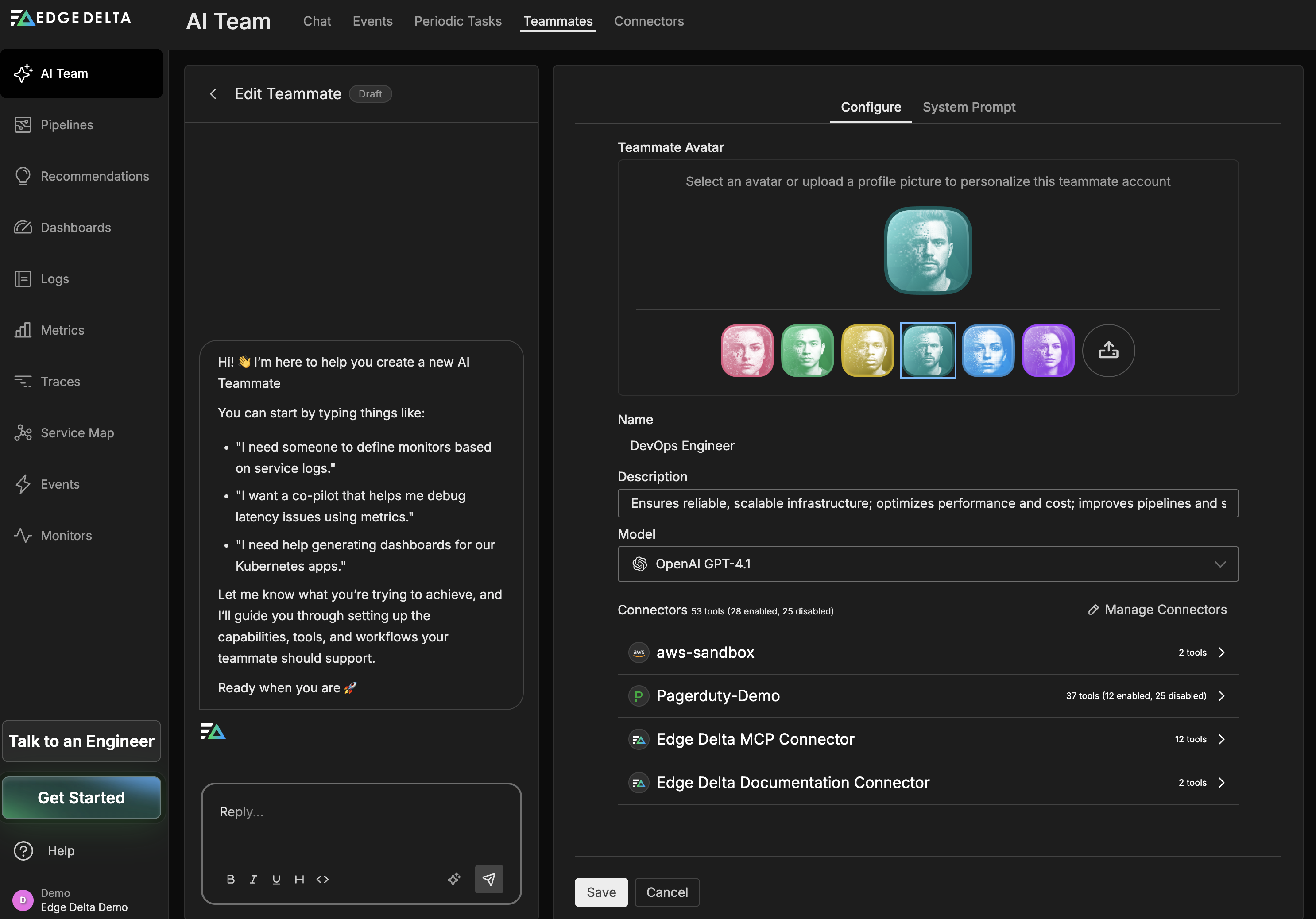
- Click Save to apply changes
Note: Changes to specialized teammates affect all users in your organization. Consider the broader impact before modifying default behaviors.
Configuration changes to specialized teammates are tracked automatically. See Version History for details on viewing, comparing, and reverting versions.
To schedule automated checks or reports for specialized teammates, create a workflow with a Periodic Run trigger and a Teammate node that invokes the specialist.
Next Steps
- Sandbox for how teammates use the isolated execution environment
- Learn how to create custom teammates with specialized roles
- Build workflows to automate monitoring and reporting
- Explore connectors to enable specialized teammate capabilities
- Understand channels for multi-teammate workflows
For additional help with specialized teammates, visit AI Team Support.