Start AI Conversation Action
2 minute read
Overview
The Start AI Conversation action creates a new AI-powered conversation thread in a specified channel. Use it to initiate automated discussions, escalate issues to AI teammates, or create incident threads that leverage AI assistance.
Configuration
To add a Start AI Conversation action to your workflow:
- Click Add Node and select Action
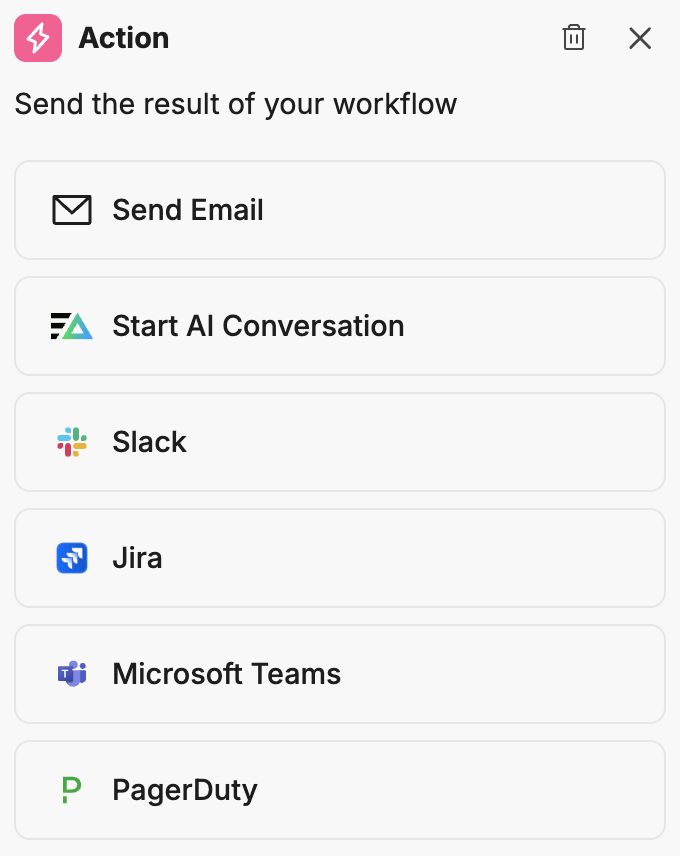
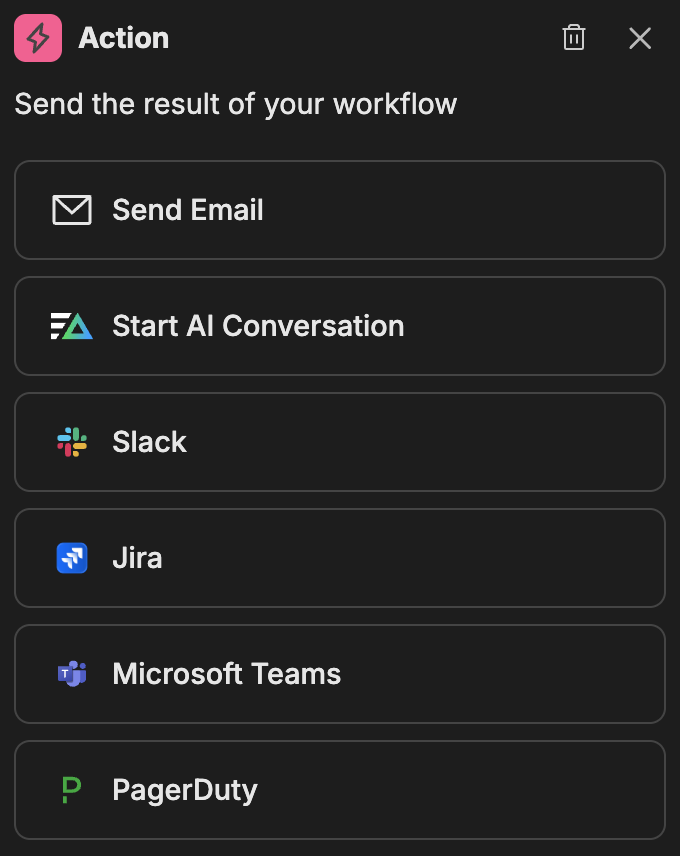
- In the action configuration panel, select Start AI Conversation
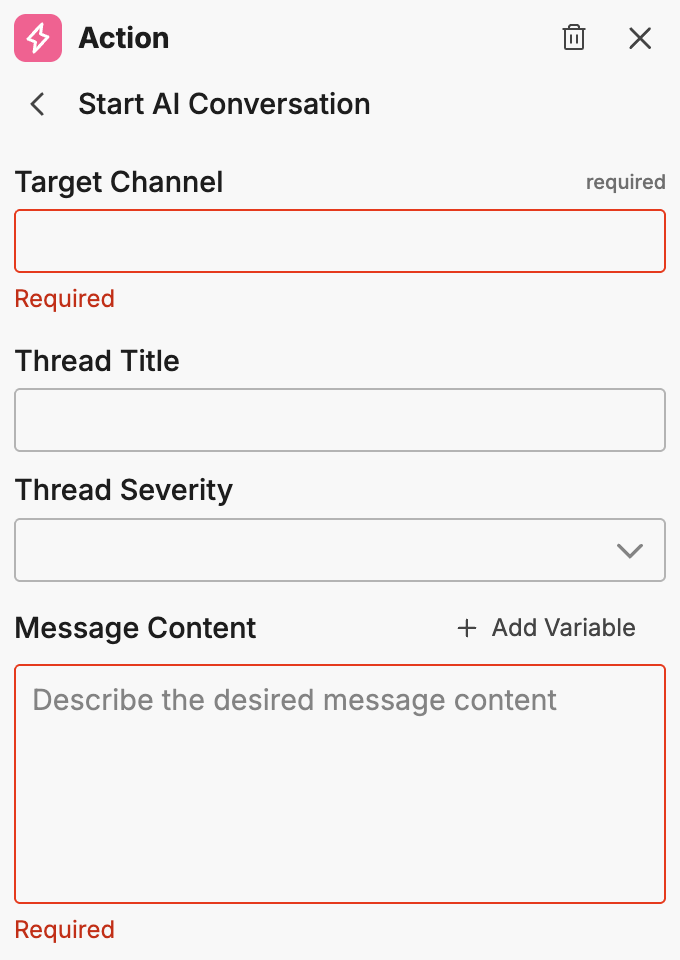
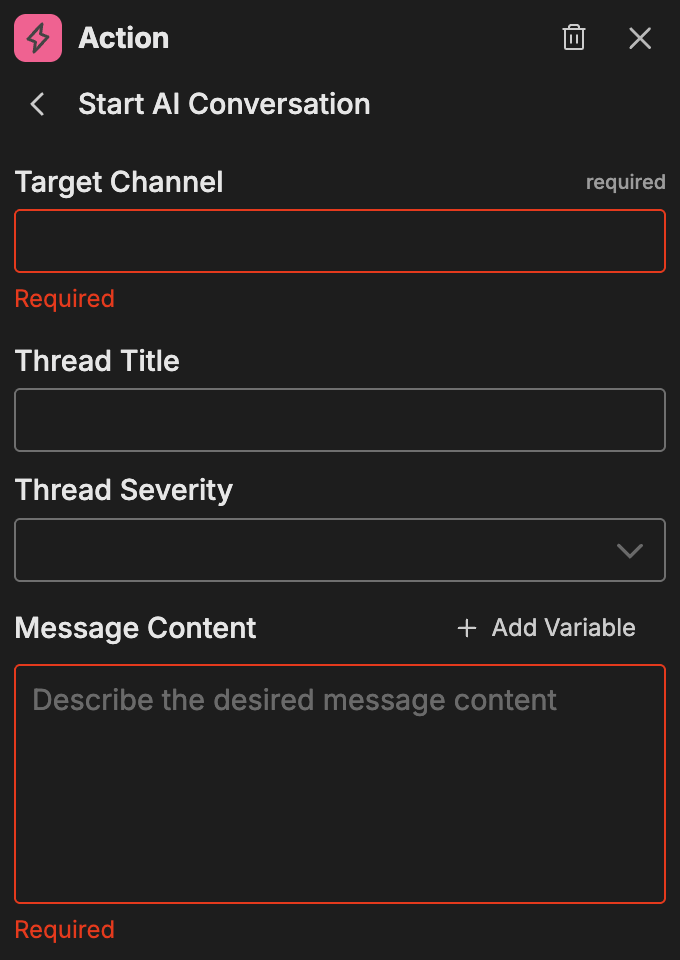
Options
Target Channel
Select the channel where the AI conversation thread will be created. Choose from the available channels configured in your organization.
Thread Title
The title for the conversation thread. This appears as the thread header and helps identify the conversation topic.
Thread Severity
Set the severity level for the conversation thread. This helps prioritize and categorize the conversation for team members reviewing active threads.
Message Content
The initial message content that starts the conversation. This message provides context for the AI and any team members who join the thread.
To add dynamic content:
- Click Add Variable
- Select from the available variables in the dropdown
Note: You must run the workflow at least once or connect nodes with outputs to see available variables.
Example use cases
Common patterns for the Start AI Conversation action:
- Incident response: Automatically create an AI-assisted incident thread when critical alerts fire
- Triage automation: Start conversations with relevant context pre-populated for faster diagnosis
- Escalation workflows: Create AI threads when issues require additional analysis
- Scheduled reviews: Initiate periodic AI-assisted review sessions for system health
Related resources
- Workflows Overview - Learn about workflow concepts and node types
- Channels - Configure channels for AI conversations
- AI Team Overview - Understand the AI Team ecosystem