Send Email Action
2 minute read
Overview
The Send Email action delivers email notifications as part of your workflow execution. Use it to alert team members, send reports, or notify stakeholders when specific conditions are met.
Configuration
To add a Send Email action to your workflow:
- Click Add Node and select Action
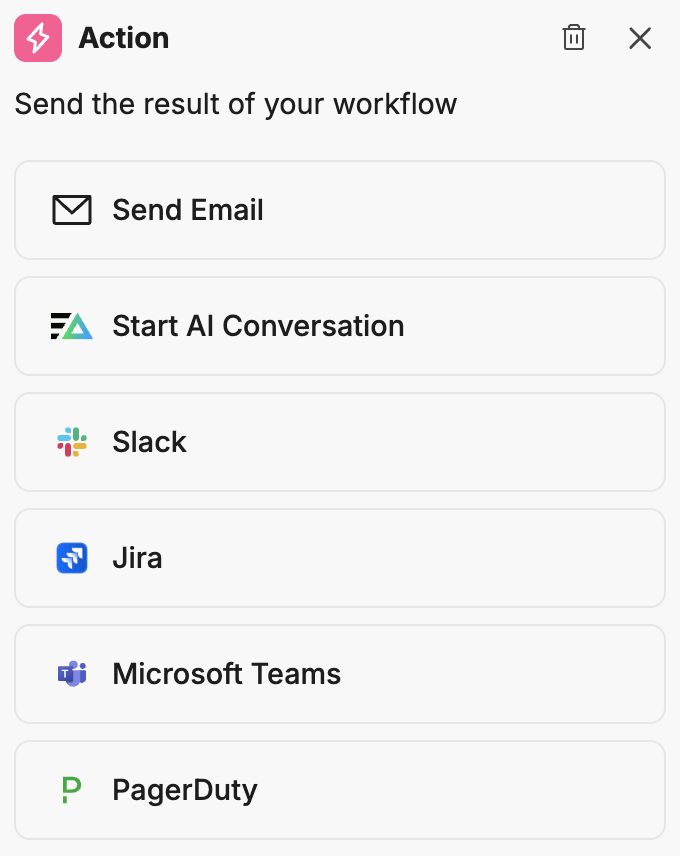
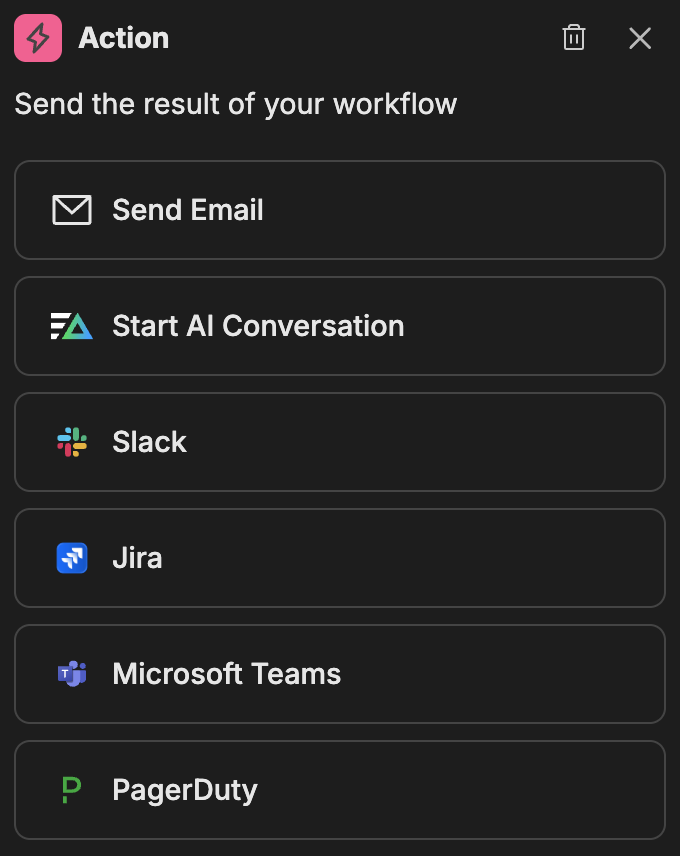
- In the action configuration panel, select Send Email
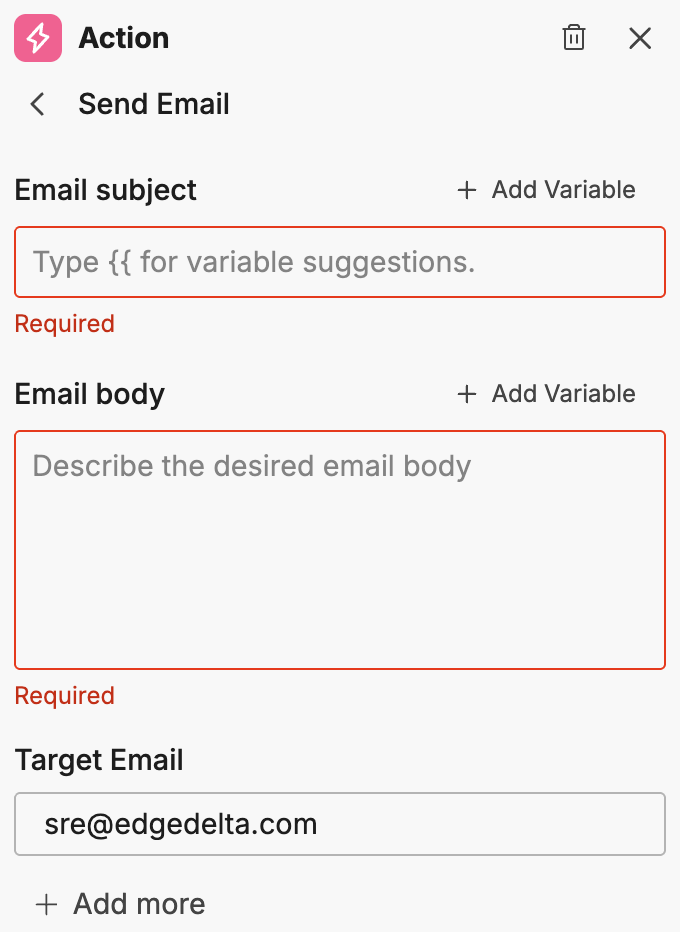
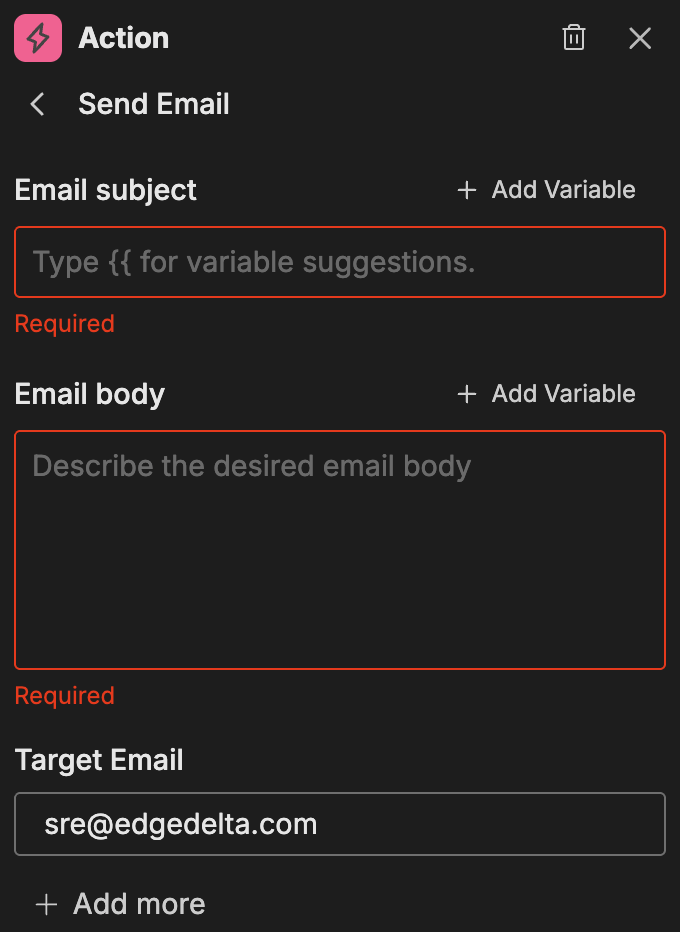
Options
Email Subject
The subject line for the email. You can include dynamic content using variables.
To add a variable:
- Click Add Variable
- Select from the available variables in the dropdown
Note: You must run the workflow at least once or connect nodes with outputs to see available variables.
Email Body
The main content of the email message. The rich text editor supports headings, lists, links, and other HTML formatting. Hover over a variable to see the value populated from the last run.
To add a variable:
- Position your cursor where you want to insert the variable
- Click Add Variable
- Select from the available variables
Note: You must run the workflow at least once or connect nodes with outputs to see available variables.
Target Email
The recipient email address. Enter a valid email address for the primary recipient.
Additional Recipients (CC)
To copy additional recipients on the email:
- Click Add new
- Enter the additional email address
- Repeat for each additional recipient
Additional recipients are copied (CC) on the email and receive the same subject and body content as the primary recipient.
Example use cases
Common patterns for the Send Email action:
- Alert notifications: Send email when a monitor triggers a critical alert
- Daily summaries: Deliver scheduled reports to stakeholders
- Escalation workflows: Notify managers when issues remain unresolved
- Completion notifications: Confirm when automated processes finish
Related resources
- Workflows Overview - Learn about workflow concepts and node types
- Slack Actions - Send notifications to Slack channels
- Microsoft Teams Actions - Send notifications to Teams channels