Jira Actions
3 minute read
Overview
Jira actions enable your workflows to interact with Jira projects. You can create issues, add comments, change statuses, and retrieve issue details. All Jira actions require an Atlassian connector configured in AI Team > Connectors.
Configuration
To add a Jira action to your workflow:
- Click Add Node and select Action
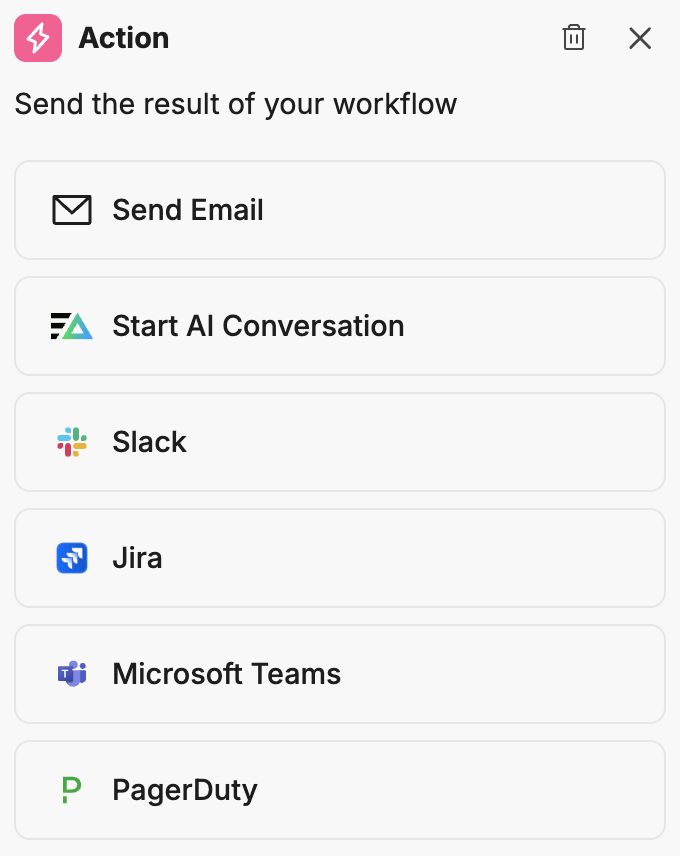
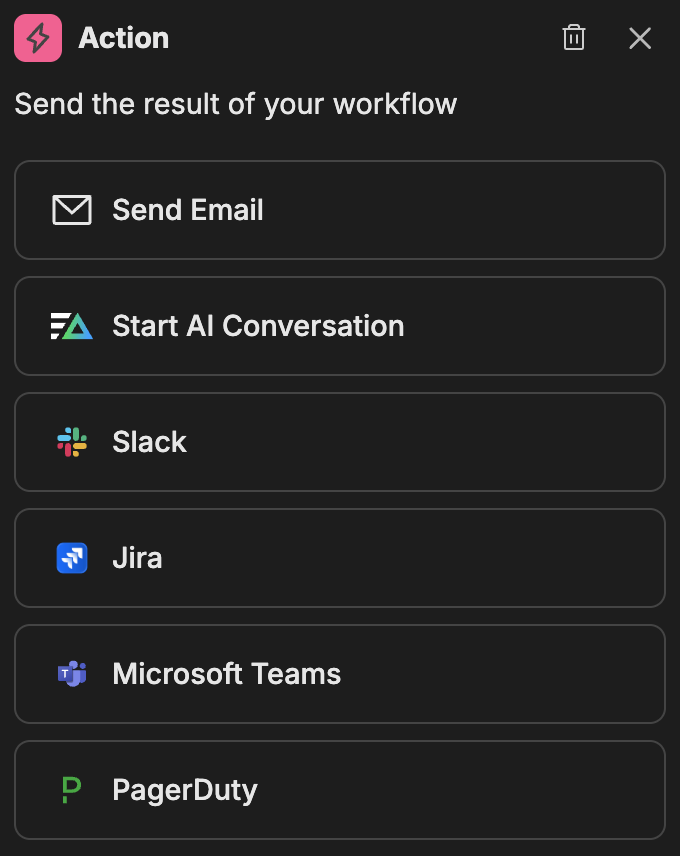
- In the action configuration panel, select Jira
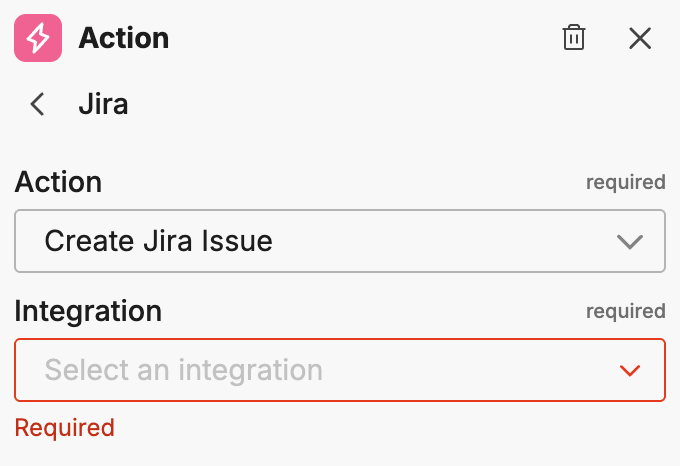
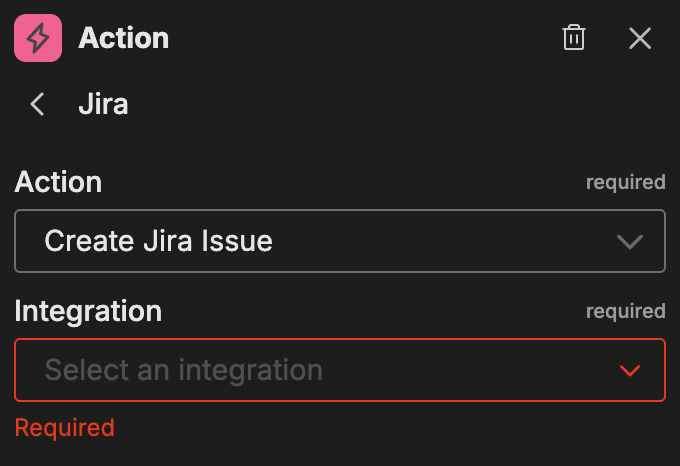
- Select the Integration (your Atlassian connector name)
- Select the Action type
Once you select an integration and action, the action-specific options appear.
Available actions
Create Jira Issue
Creates a new issue in a Jira project.
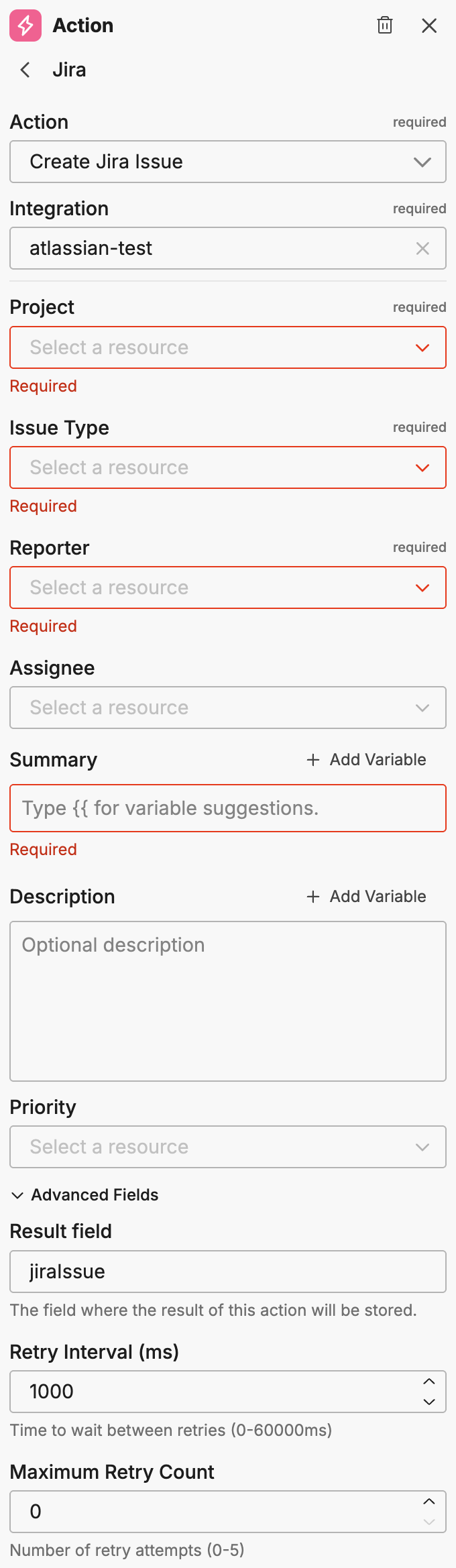
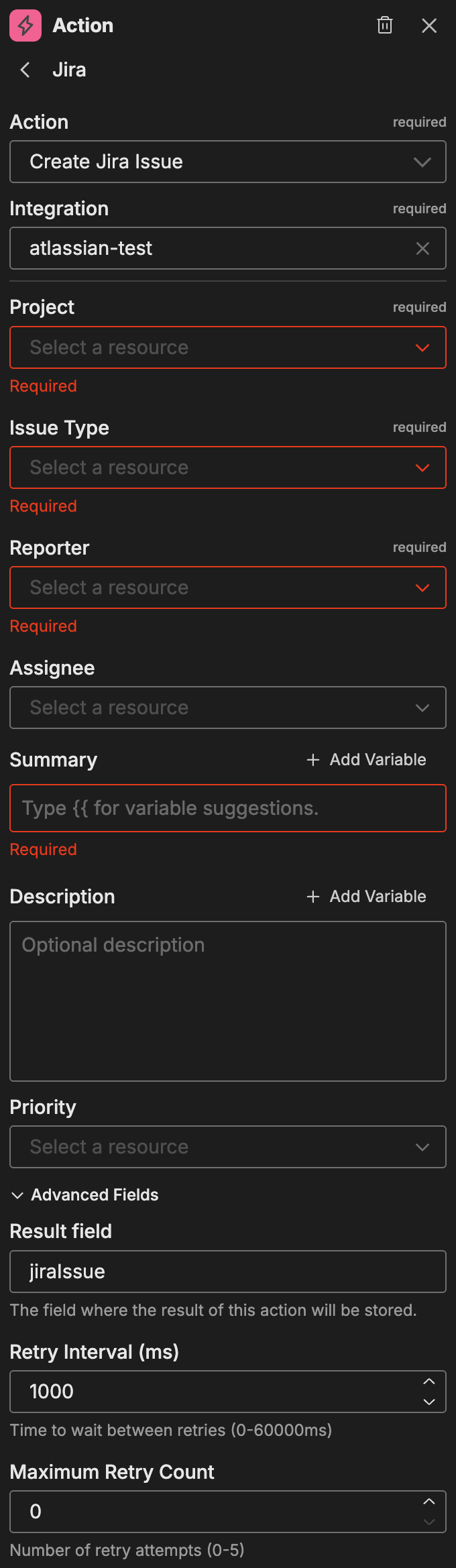
| Option | Description |
|---|---|
| Project | The target Jira project |
| Issue Type | The type of issue (Bug, Task, Story, etc.) |
| Reporter | The user to set as reporter |
| Assignee | The user to assign the issue to |
| Summary | The issue title (supports variables - type {{ for suggestions) |
| Description | The issue description (supports variables) |
| Priority | The issue priority level |
Advanced fields:
| Option | Description |
|---|---|
| Result Field | The field where the result of this action is stored |
| Retry Interval (ms) | Time between retry attempts |
| Maximum Retry Count | Maximum number of retry attempts |
Add Jira Comment
Adds a comment to an existing Jira issue.
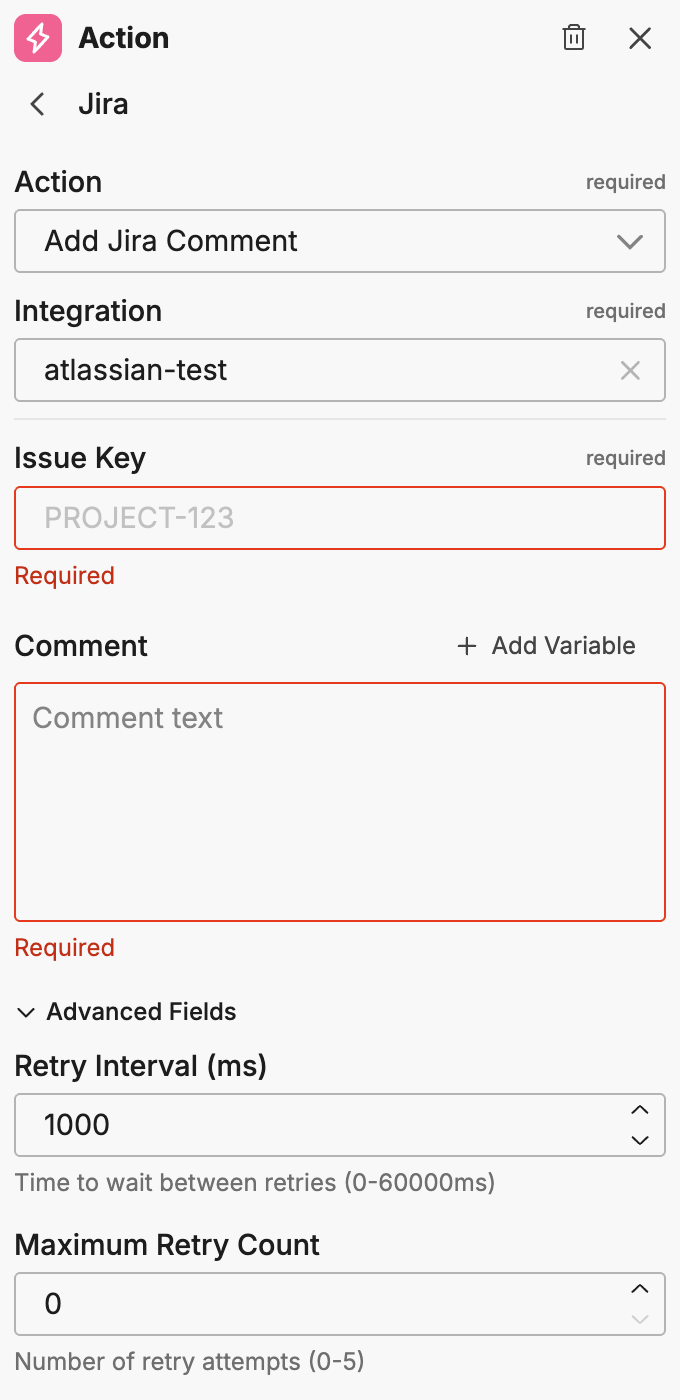
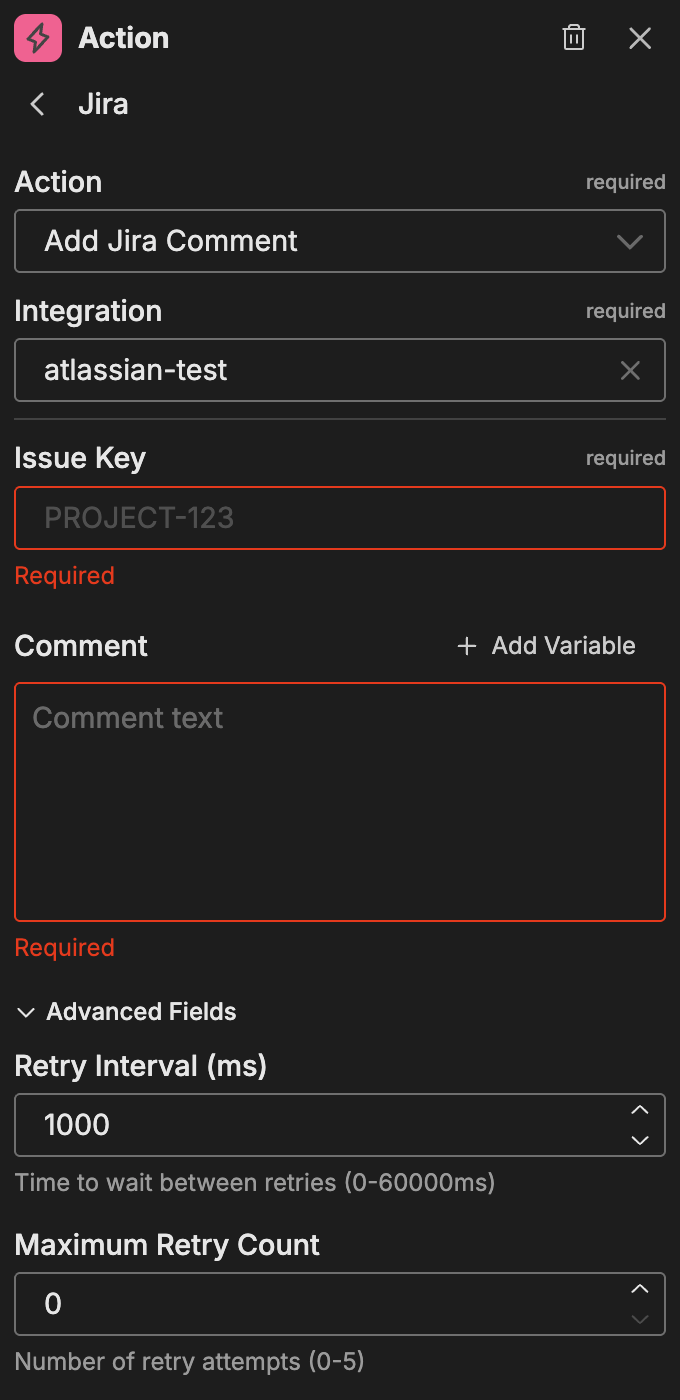
| Option | Description |
|---|---|
| Issue Key | The issue key (for example, PROJ-123) |
| Comment | The comment text (supports variables) |
Advanced fields:
| Option | Description |
|---|---|
| Retry Interval (ms) | Time between retry attempts |
| Maximum Retry Count | Maximum number of retry attempts |
Change Jira Status
Transitions a Jira issue to a different status.
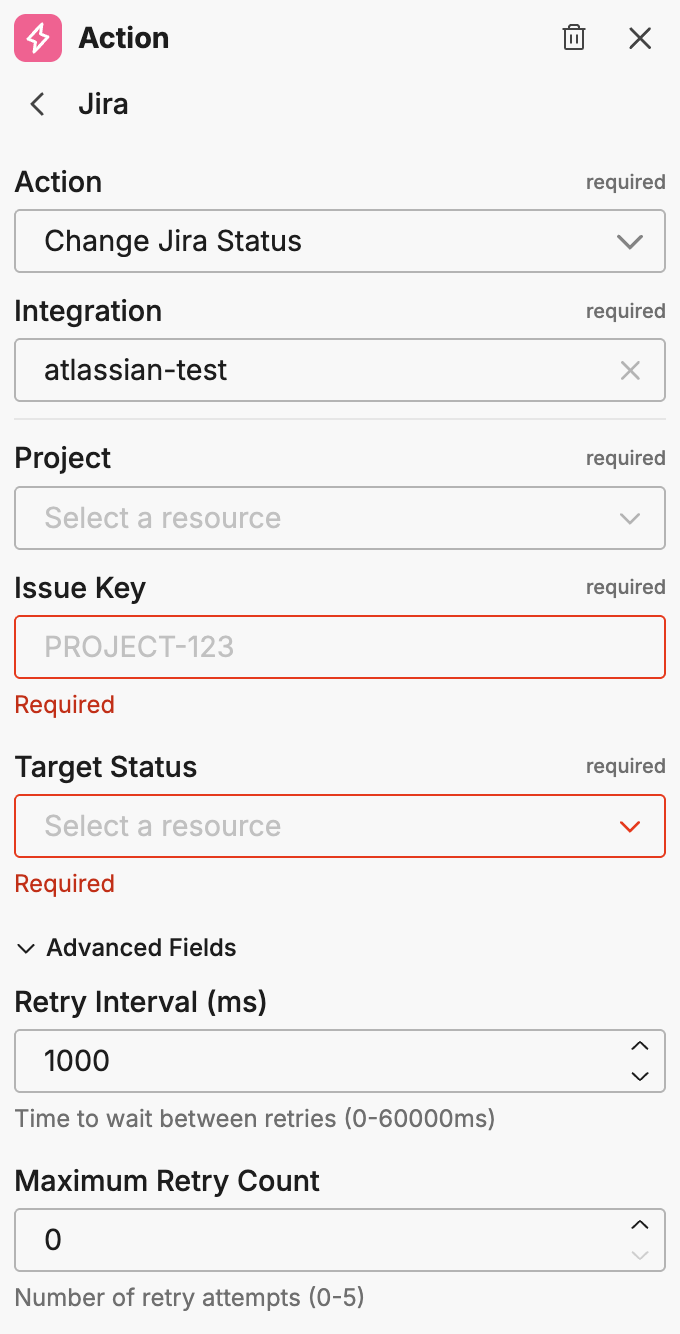
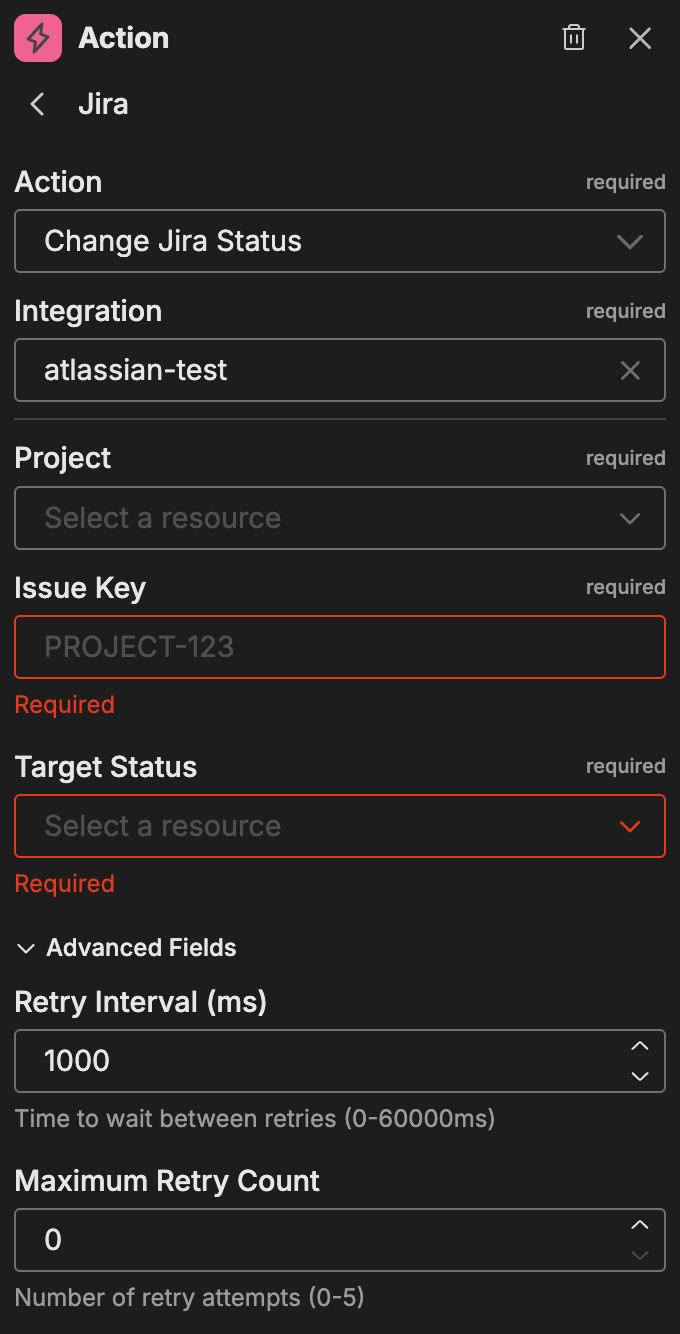
| Option | Description |
|---|---|
| Project | The Jira project |
| Issue Key | The issue key (for example, PROJ-123) |
| Target Status | The status to transition the issue to |
Advanced fields:
| Option | Description |
|---|---|
| Retry Interval (ms) | Time between retry attempts |
| Maximum Retry Count | Maximum number of retry attempts |
Get Jira Issue
Retrieves details about a specific Jira issue.
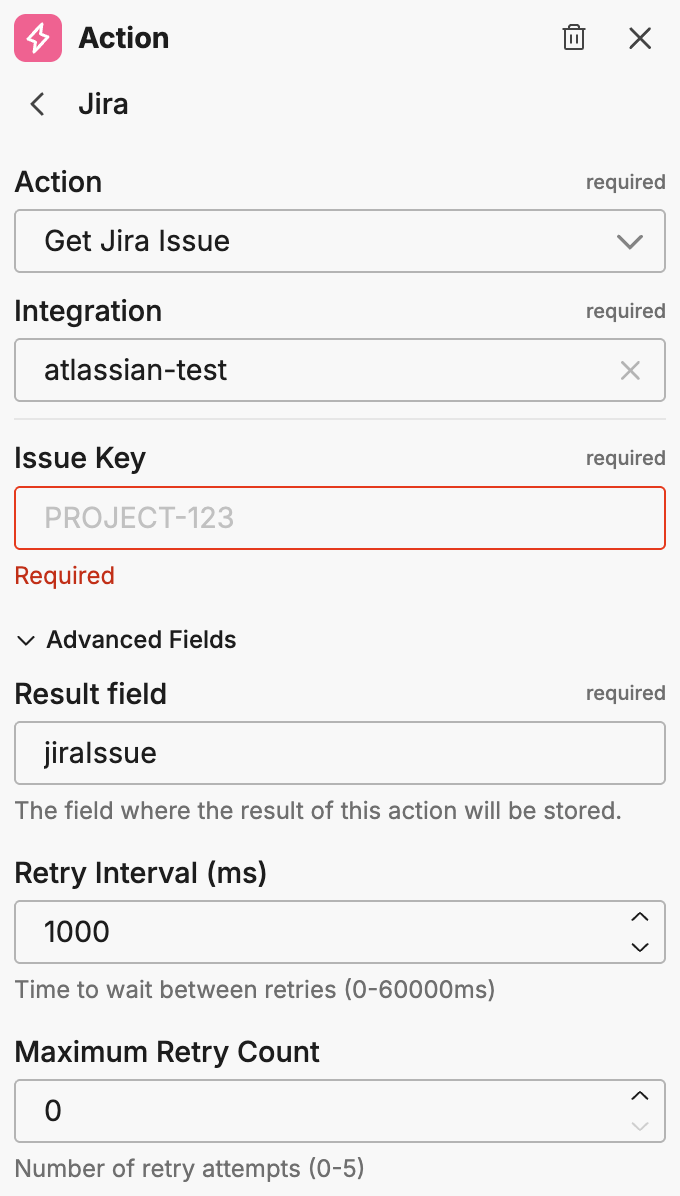
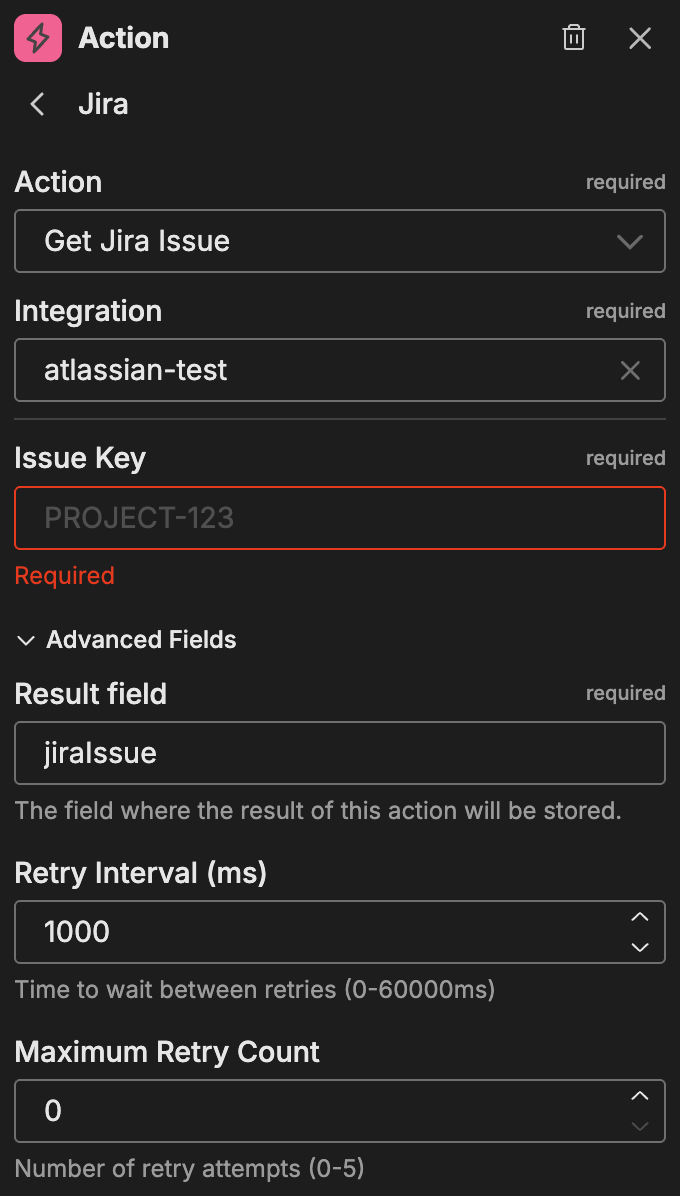
| Option | Description |
|---|---|
| Issue Key | The issue key (for example, PROJ-123) |
Advanced fields:
| Option | Description |
|---|---|
| Result Field | The field where the result of this action is stored |
| Retry Interval (ms) | Time between retry attempts |
| Maximum Retry Count | Maximum number of retry attempts |
Using variables
For fields that support variables (Summary, Description, Comment), you can insert dynamic content from previous workflow nodes:
- Type
{{in the text field to see variable suggestions - Select from the available variables in the dropdown
Note: You must run the workflow at least once or connect nodes with outputs to see available variables.
Chaining actions
Jira actions can be chained together to build complex workflows. For example:
- Get Jira Issue - Retrieve issue details and store them in a result field
- Add Jira Comment - Use the retrieved details to add a contextual comment
- Change Jira Status - Transition the issue based on workflow logic
The Result Field option stores action outputs that downstream nodes can reference as variables.
Example use cases
Common patterns for Jira actions:
- Automated issue creation: Create Jira issues when monitors fire critical alerts
- Status synchronization: Update issue status when incidents are resolved
- Comment automation: Add diagnostic information to issues as workflows progress
- Issue enrichment: Fetch issue details to inform downstream workflow decisions
Related resources
- Workflows Overview - Learn about workflow concepts and node types
- Atlassian Connector - Configure the Jira/Atlassian connector for event triggers
- PagerDuty Actions - Alternative incident management actions