PagerDuty Actions
2 minute read
Overview
PagerDuty actions enable your workflows to interact with PagerDuty for incident management. You can create incidents, list services, and look up on-call users. All PagerDuty actions require a PagerDuty connector configured in AI Team > Connectors.
Configuration
To add a PagerDuty action to your workflow:
- Click Add Node and select Action
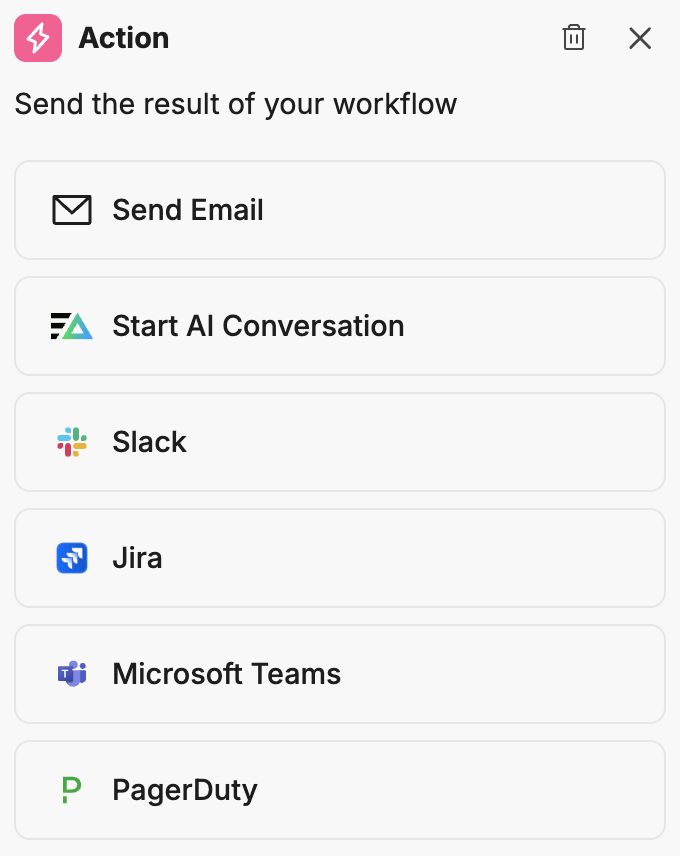
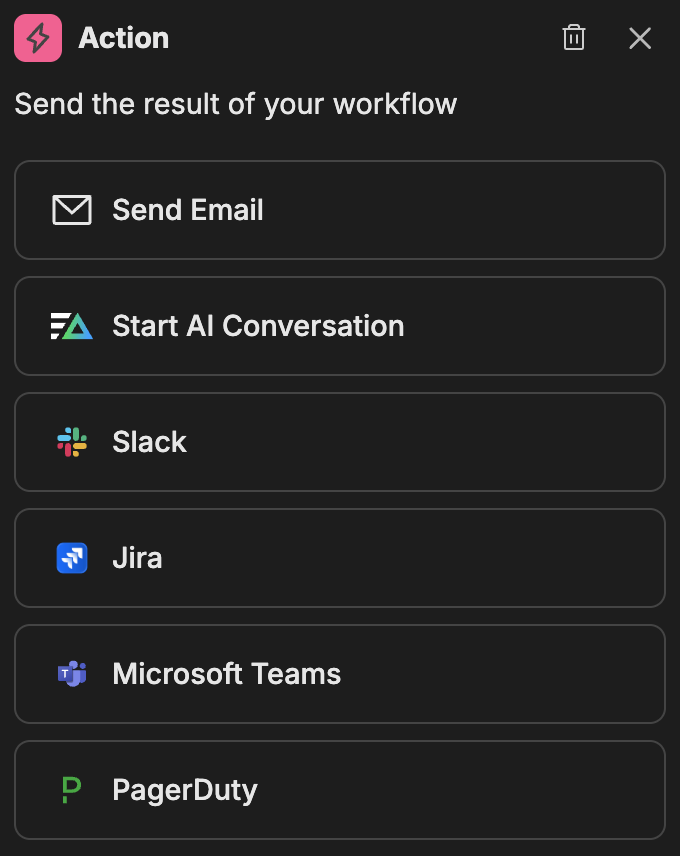
- In the action configuration panel, select PagerDuty
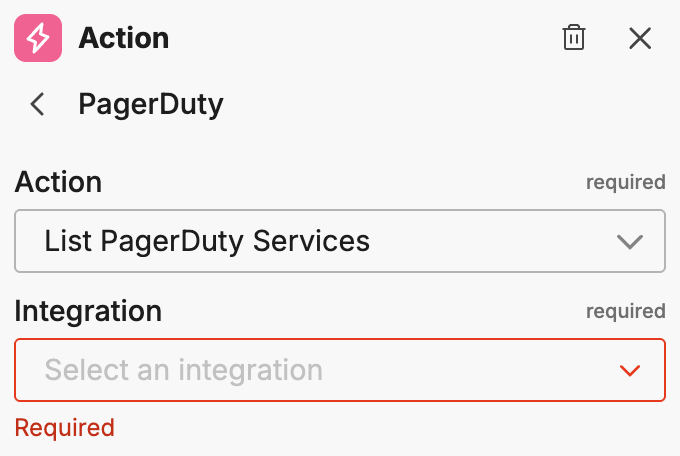
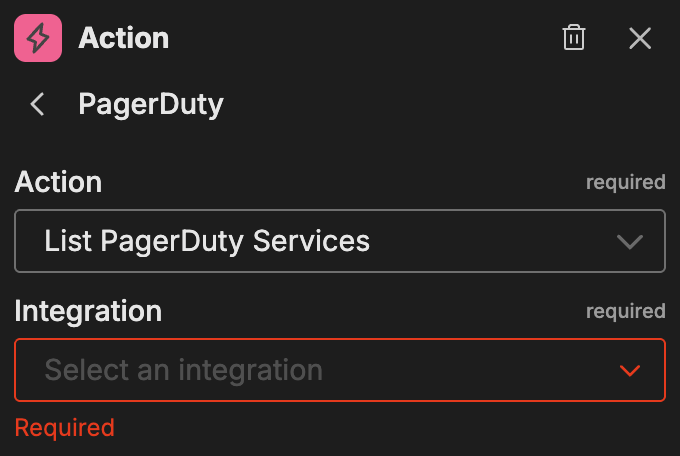
- Select the Integration (your PagerDuty connector name)
- Select the Action type
Once you select an integration and action, the action-specific options appear.
Available actions
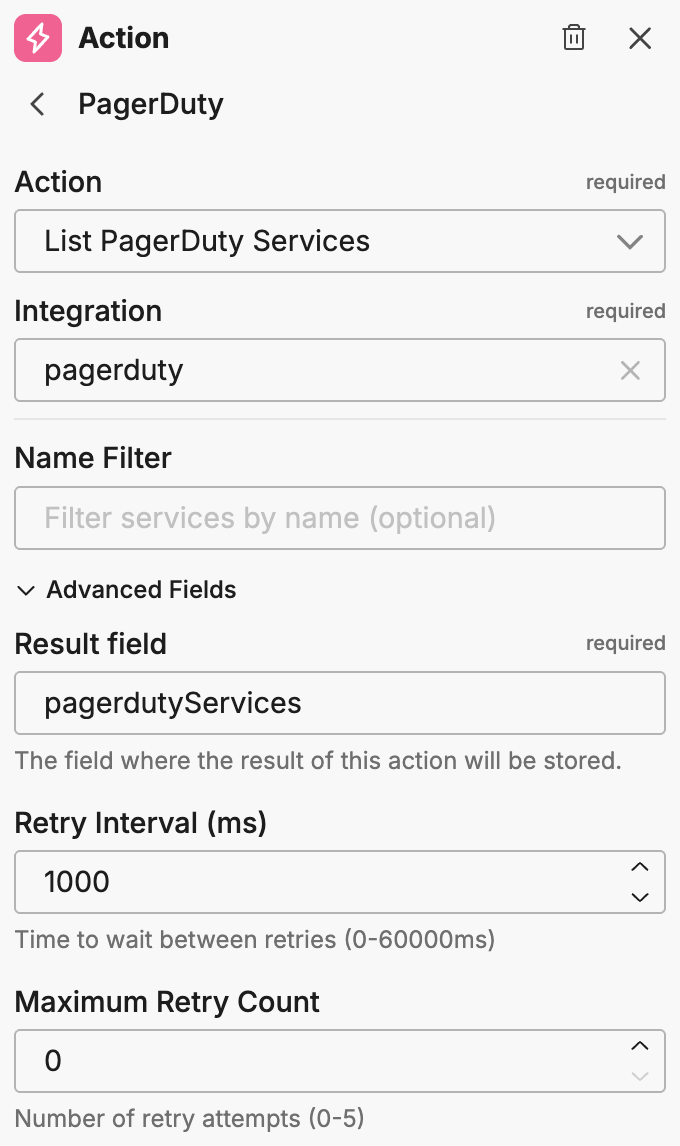
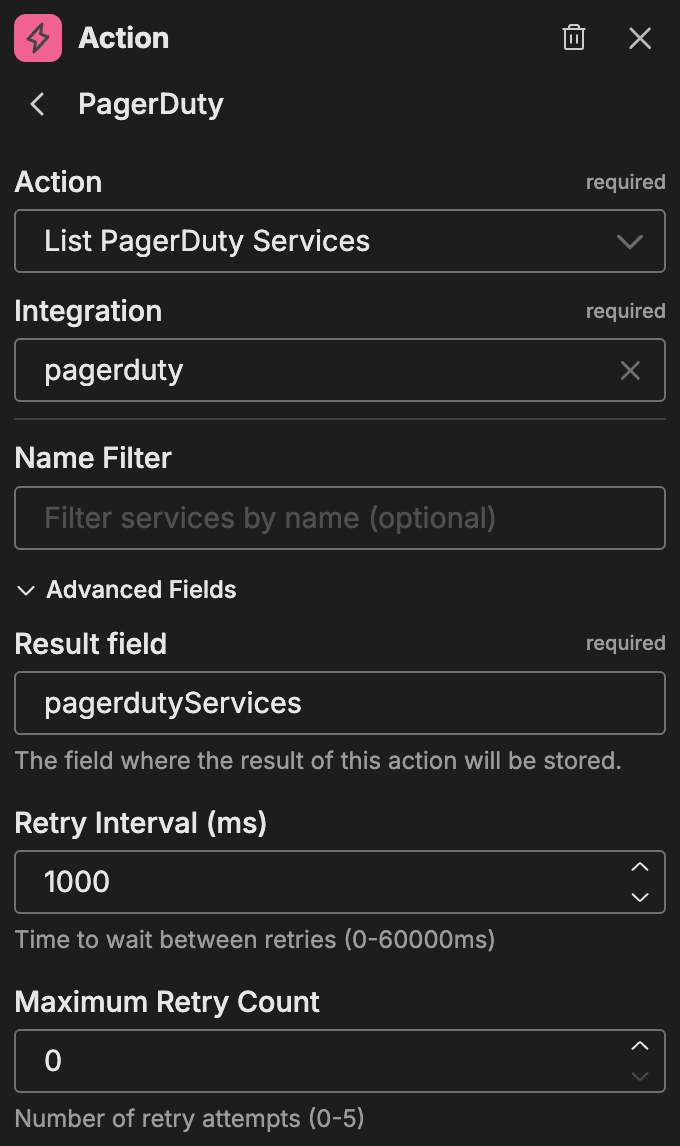
List PagerDuty Services
Lists services configured in PagerDuty.
| Option | Description |
|---|---|
| Name Filter | Filter services by name (optional) |
Advanced fields:
| Option | Description |
|---|---|
| Result Field | The field where the result of this action is stored |
| Retry Interval (ms) | Time between retry attempts |
| Maximum Retry Count | Maximum number of retry attempts |
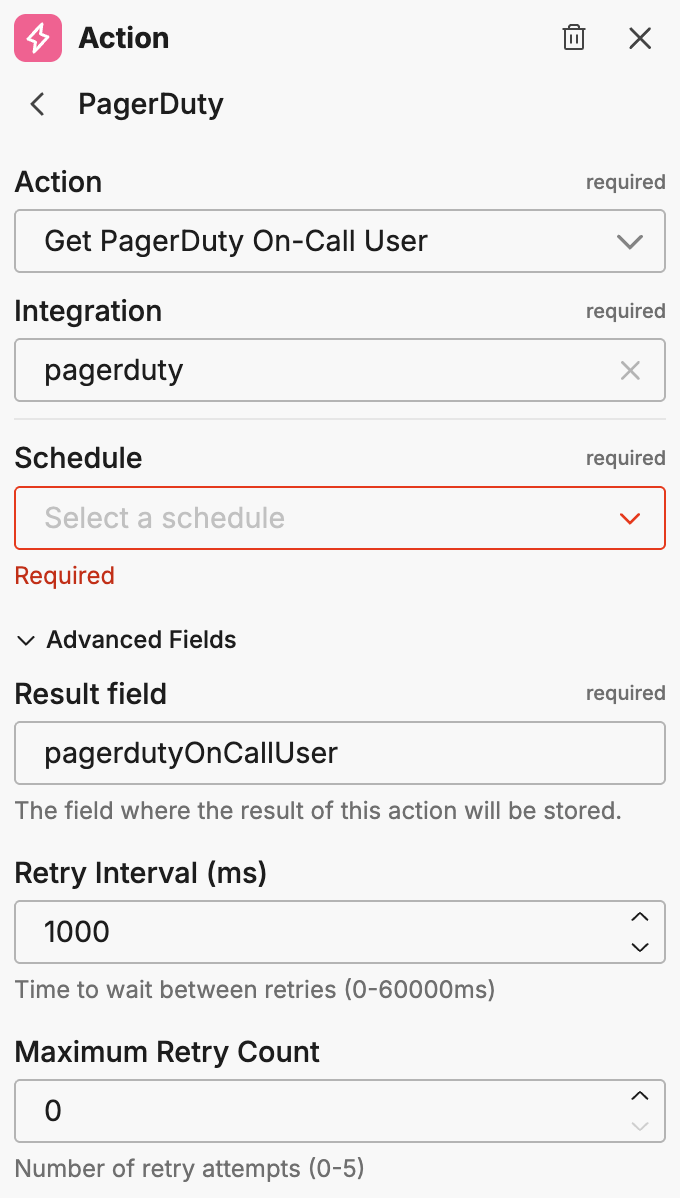
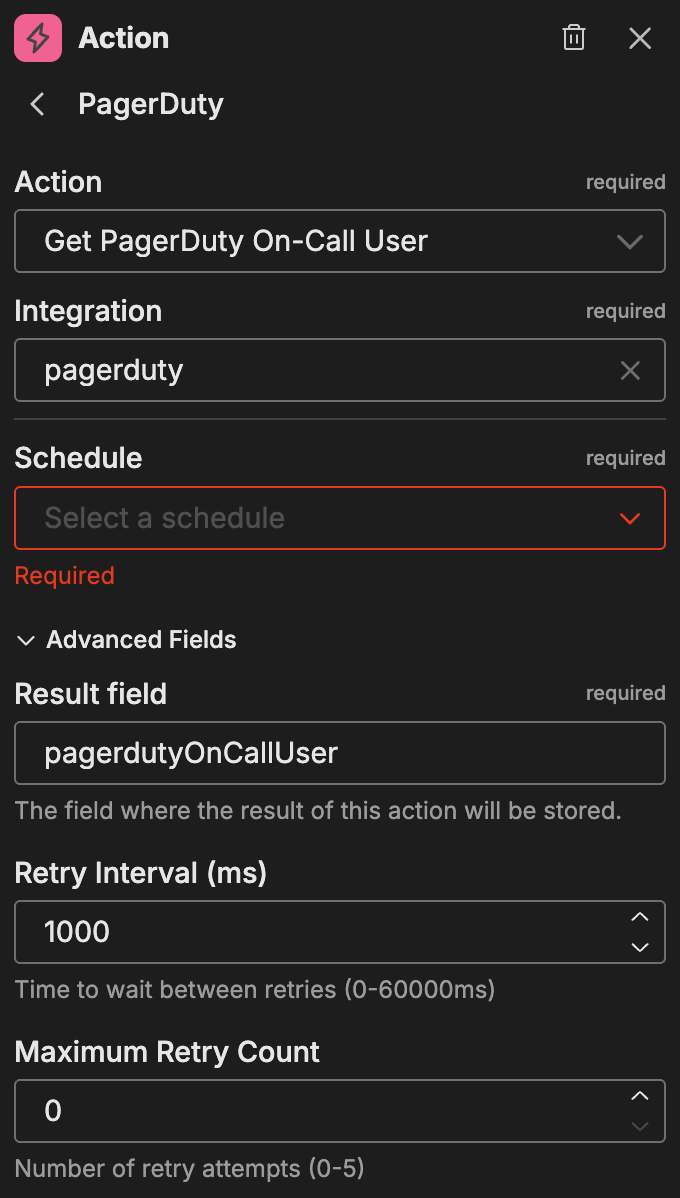
Get PagerDuty On-call User
Retrieves the user currently on-call for a specific schedule.
| Option | Description |
|---|---|
| Schedule | The PagerDuty schedule to query |
Advanced fields:
| Option | Description |
|---|---|
| Result Field | The field where the result of this action is stored |
| Retry Interval (ms) | Time between retry attempts |
| Maximum Retry Count | Maximum number of retry attempts |
Create PagerDuty Incident
Creates a new incident in PagerDuty.
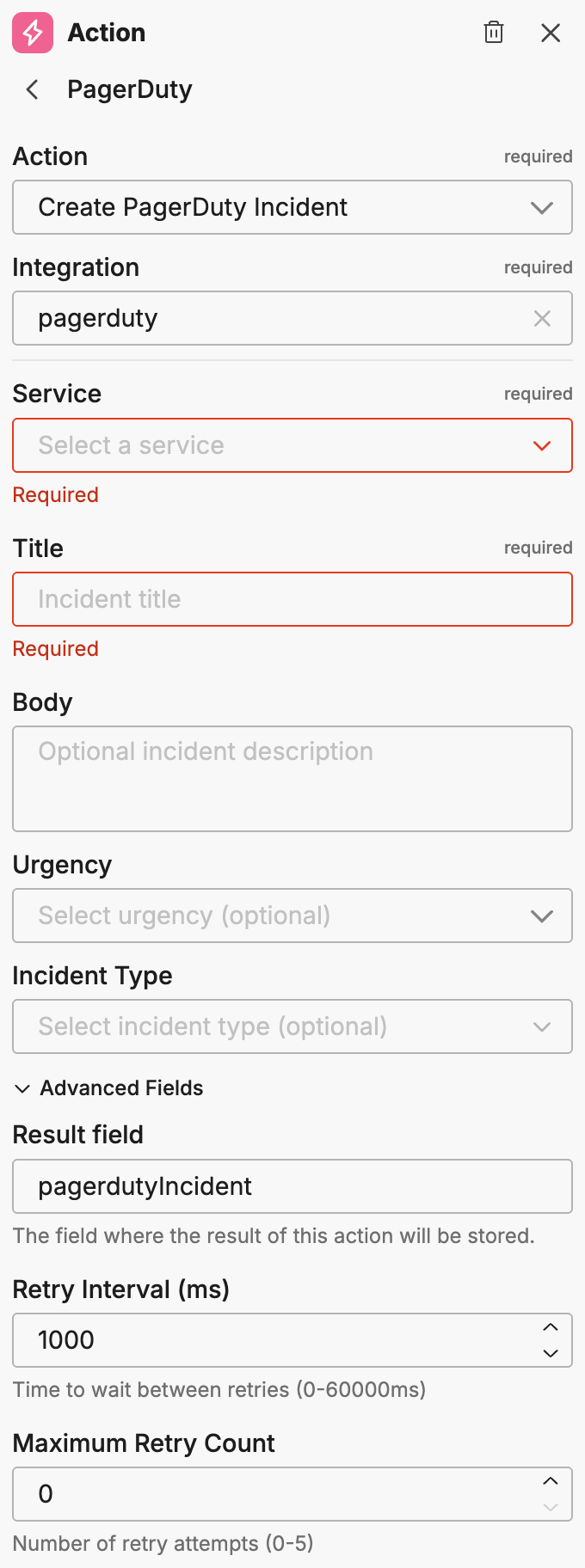
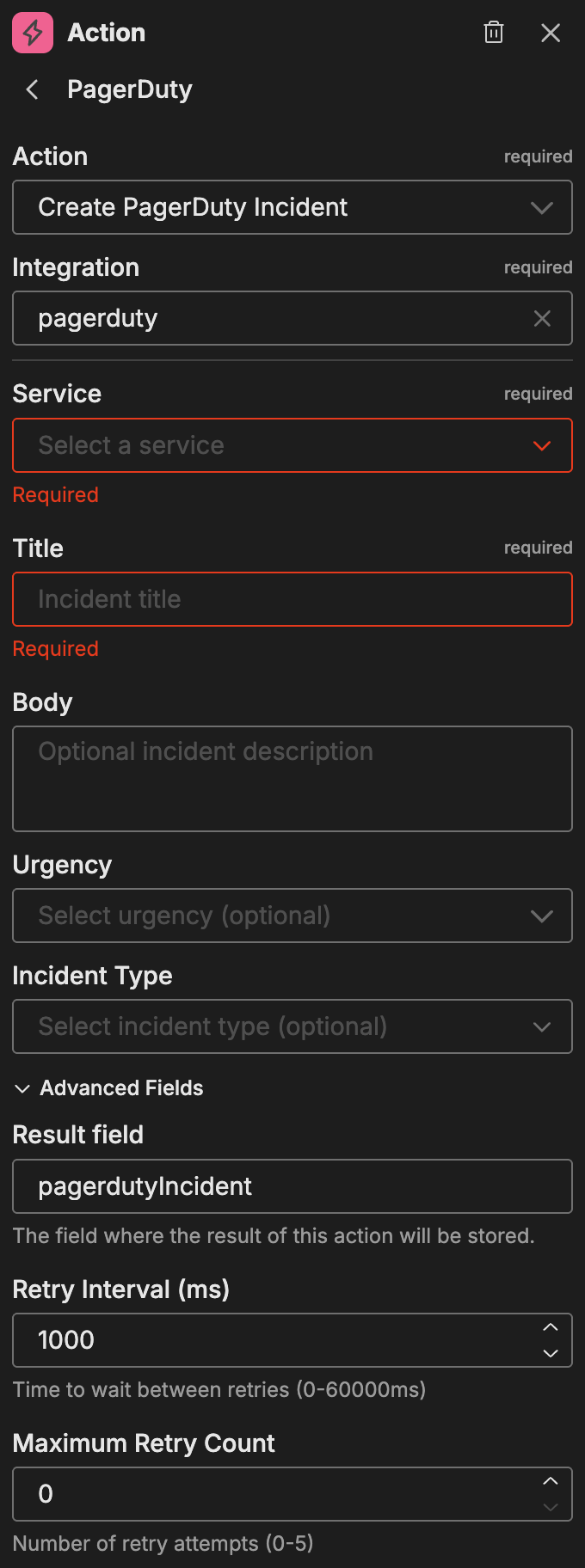
| Option | Description |
|---|---|
| Service | The PagerDuty service to create the incident on |
| Title | The incident title |
| Body | The incident description |
| Urgency | The incident urgency level |
| Incident Type | The type of incident |
Advanced fields:
| Option | Description |
|---|---|
| Result Field | The field where the result of this action is stored |
| Retry Interval (ms) | Time between retry attempts |
| Maximum Retry Count | Maximum number of retry attempts |
Chaining actions
PagerDuty actions can be chained together to build intelligent escalation workflows. For example:
- Get PagerDuty On-call User - Look up who is currently on-call and store their details in a result field
- Create PagerDuty Incident - Create an incident assigned to the service
- Use a Slack or Teams action to notify the on-call user directly
The Result Field option stores action outputs that downstream nodes can reference as variables. This enables workflows that adapt to the current on-call rotation.
Example use cases
Common patterns for PagerDuty actions:
- Automated incident creation: Create PagerDuty incidents when critical alerts fire
- On-call notifications: Look up the on-call user and send them a direct message via Slack or Teams
- Service discovery: List services to dynamically route incidents to the correct team
- Escalation workflows: Combine PagerDuty actions with conditional logic to escalate based on severity
Related resources
- Workflows Overview - Learn about workflow concepts and node types
- PagerDuty Connector - Configure the PagerDuty connector for event triggers
- Jira Actions - Alternative issue tracking actions