Slack Actions
4 minute read
Overview
Slack actions enable your workflows to interact with Slack workspaces. You can send messages, manage channels, invite users, and retrieve channel information. All Slack actions require a Slack connector configured in AI Team > Connectors.
Configuration
To add a Slack action to your workflow:
- Click Add Node and select Action
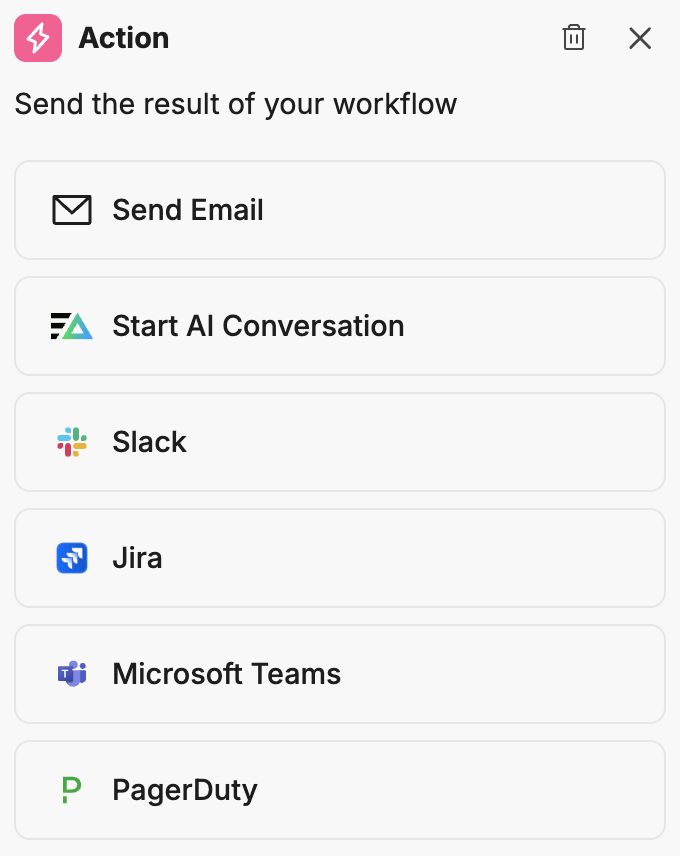
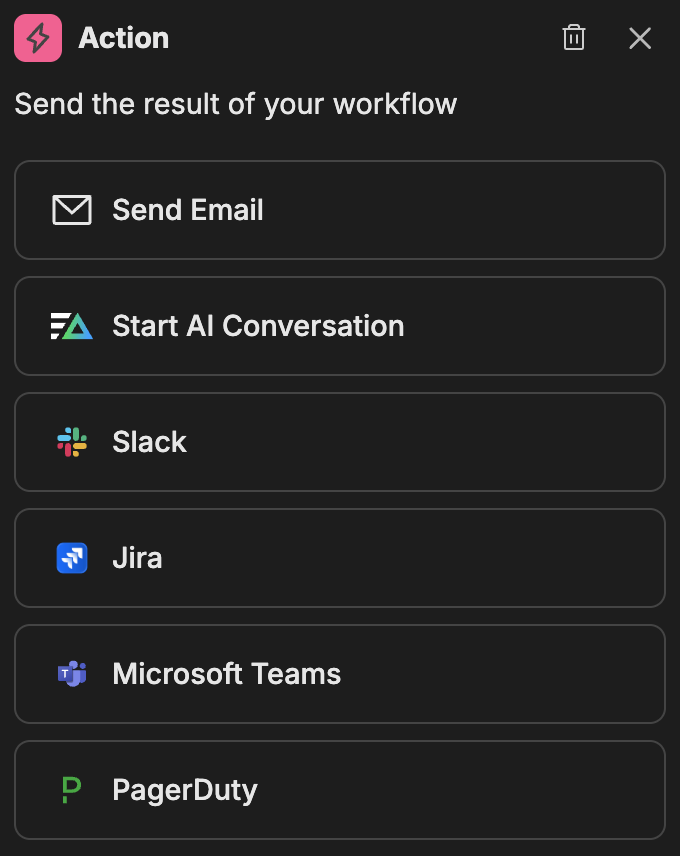
- In the action configuration panel, select Slack
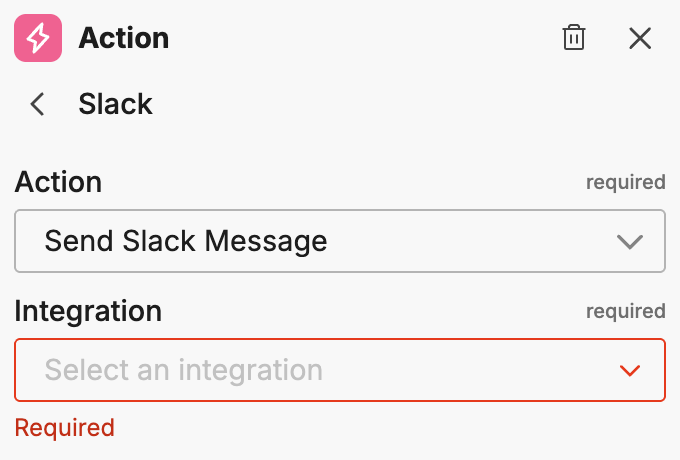
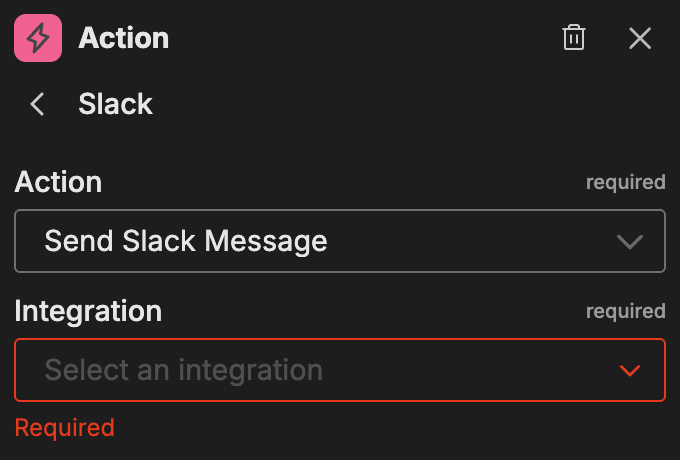
- Select the Integration (your Slack connector name)
- Select the Action type
Once you select an integration and action, the action-specific options appear.
Available actions
Send Slack Message
Posts a message to a Slack channel or thread.
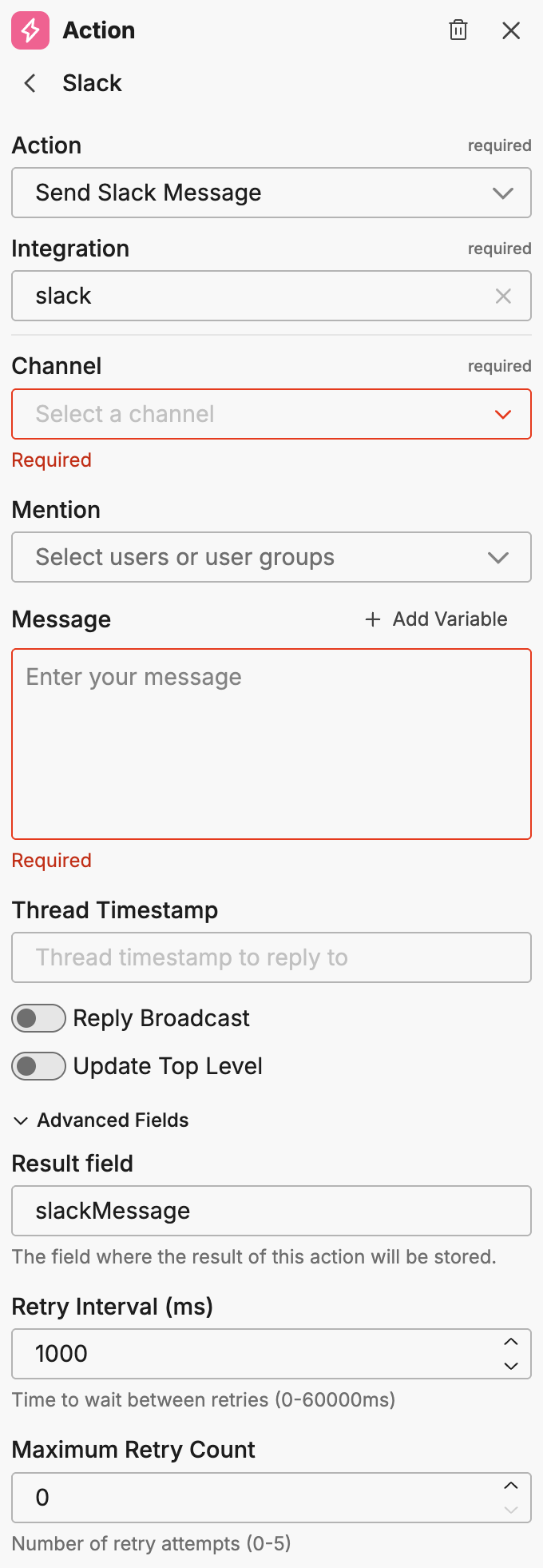
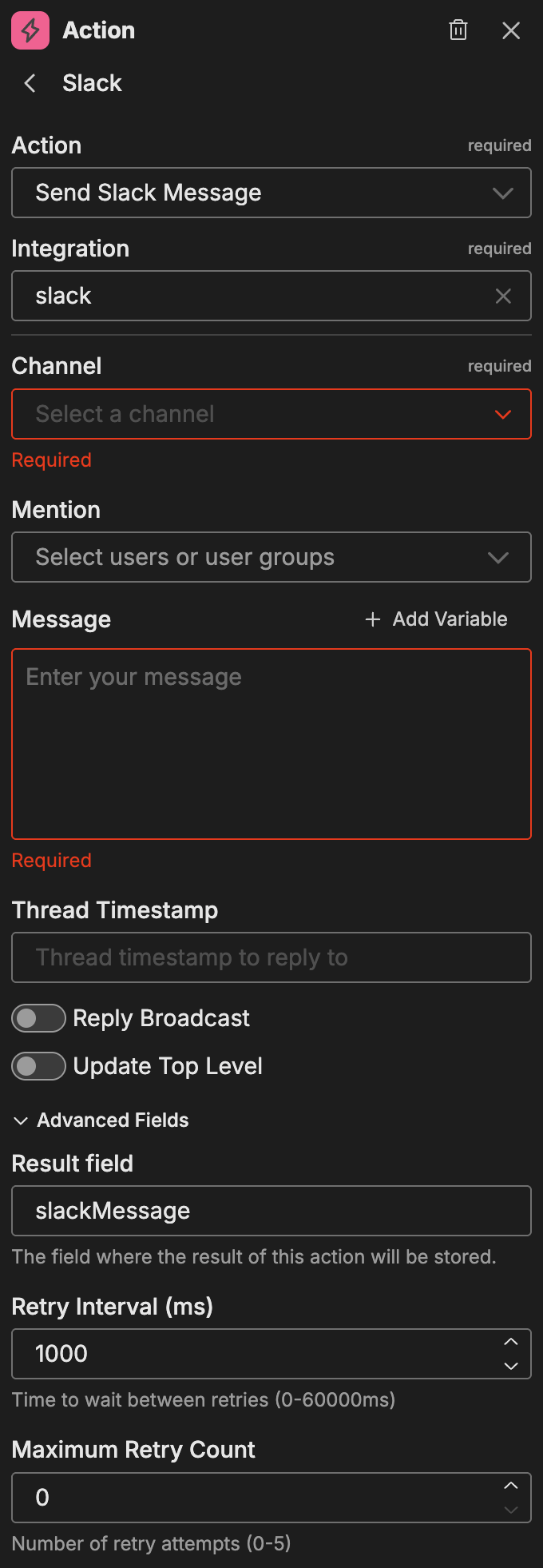
| Option | Description |
|---|---|
| Channel | The target Slack channel |
| Mention | Select users or groups to mention in the message |
| Message | The message content. The rich text editor supports Markdown formatting with a Preview button to check the rendered result. |
| Thread Timestamp | Reply to a specific thread by providing its timestamp |
| Reply Broadcast | When replying to a thread, also post to the channel |
| Update Top Level | Update the top-level message instead of posting a new one |
Advanced fields:
| Option | Description |
|---|---|
| Result Field | The field where the result of this action is stored |
| Retry Interval (ms) | Time between retry attempts (0-60000ms) |
| Maximum Retry Count | Maximum number of retry attempts (max 5) |
Create Slack Channel
Creates a new Slack channel in your workspace.
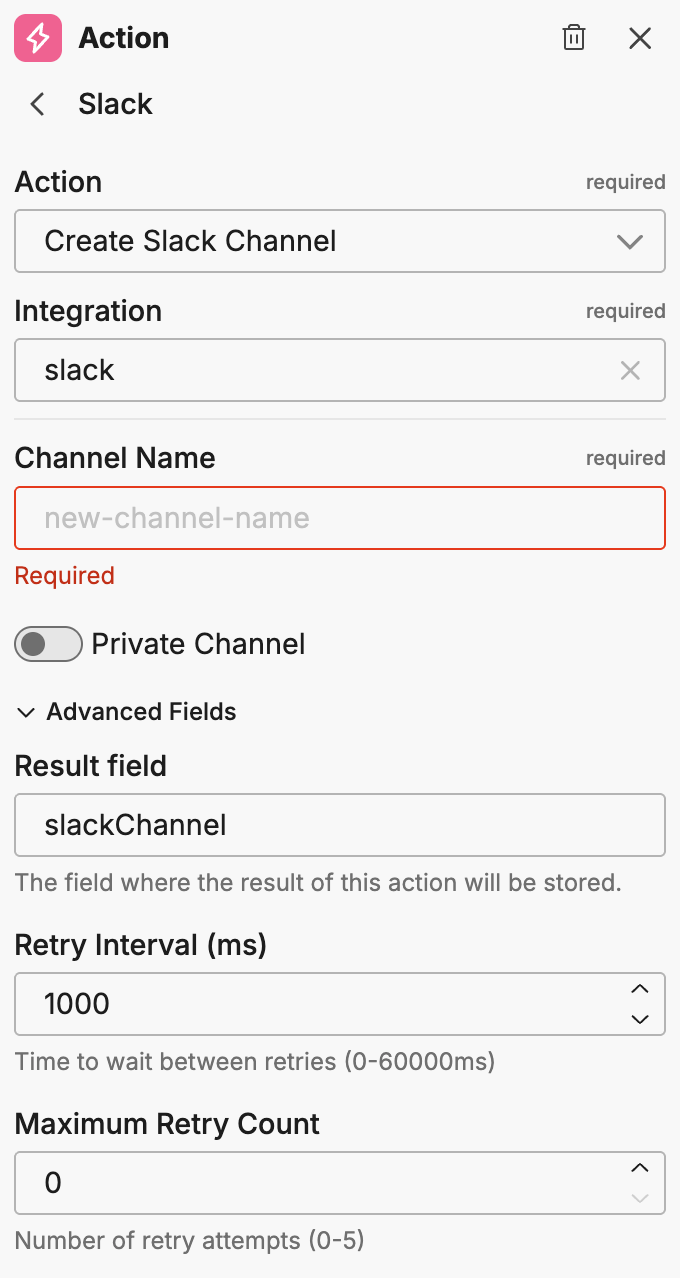
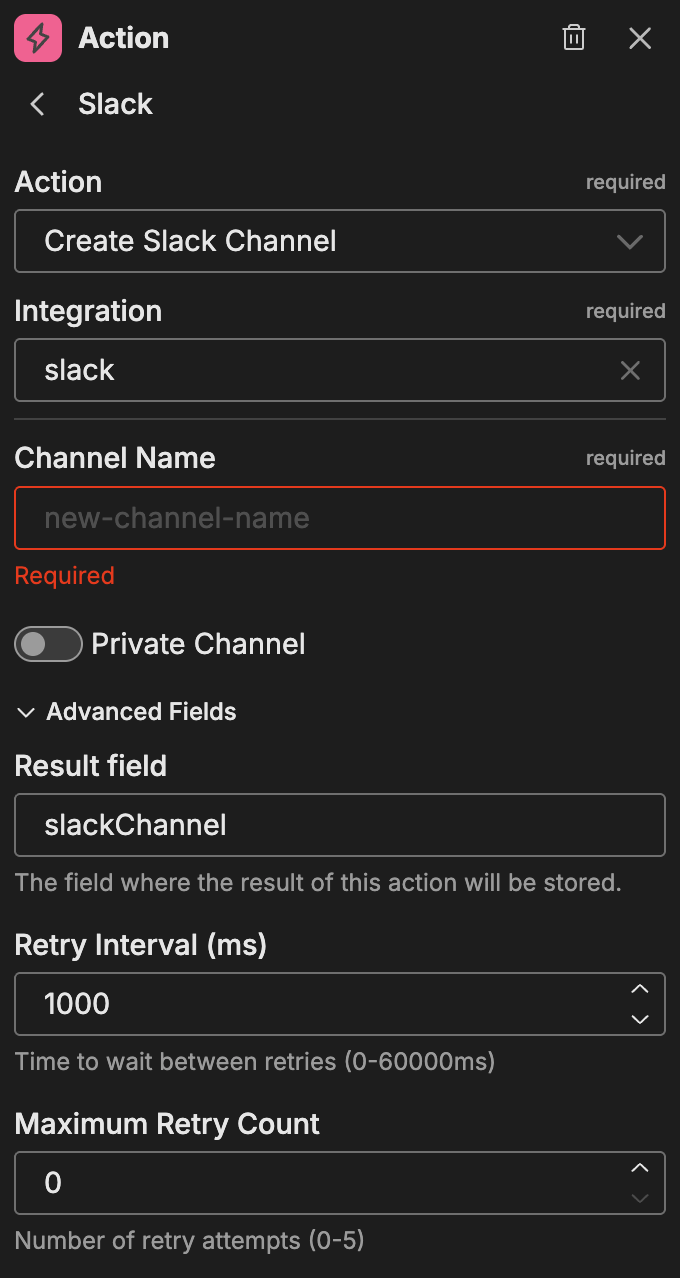
| Option | Description |
|---|---|
| Channel Name | The name for the new channel |
| Private Channel | Toggle to create a private channel |
Advanced fields:
| Option | Description |
|---|---|
| Result Field | The field where the result of this action is stored |
| Retry Interval (ms) | Time between retry attempts |
| Maximum Retry Count | Maximum number of retry attempts |
Invite Slack Users
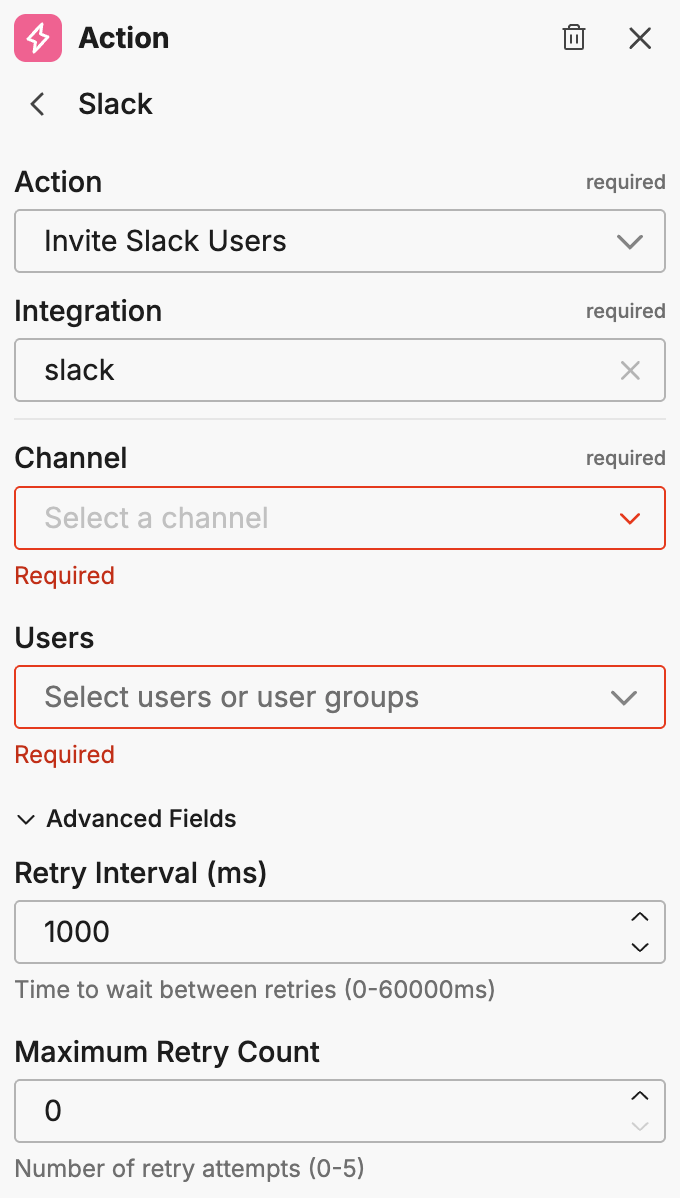
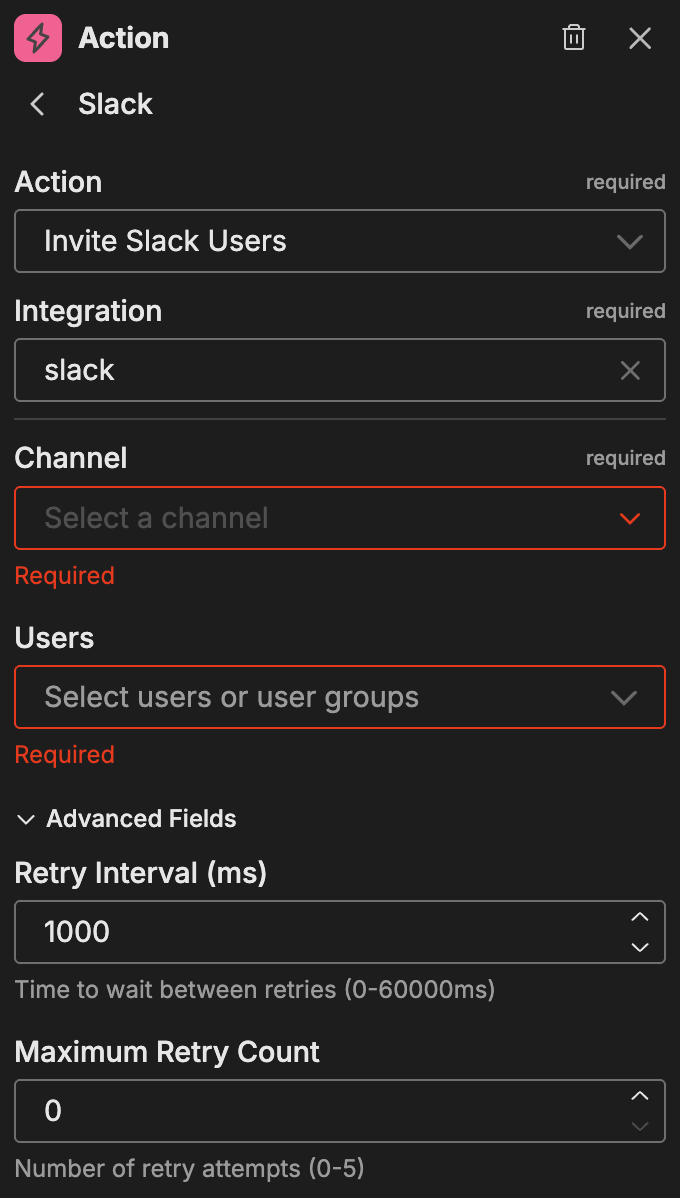
Invites users to a Slack channel.
| Option | Description |
|---|---|
| Channel | The target channel |
| Users | The users to invite |
Advanced fields:
| Option | Description |
|---|---|
| Retry Interval (ms) | Time between retry attempts |
| Maximum Retry Count | Maximum number of retry attempts |
Set Slack Channel Description
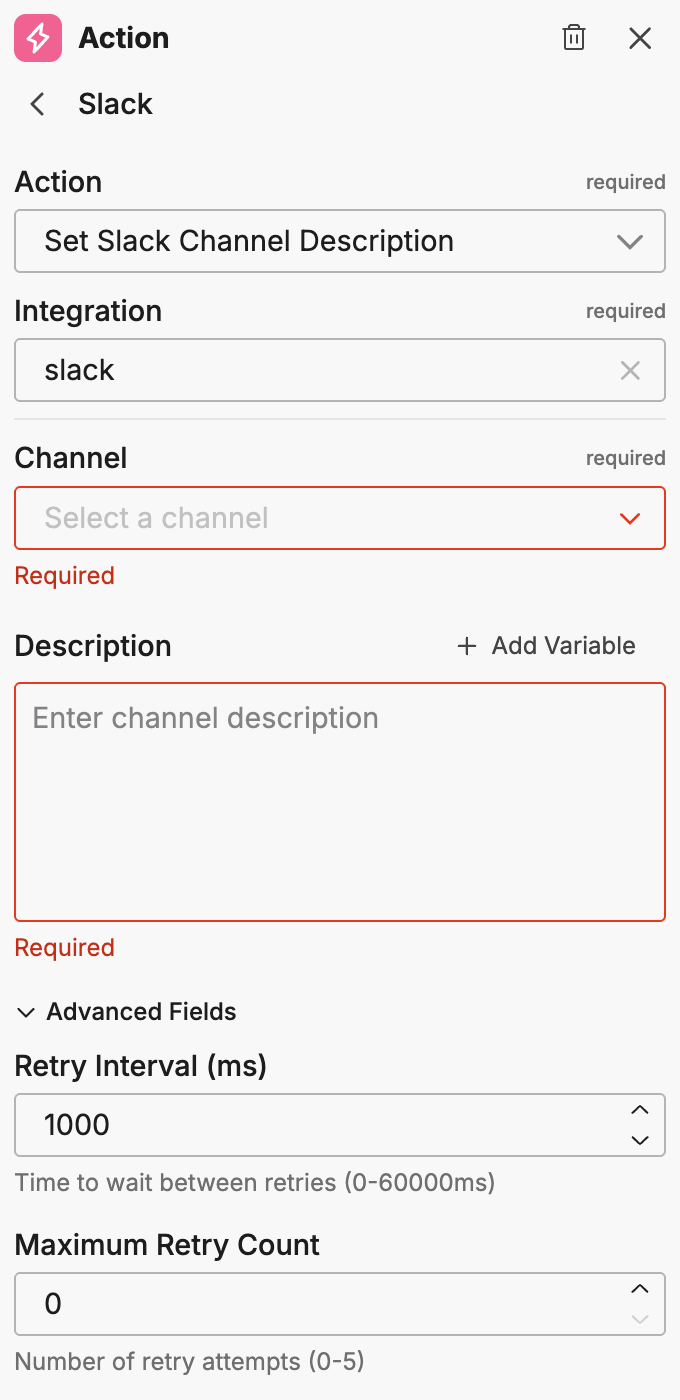
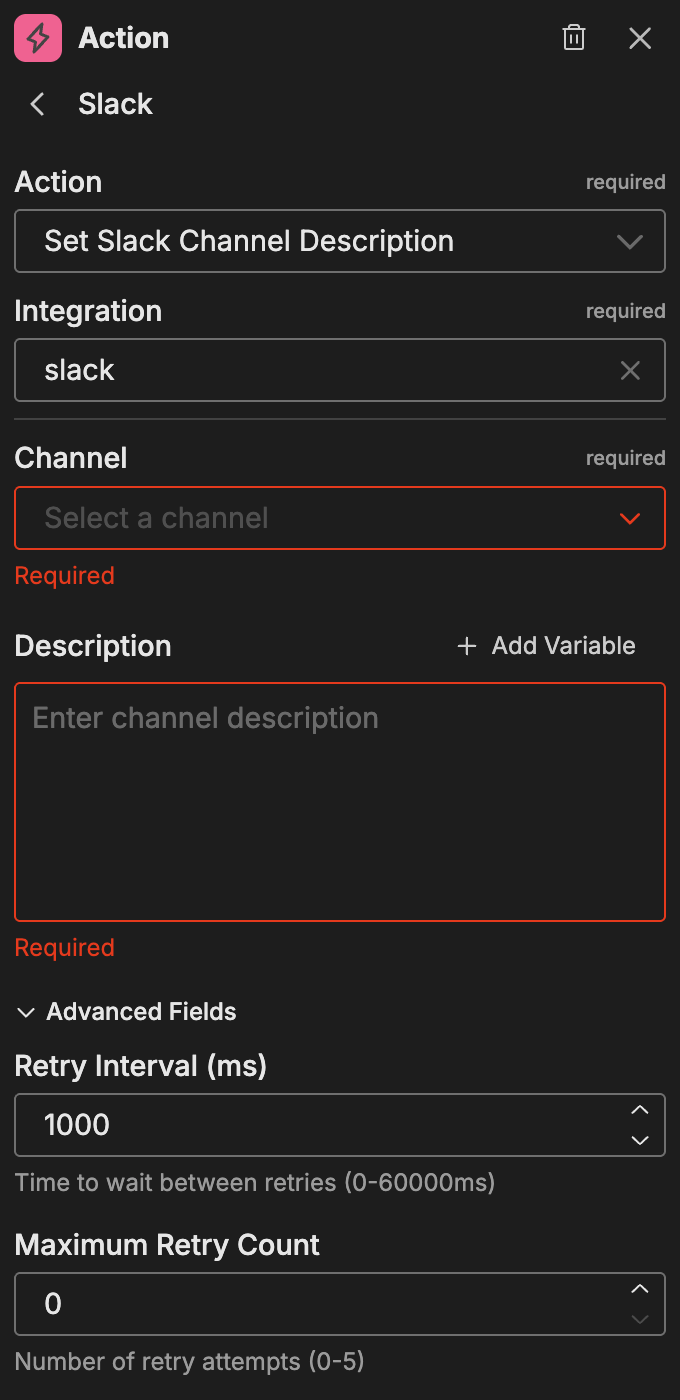
Updates the description of a Slack channel.
| Option | Description |
|---|---|
| Channel | The target channel |
| Description | The new channel description (supports variables) |
Advanced fields:
| Option | Description |
|---|---|
| Retry Interval (ms) | Time between retry attempts |
| Maximum Retry Count | Maximum number of retry attempts |
Set Slack Channel Topic
Updates the topic of a Slack channel.
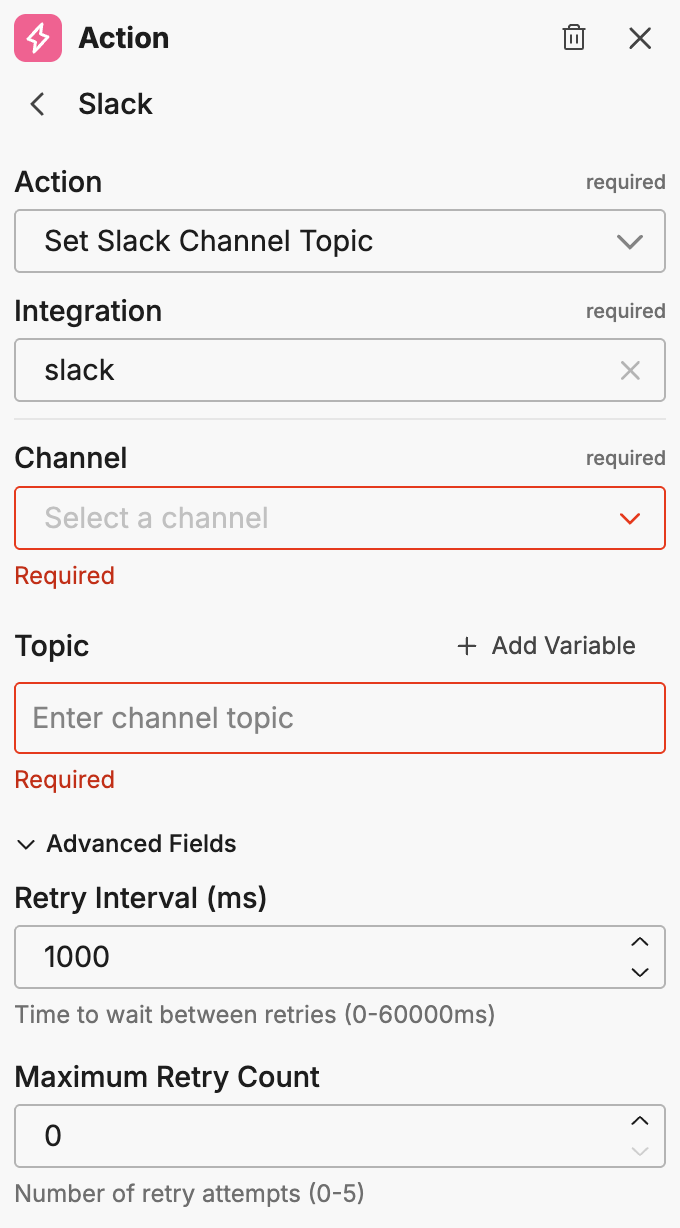
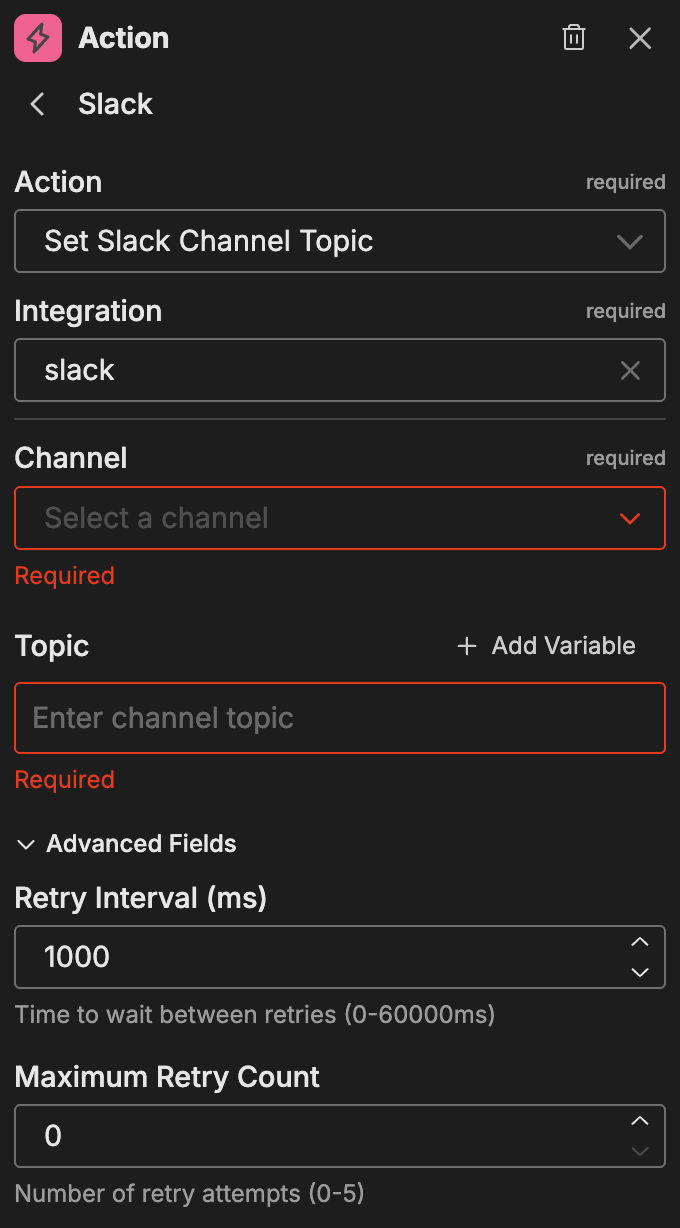
| Option | Description |
|---|---|
| Channel | The target channel |
| Topic | The new channel topic (supports variables) |
Advanced fields:
| Option | Description |
|---|---|
| Retry Interval (ms) | Time between retry attempts |
| Maximum Retry Count | Maximum number of retry attempts |
Get Slack Channel Topic
Retrieves the current topic of a Slack channel.
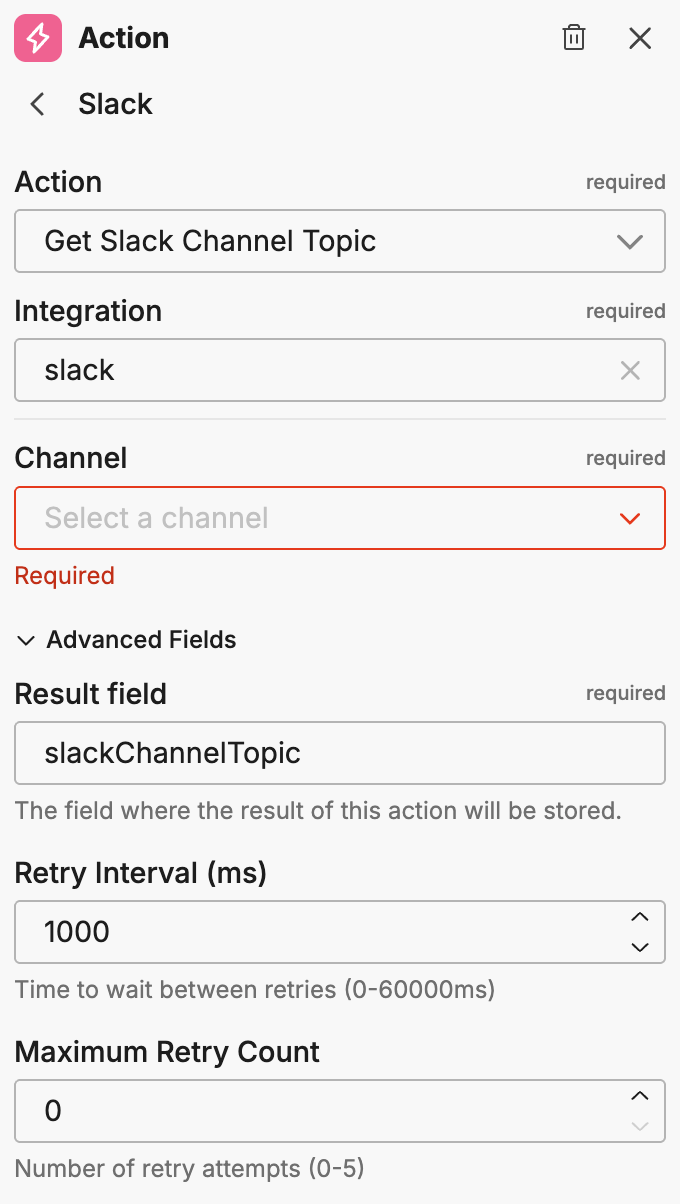
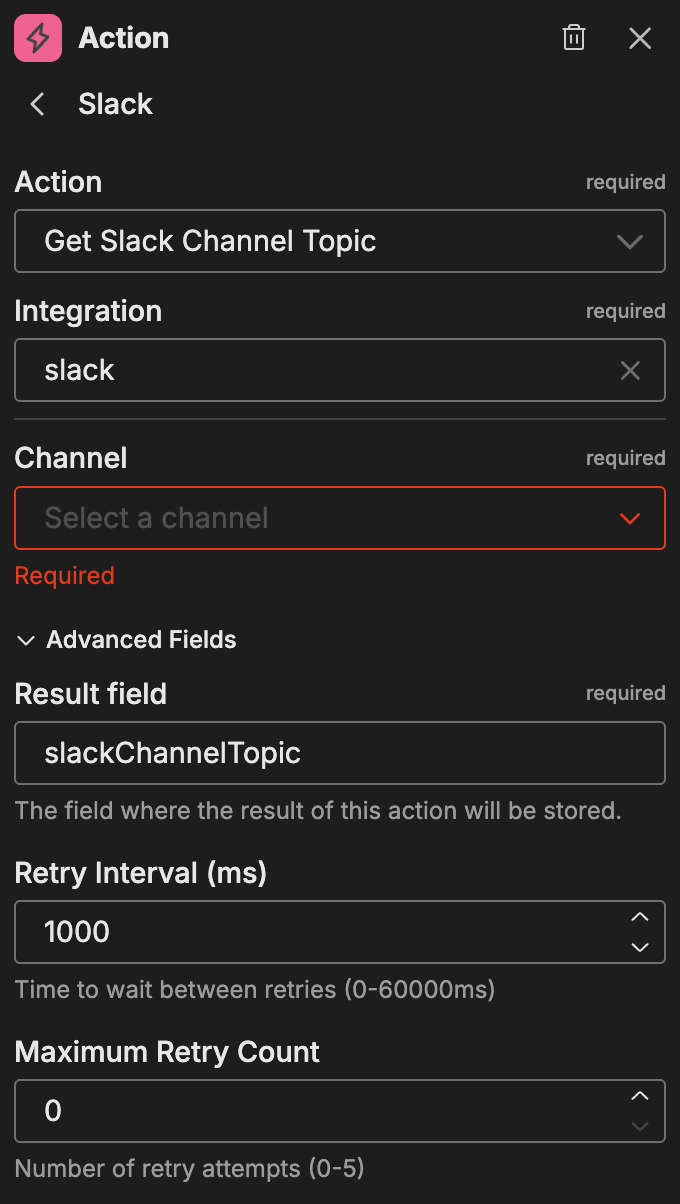
| Option | Description |
|---|---|
| Channel | The target channel |
Advanced fields:
| Option | Description |
|---|---|
| Result Field | The field where the result of this action is stored |
| Retry Interval (ms) | Time between retry attempts |
| Maximum Retry Count | Maximum number of retry attempts |
Get Slack Channel Description
Retrieves the current description of a Slack channel.
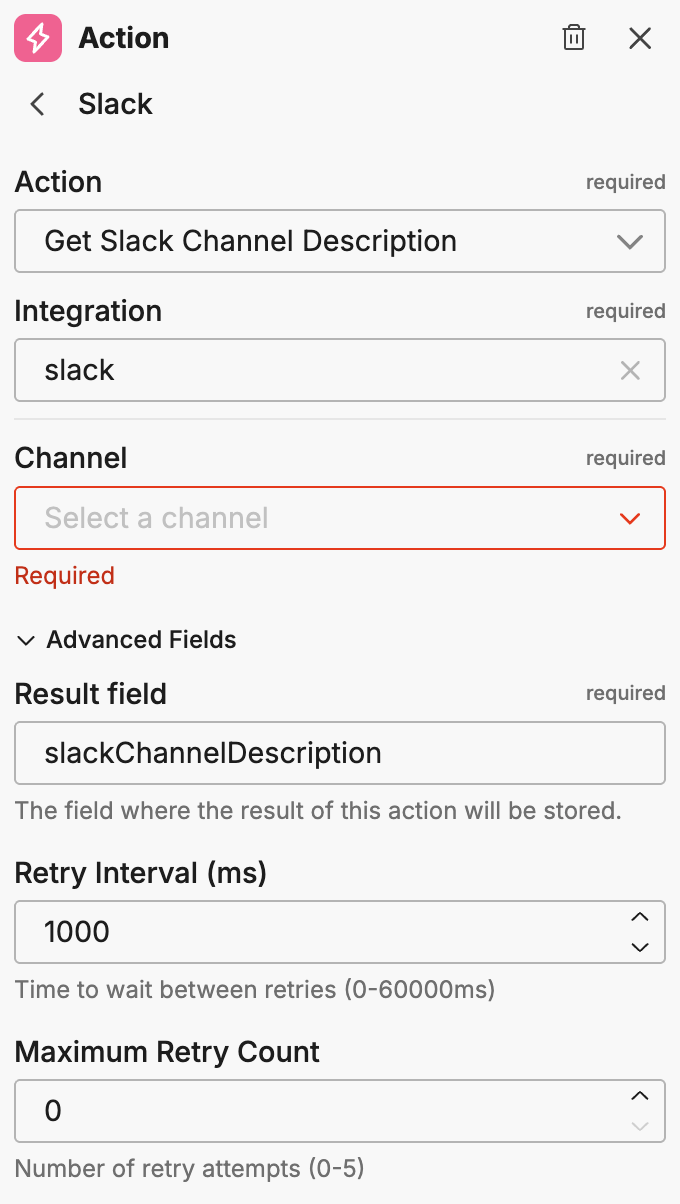
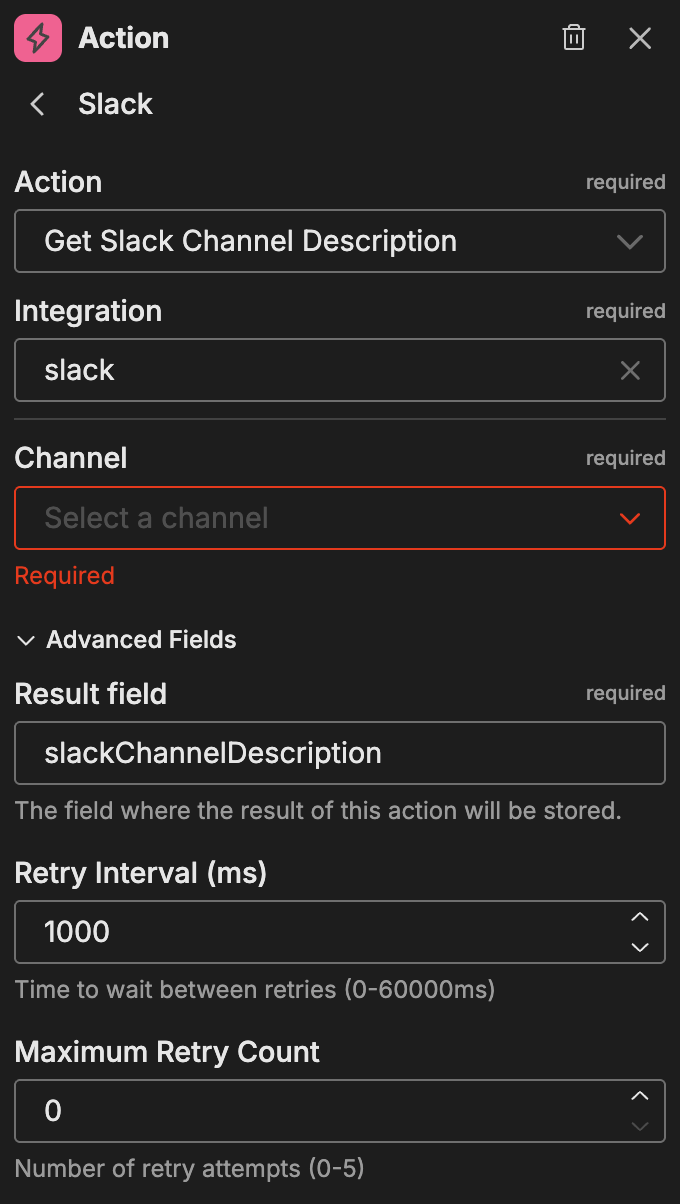
| Option | Description |
|---|---|
| Channel | The target channel |
Advanced fields:
| Option | Description |
|---|---|
| Result Field | The field where the result of this action is stored |
| Retry Interval (ms) | Time between retry attempts |
| Maximum Retry Count | Maximum number of retry attempts |
List Slack Channels
Lists channels in the Slack workspace.
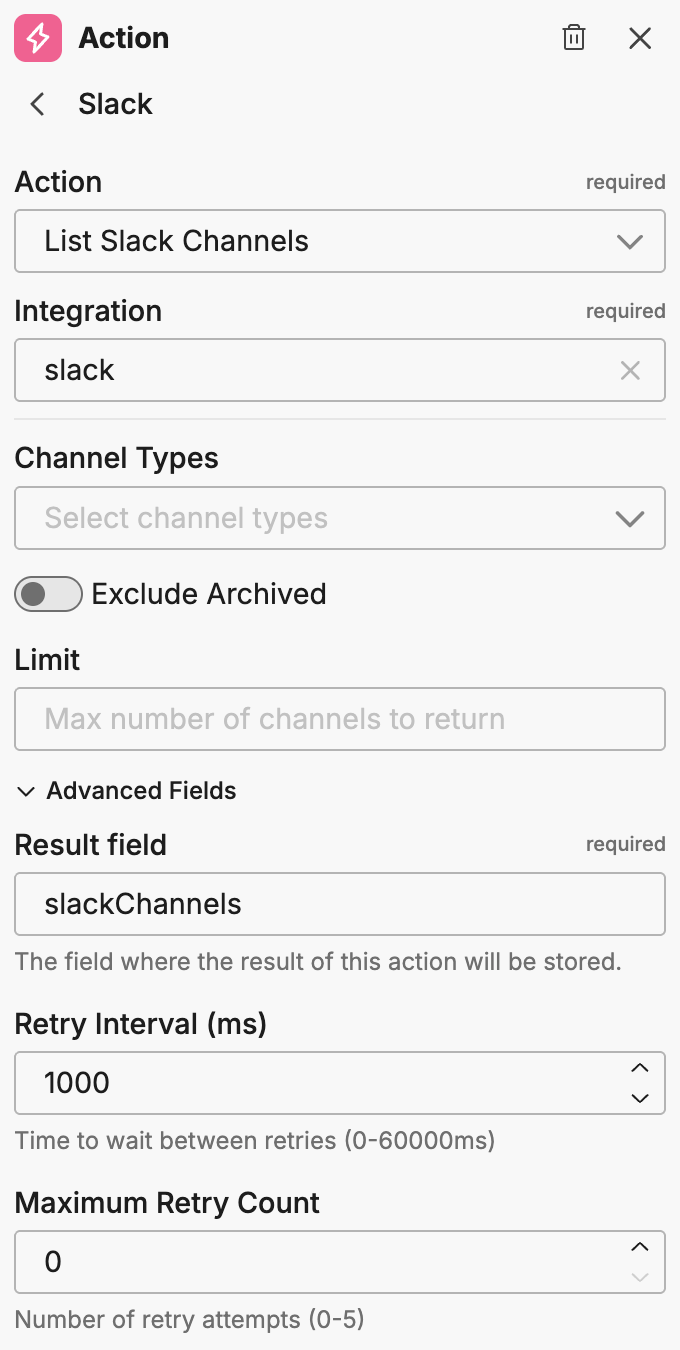
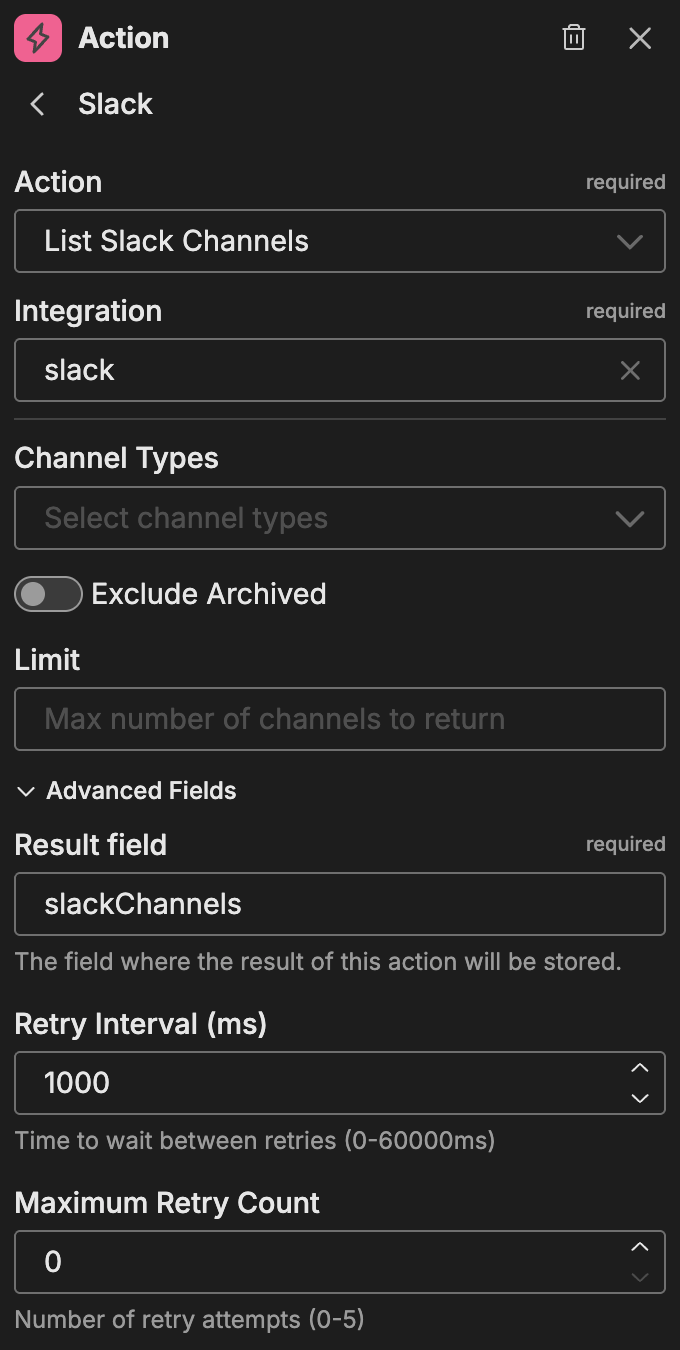
| Option | Description |
|---|---|
| Channel Type | Filter by channel type (public or private) |
| Exclude Archived | Toggle to exclude archived channels from results |
| Limit | Maximum number of channels to return |
Advanced fields:
| Option | Description |
|---|---|
| Result Field | The field where the result of this action is stored |
| Retry Interval (ms) | Time between retry attempts |
| Maximum Retry Count | Maximum number of retry attempts |
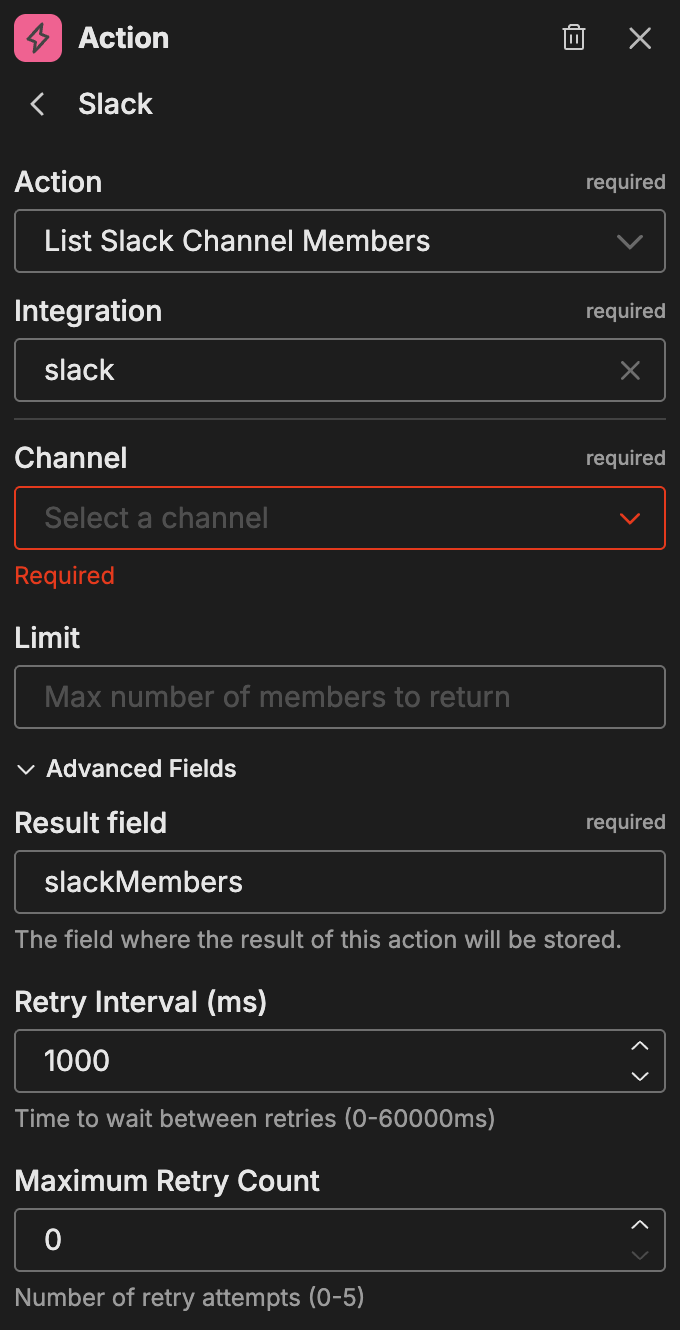
List Slack Channel Members
Lists members of a specific Slack channel.
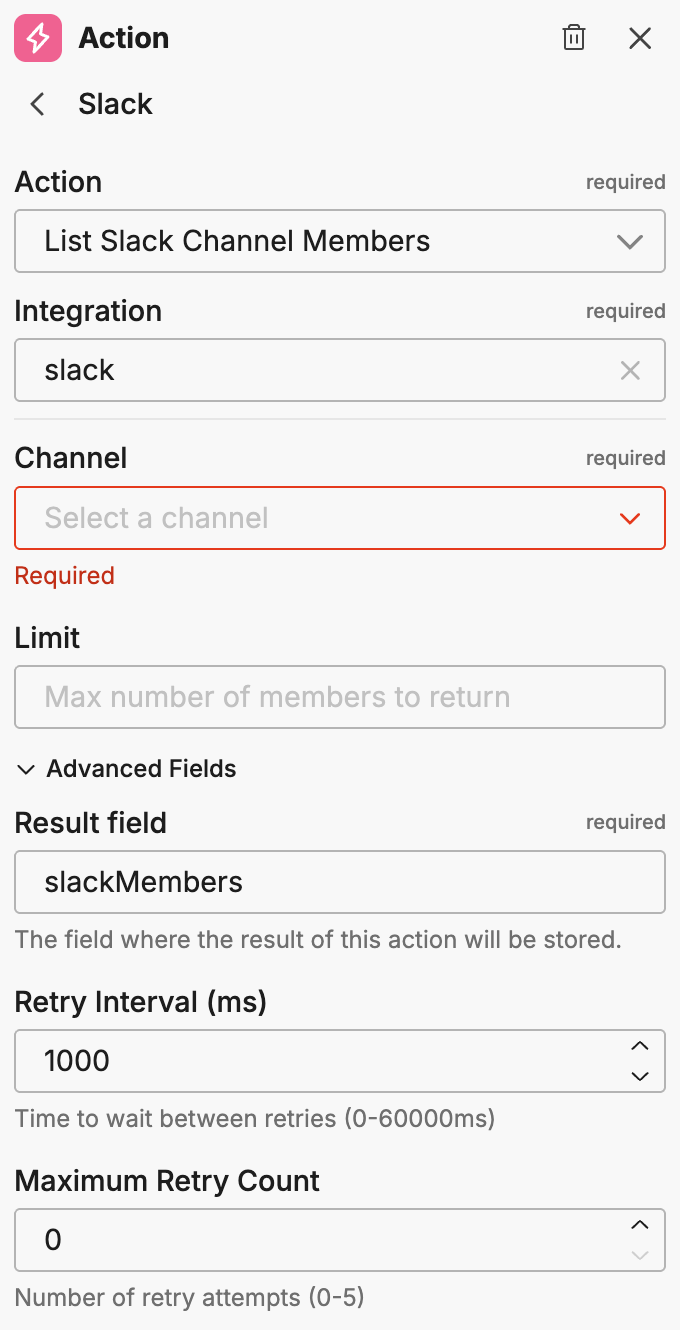
| Option | Description |
|---|---|
| Channel | The target channel |
| Limit | Maximum number of members to return |
Advanced fields:
| Option | Description |
|---|---|
| Result Field | The field where the result of this action is stored |
| Retry Interval (ms) | Time between retry attempts |
| Maximum Retry Count | Maximum number of retry attempts |
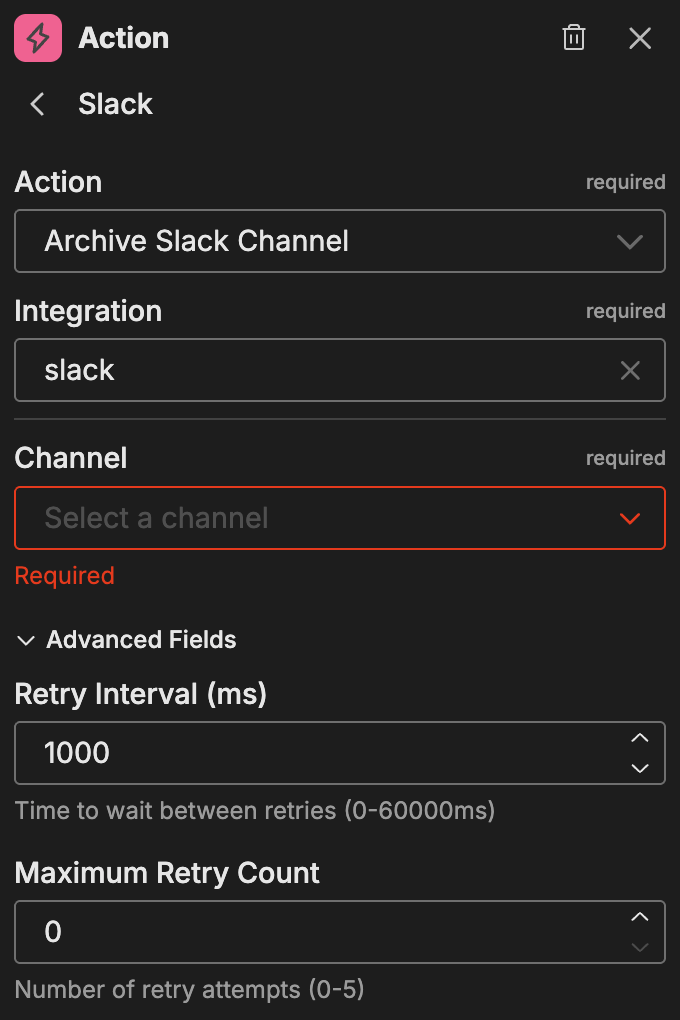
Archive Slack Channel
Archives a Slack channel.
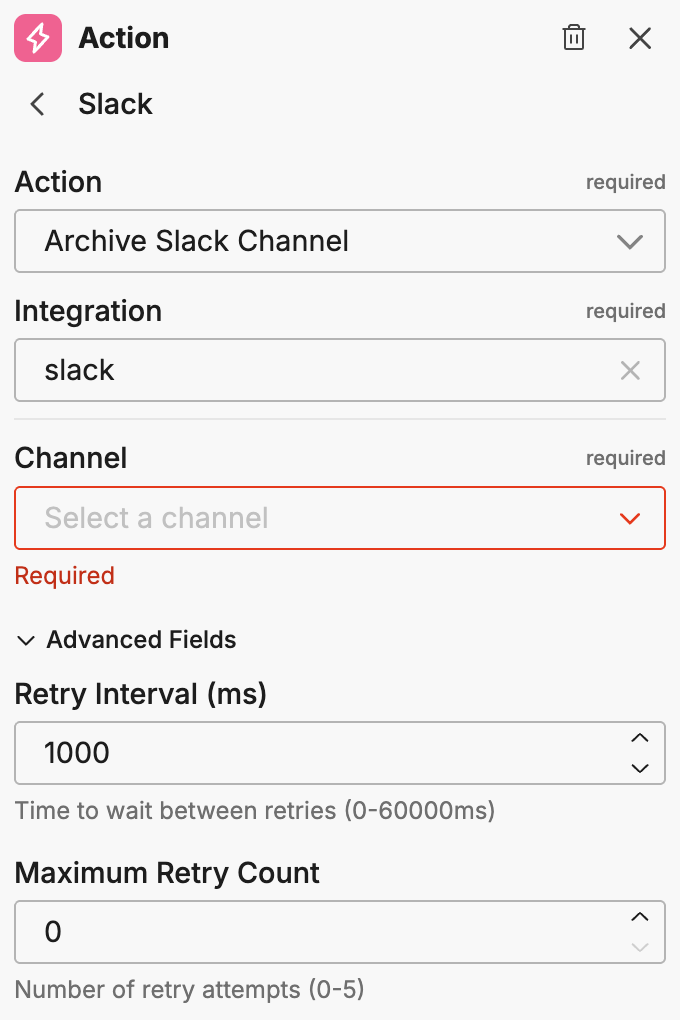
| Option | Description |
|---|---|
| Channel | The channel to archive |
Advanced fields:
| Option | Description |
|---|---|
| Retry Interval (ms) | Time between retry attempts |
| Maximum Retry Count | Maximum number of retry attempts |
Using variables
For actions that support variables (messages, descriptions, topics), you can insert dynamic content:
- Type
{{to see variable suggestions - Select from the available variables in the dropdown
Note: You must run the workflow at least once or connect nodes with outputs to see available variables.
Example use cases
Common patterns for Slack actions:
- Incident channels: Create dedicated channels for incidents and invite relevant team members
- Alert notifications: Post formatted alerts to monitoring channels with mention support
- Thread updates: Reply to existing threads with status updates as incidents progress
- Channel management: Archive channels after incidents are resolved
Related resources
- Workflows Overview - Learn about workflow concepts and node types
- Slack Connector - Configure the Slack connector for event triggers
- Microsoft Teams Actions - Alternative messaging platform actions