Task Node
Configure the Task node for lightweight AI processing without tools or connectors.
2 minute read
Overview
The Task node is a lightweight AI agent designed for simple prompt-response workflows. Unlike the Teammate node, Task nodes do not have access to tools or connectors, making them faster and more focused for straightforward processing tasks.
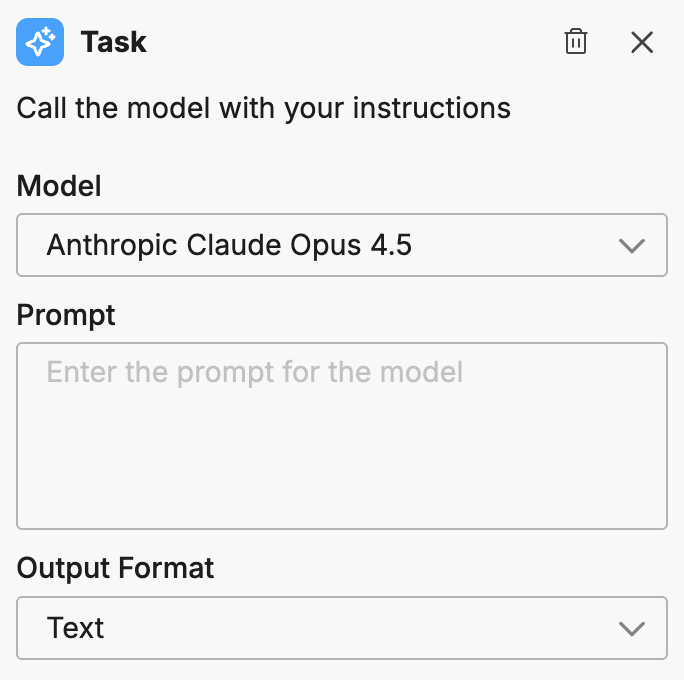
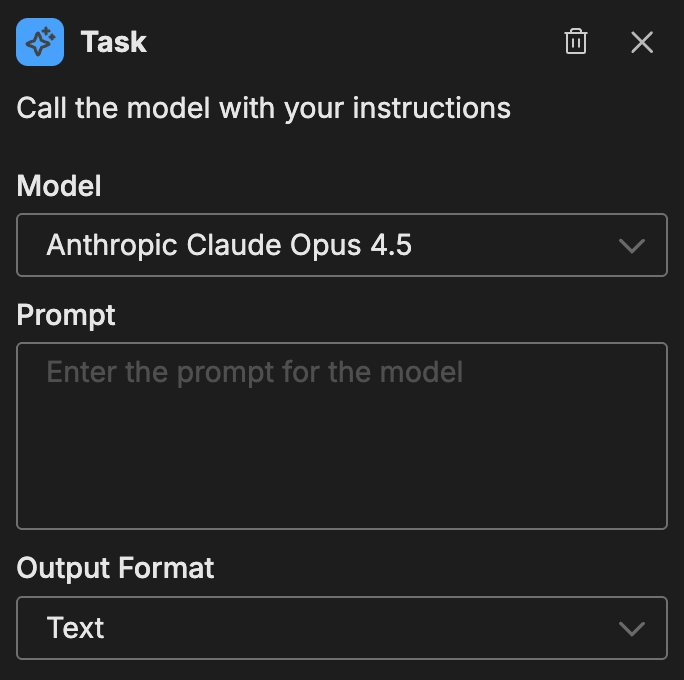
Configuration
To add a Task node to your workflow:
- Click Add Node and select Task
- Configure the node options
Options
Model
Select which AI model to use for processing. Different models offer trade-offs between speed, capability, and cost.
Prompt
Define what the task should accomplish. The prompt should be clear and specific about:
- The input data format
- The processing to perform
- The expected output
Example prompt:
Classify the following alert into one of these categories:
infrastructure, application, security, or unknown.

Return only the category name.
Output format
Choose how the task should format its response:
| Format | Best for |
|---|---|
| Text | Output that feeds into another AI node or human-readable content |
| JSON | Output that downstream nodes need to parse for deterministic actions |
For examples of how structured JSON output drives conditional branching, see Workflow Patterns.
When to use Task vs Teammate nodes
| Use Task when | Use Teammate when |
|---|---|
| Processing is straightforward | You need access to tools and connectors |
| You don’t need external data access | The task requires specialized domain knowledge |
| Speed is a priority | You want to leverage existing teammate configuration |
| The task is self-contained | Complex multi-step reasoning is required |
Example use cases
Common patterns for the Task node:
- Text classification: Categorize alerts, messages, or events
- Summarization: Create concise summaries of longer content
- Extraction: Pull specific information from unstructured text
- Transformation: Reformat data for downstream nodes
- Sentiment analysis: Assess the tone or urgency of messages
Related resources
- Workflows Overview - Learn about workflow concepts and node types
- Teammate Node - Full-featured AI processing with tools